
音訊控制器
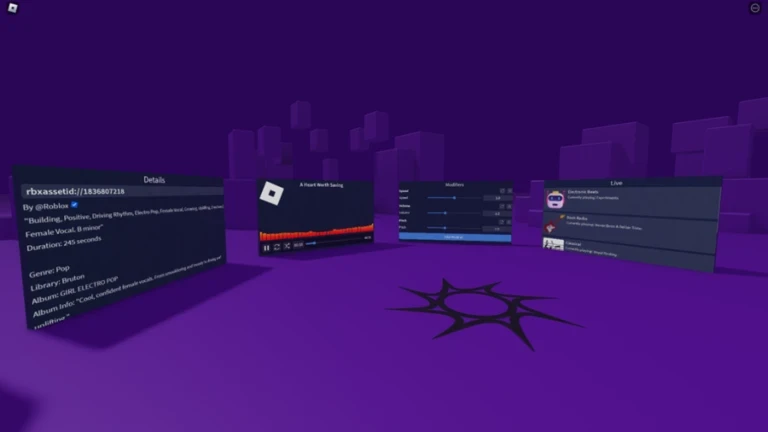
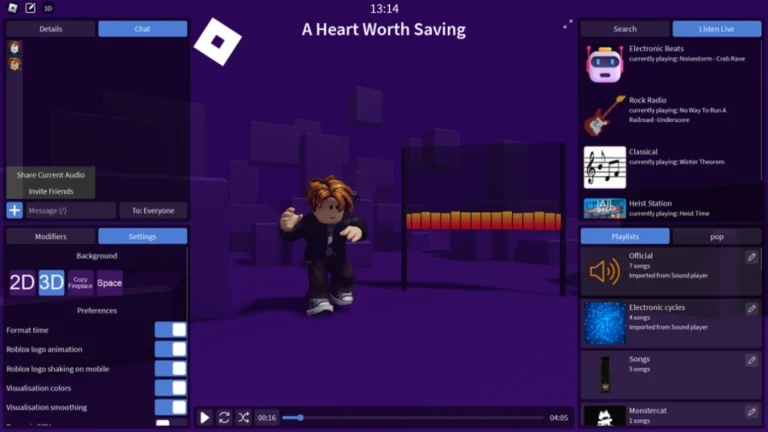
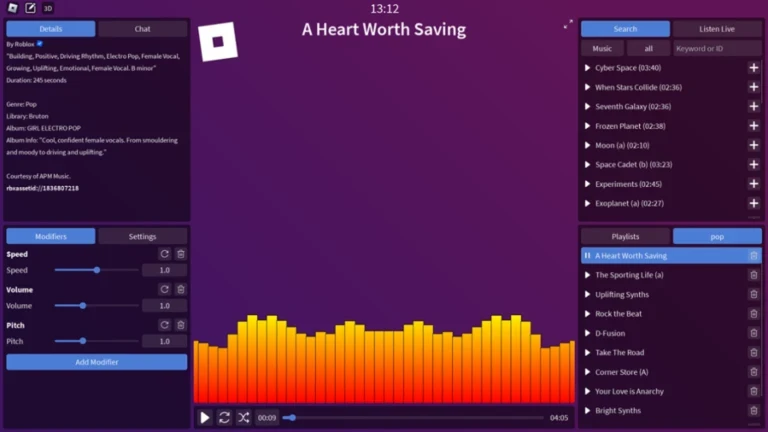
音訊控制器是一種音訊播放器,可以讓您播放 Roblox 市場上的任何公開音訊,並擁有完整的播放控制。您可以自訂背景,在 2D 或 3D 模式之間切換,更改音訊視覺化方式,並套用修改器。它還包括自訂聊天和音訊附件,以及向伺服器中的其他人直播。
重要:
音訊控制器不允許你從體驗中建立或上傳新的音訊。目前沒有計畫支援在體驗中上傳。
- 搜尋使用Roblox的API,我不控制。
- 我們不提供獨家音訊
若要上傳自己的音訊,請使用:
https://create.roblox.com/dashboard/creations/upload?assetType=Audio
若要舉報不當的音訊:
https://create.roblox.com/store/asset/[id]
圖形介面由@quinacon.設計
你可以在這裡找到原始版本:
https://www.roblox.com/games/16648064928/Audio-Controller
Audio Controller is an audio player that lets you play any public audio from the Roblox marketplace with full playback control. You can customize the background, switch between 2D or 3D mode, change how audio is visualized, and apply modifiers. It also includes a custom chat with audio attachments and live streaming to others in the server.
Important:
- Audio Controller does not let you create or upload new audios from within the experience. There are no plans to support in-experience uploads.
- The search uses Roblox' API which I do not control.
- We don't provide exclusive audios
To upload your own audio, use:
https://create.roblox.com/dashboard/creations/upload?assetType=Audio
To report inappropriate audio:
https://create.roblox.com/store/asset/[id]
The GUI was designed by @quinacon.
You can find the original version here:
https://www.roblox.com/games/16648064928/Audio-Controller
你的紀錄
Your logMetaNew 玩家調查
下一份調查準備中。
這款遊戲適合你嗎?
At a glance難易度、單人遊玩、支援中文、手機操作性、免費遊玩。這 5 項指標是根據玩家的評價整理出來的。
還沒有人評價這款遊戲。




可以從「我的遊戲」管理清單。
評價這款遊戲
首先,是一個簡單的問題
回答僅用於人數統計,不會顯示姓名或個別回答內容。
