
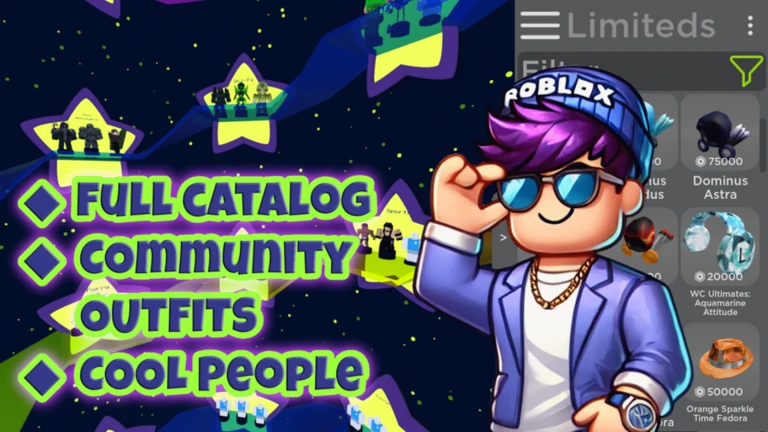
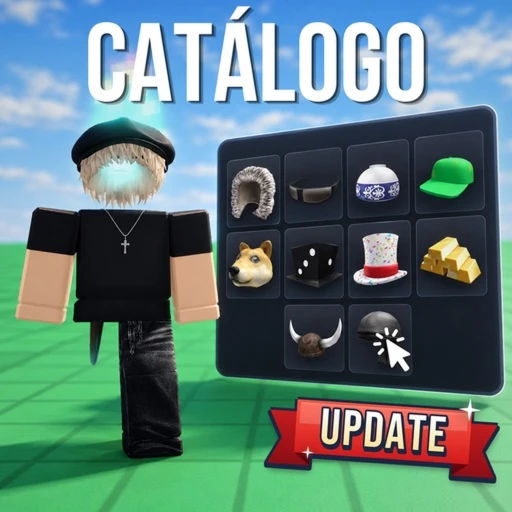
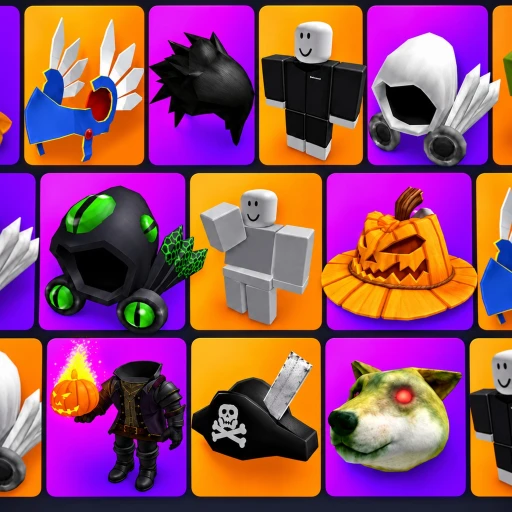
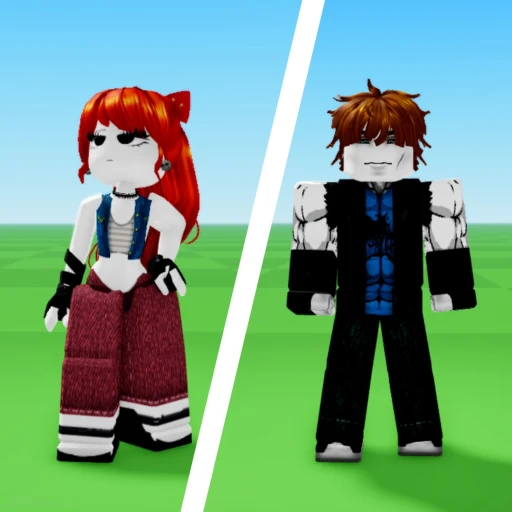
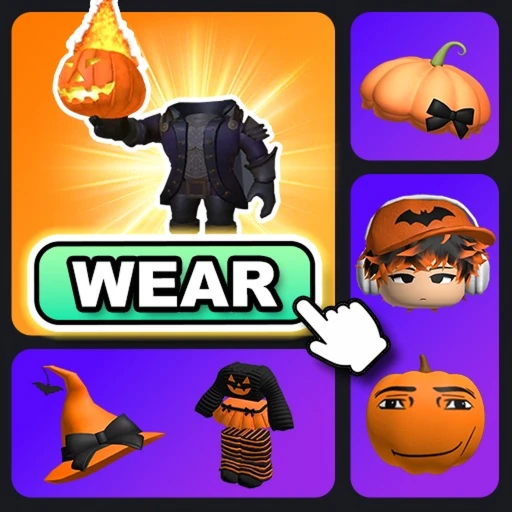
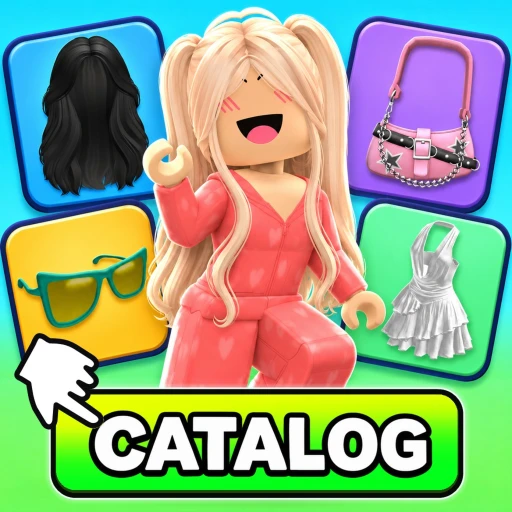
想要創造新服裝嗎?瀏覽最新的 UGC?免費測試配件、髮型、服裝、組合包、限量、動畫組合包等,甚至是 Korblox 和無頭!您可以通過搜索或 ID 輸入找到任何目錄項目。前往新物品部分立即嘗試最近發布的物品!儲存服裝和物品以稍後或直接返回 Roblox!與朋友輕鬆分享任何物品或服裝。
✅ 所有在遊戲中購買的物品都將在您的Roblox庫存中可用,可以在所有遊戲中使用。
最近的更新:物品調整,社區服裝和投票,相片室,更衣室,蠟燭博物館,塔樓奧比,服裝和物品共享
PC快捷鍵:「E」開啟目錄選單,「Q」開啟社群選單,「R」重置頭像,「B」開啟空白頭像,「T」移除分層服裝(R6 預覽),Shift 開啟跑動,Ctrl 開啟更快跑動,Shift+Ctrl 開啟?????
錯誤報告非常受歡迎!
Want to create a new outfit? Browse the latest UGC? Test accessories, hair, clothing, bundles, limiteds, animation packs and more for FREE , even Korblox and headless! You can find any catalog item by search or id entry. Head over to the new items section to instantly try on the most recently released items! Save outfits and items to come back to later or directly to Roblox! Share any item or outfit easily with friends.
✅ All purchases made in-game will be available in your Roblox inventory & can be used in all games.
Recent Updates: Item Adjustments, Community Outfits and Voting, Photo Studio, Dressing Rooms, Wax Museum, Tower Obby, Outfit and Item sharing
PC Shortcuts: "E" to open the Catalog menu, "Q" to open the Community menu, "R" to reset avatar, "B" for a blank avatar, "T" to remove layered clothing (R6 Preview), Shift to run, Ctrl to run faster, Shift+Ctrl to ???
Bug reports are much appreciated!

MetaNew 玩家調查

下一份調查準備中。
你的紀錄
Your log這款遊戲適合你嗎?
At a glance難易度、單人遊玩、支援中文、手機操作性、免費遊玩。這 5 項指標是根據玩家的評價整理出來的。
還沒有人評價這款遊戲。
新手攻略重點
Guide- 01 第一次打開遊戲的做法 進遊戲先開目錄選單,找到想試的物品就可以馬上套上去看效果。
- 02 PC 鍵盤快捷鍵 記住 E 和 R 這兩個鍵,就能應付大部分操作。
- 03 儲存與分享服裝 試好的搭配可以存下來,之後直接叫出來,也可以傳給朋友看。
- 04 購買後物品去哪裡 在遊戲裡買的物品會直接進你的 Roblox 庫存,所有 Roblox 遊戲都能用。
Guide
目錄測試者頭像建立者的攻略
閱讀攻略文章 →



可以從「我的遊戲」管理清單。
評價這款遊戲
首先,是一個簡單的問題
回答僅用於人數統計,不會顯示姓名或個別回答內容。
