

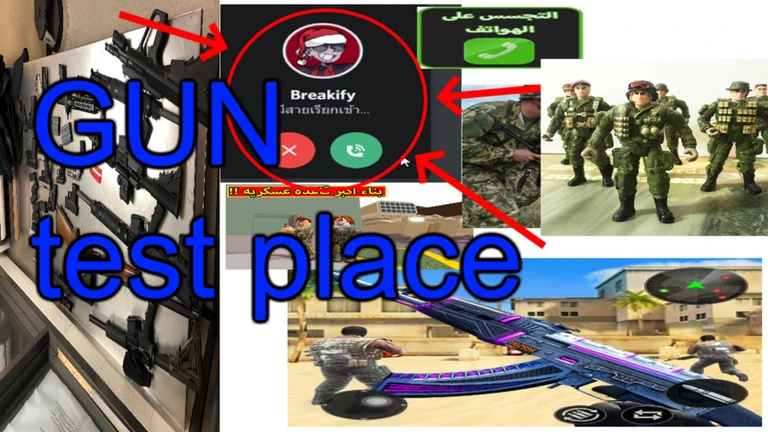
Breakify的槍支測試場地
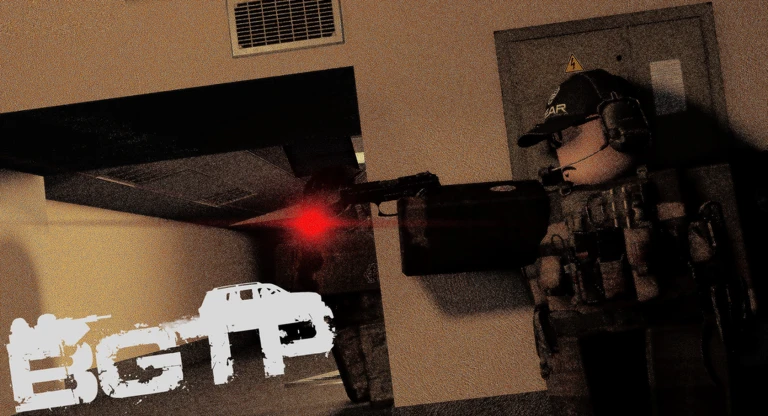
(Breakify的槍支試驗場)
- 遊戲主機使用者需要使用鍵盤和滑鼠才能遊玩
- 這款遊戲具備槍支現實主義或類似的東西
- 請理解,這只是測試地點,而不是完成或無處可見。
- 請理解,大多數的伺服器都是社群製作的(遊戲本身不是官方的),如果它們違反了規則,它們將被審核
加入官方社群伺服器(下方連結)以跟隨遊戲更新、查看公告或回答您的遊戲問題
鍵盤:
CTRL - 互動選單(醫療選單)
(H,J) - 手電筒、雷射
Q,E - 精益
R - 重新載入
Alt + (W,A,D) - Blindfire 位置 (僅按住 Alt 即可)
Z + 滾動 - 變更步行速度
瞄準目標:
Alt + 滾動鍵 - 即時縮放鏡頭
滾動 - 漸進鏡頭變焦
T - 切換瞄準鏡頭
可投擲的鍵盤:
LMB/MMB (hold) - 準備高投擲手榴彈,低投擲手榴彈
RMB - 烹飪手榴彈
T - 將安全裝置放回手榴彈上
(Breakify's Gun Test Place)
- Console users need to use keyboard and mouse to play
- This game features gun realism or something like that
- Please understand that this is just a TESTING PLACE and not a FINISHED or nowhere to an actual game
- Please understand that most servers are community made (not official by the game itself) and if they're breaking the rules they will be moderated
Join the Official community server (link below) to follow the game's updates, view announcements or have your game questions answered
Keybinds:
CTRL - Interaction menu (medical menu)
(H,J) - Flashlight, Laser
Q,E - Lean
R - Reload
Alt + (W,A,D) - Blindfire position (keep holding Alt only)
Z + Scroll - Change walk speed
MMB - Freelook with a weapon out
Aiming sights:
Alt + Scroll - Instant scope zoom
Scroll - Gradual scope zoom
T - Switch aiming sight
Throwable keybinds:
LMB/MMB (hold) - Prepare high grenade throw, low grenade throw
RMB - Cook grenade
T - Put safety back on the grenade
你的紀錄
Your logMetaNew 玩家調查
下一份調查準備中。
這款遊戲適合你嗎?
At a glance難易度、單人遊玩、支援中文、手機操作性、免費遊玩。這 5 項指標是根據玩家的評價整理出來的。
還沒有人評價這款遊戲。
新手攻略重點
Guide- 01 開始前必須知道的事 這款遊戲沒有鍵盤和滑鼠就無法遊玩,主機玩家也不例外。
- 02 基本按鍵操作 把這幾個按鍵記熟,進場後就能立刻動起來。
- 03 瞄準與縮放的三種方式 即時縮放適合倉促的場面,漸進縮放適合需要仔細調整的時候。
- 04 掩護與機動技巧 善用傾斜和盲射,不用露出整個身體也能還擊。
Guide
Breakify的槍支測試場地的攻略
閱讀攻略文章 →



可以從「我的遊戲」管理清單。
評價這款遊戲
首先,是一個簡單的問題
回答僅用於人數統計,不會顯示姓名或個別回答內容。
