

[早期💨] 邁阿密自行車生活 3

將你的自行車從車庫中取出,與你的隊伍一起在邁阿密騎行。找到平衡點,將擋泥板拖過街區,然後在電影重播中將它拉回來。🏍️
🔧 在工作坊中,使用自訂包裝、輪圈和燈光來打造你的自行車或四輪車。嘗試自己的技巧,並看看市場上其他玩家在出售什麼。
🖥️ 電腦端:按住「E」鍵進行騎乘。按下「F」鍵啟動引擎。使用「W/S」鍵控制油門和煞車,「A/D」鍵進行轉向,「E/Q」鍵用於升檔/降檔,左「Ctrl」鍵用於離合器,「Z/X/C」鍵用於特殊動作欄位,以及「G」鍵用於下車。
🎮 控制器:按住「Y/△」鍵即可進行騎乘。方向鍵左側啟動引擎,右扳機鍵(RT/R2)是加速,左扳機鍵(LT/L2)是煞車,左搖桿用於轉向和傾斜車輛。. 按下LB/L1鍵向上移動,RB/R1鍵向下移動,點擊右搖桿即可下車。
📱 手機版:按住騎乘提示並點擊引擎。使用方向/傾斜桿、油門、煞車、+/- 檔位和編號技巧按鈕。點擊「下車」即可下車。
🛑 停車點 - 在越野摩托車上加速。在電腦上按住Shift+S。在控制器或手機上,向前傾斜並按住前煞車。
Pull your bike out of the garage and ride Miami with your crew. Find the balance point, drag a fender down the block, then run it back in Cinematic Replay. 🏍️
🔧 Build your bike or quad in the Workshop with custom wraps, wheels, and lights. Make your own tricks and see what other riders are selling on the Market.
🖥️ PC — Hold E to mount. F starts the engine. W/S for gas and brake, A/D to steer, E/Q to shift up/down, Left Ctrl for clutch, Z/X/C for trick slots, and G to get off.
🎮 Controller — Hold Y/△ to mount. D-pad Left starts the engine. RT/R2 is gas, LT/L2 is brake, and the left stick steers and leans. LB/L1 shifts up, RB/R1 shifts down, and clicking the right stick dismounts.
📱 Mobile — Hold the Ride Bike prompt and tap Engine. Use the Steer/Lean stick, Gas, brakes, +/− gears, and numbered trick buttons. Tap Get Off to dismount.
🛑 Stoppies — On a dirt bike, build some speed. Hold Shift + S on PC. On controller or mobile, lean forward and hold the front brake.
最新資訊
NewsMetaNew 玩家調查

下一份調查準備中。
你的紀錄
Your log這款遊戲適合你嗎?
At a glance難易度、單人遊玩、支援中文、手機操作性、免費遊玩。這 5 項指標是根據玩家的評價整理出來的。
還沒有人評價這款遊戲。
相似遊戲
Similar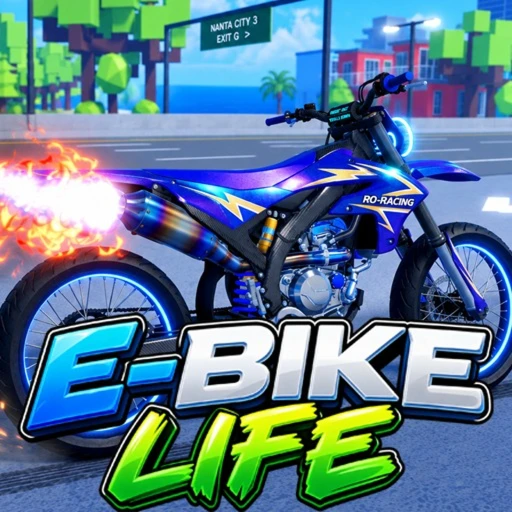 [🏍️更多自行車] 電動自行車生活
好評率60%
目前人數0
NEW
 電動滑板車生活 [🔥 測試版發佈]
好評率88%
目前人數90
NEW
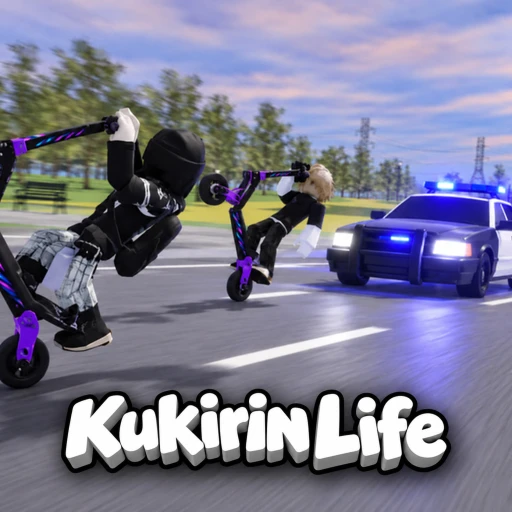 Kukirin Life [Testing]
好評率87%
目前人數9,605
 [卡倫斯] 主辦一次騎行活動吧!
好評率90%
目前人數1,418
NEW
 夜騎士 🏍️ [測試中]
好評率94%
目前人數7,430
NEW
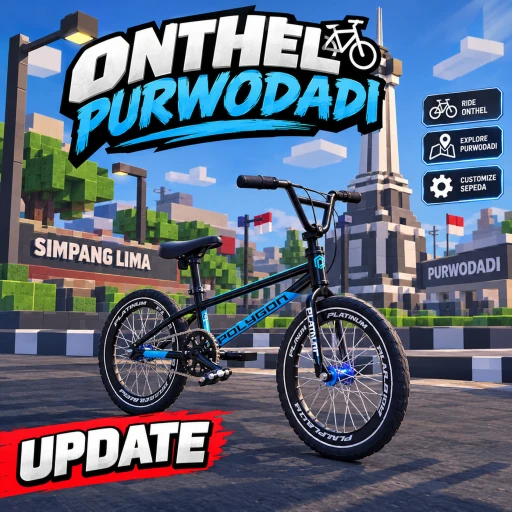 [NEW LIMITED & UPDATE] Onthel Purwodadi
好評率90%
目前人數1,071
 Minas Grau (New)
好評率79%
目前人數203
NEW
 🎡【旋轉更新】摩托流 🏍️ | 特技與自由騎乘🔥
好評率86%
目前人數98
可以從「我的遊戲」管理清單。
評價這款遊戲
首先,是一個簡單的問題
回答僅用於人數統計,不會顯示姓名或個別回答內容。
