
航班 737
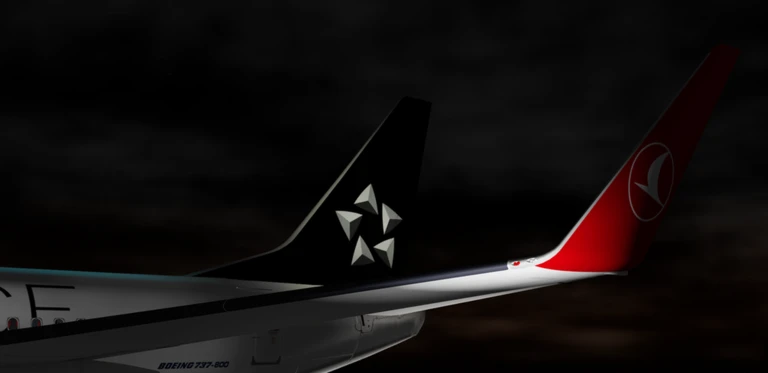
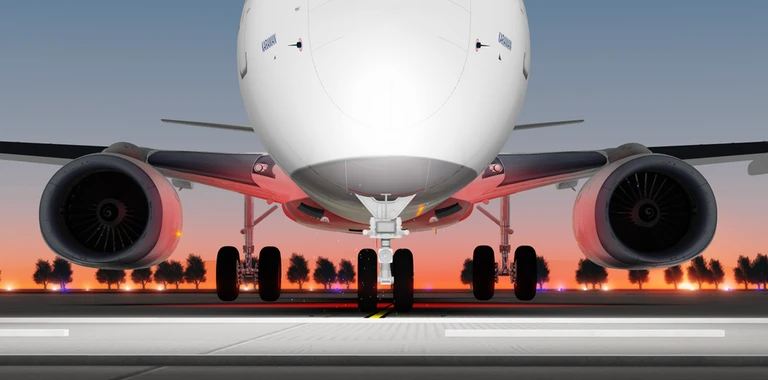
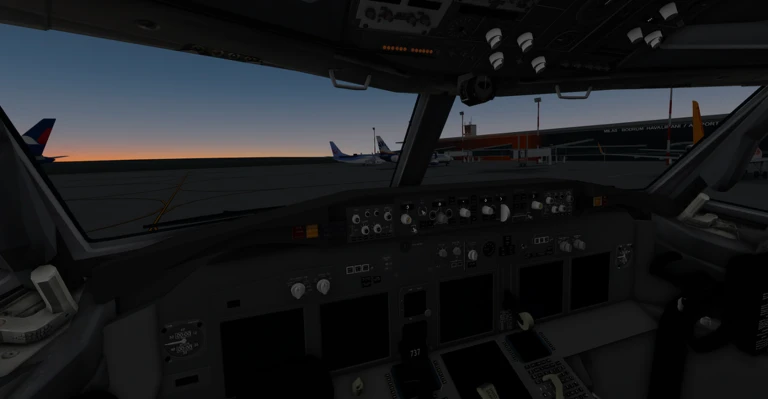
歡迎體驗 Roblox 上最棒的 737 駕駛艙和飛行體驗。
加入我們的群組來玩吧:https://www.roblox.com/communities/1069517510/Bullseye-Dynamics#!/about
--控制--
點擊滑鼠左鍵與開關互動。(前進)
鼠標右鍵與開關互動。(返回)
按下「X」鍵來切換鏡頭。
按下滑鼠右鍵以解鎖滑鼠光標。(在空白區域時使用)
當滑鼠鎖定時,按住滑鼠中鍵以移動頭部。
按下「Z」鍵可將駕駛艙攝影機重置至中心位置。
按下「C」鍵來控制飛機。
按下「J」鍵以將對手推開
按下「F」鍵以使用機翼
按下「R」鍵以使用尾翼
按下「T」鍵以啟用反推力(兩個方向)
按下「G」鍵以使用裝備
--點數--
護盾(編劇/動畫師)
17kkeremx(紋理/塗裝/音效)
SouFLY_0(紋理/塗裝)
零科技(B737-700型號)
天空科技(基礎飛行模型)
希卡米3150(波音737-800駕駛艙)
--
重要提示:我們建議您觀看教學影片來駕駛這架飛機。
關閉=更新
品質就是生命...
作者:Bullseye Studios
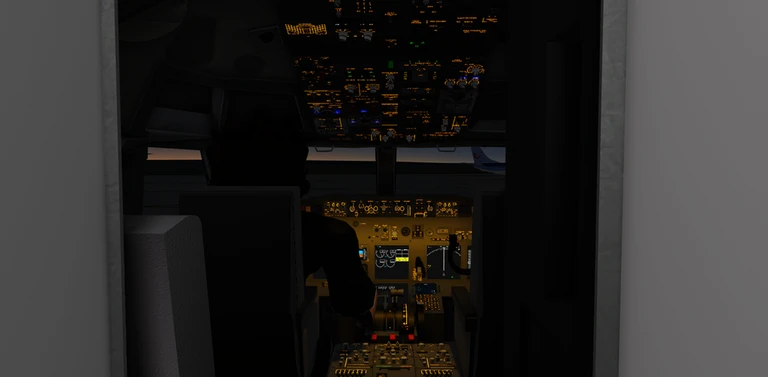
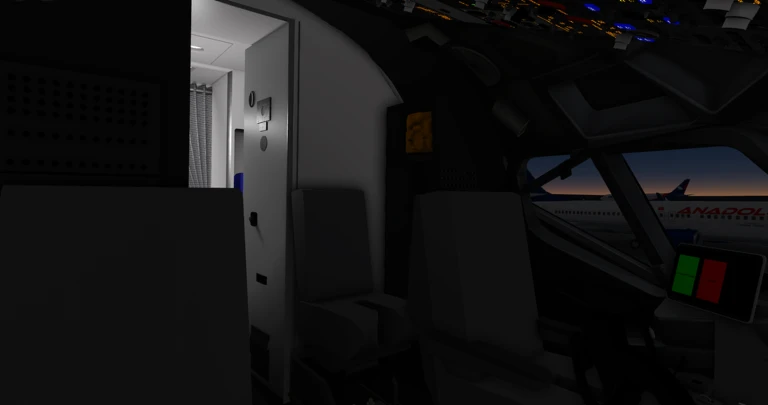
Welcome to the best 737 cockpit and flight experience on Roblox.
Join our group to play : https://www.roblox.com/communities/1069517510/Bullseye-Dynamics#!/about
--Controls--
Left Mouse Button to interact with switches. (forward)
Right Mouse Button to interact with switches. (back)
X to switch between cameras.
Right Mouse Button to unlock mouse cursor. (On empty areas)
Hold Middle Mouse Button while mouse locked to move head.
Z to reset the cockpit camera to the center.
C to take control off plane.
J to pushback
F to use flaps
R to use spoilers
T to use reverse thrust (both)
G to use gears
--Credits--
Aegis (Scripter/Animator)
17kkeremx (Texture/Livery/Sounds)
SouFLY_0 (Texture/Livery)
ZeroTech (B737-700 Model)
SkyTech (Base flight model)
Hikami3150 (Boeing 737-800 Cockpit)
--
Important Note : We recommend you to watch tutorial videos to fly this plane.
Shutdown = Update
Quality is life...
By : Bullseye Studios
你的紀錄
Your logMetaNew 玩家調查
下一份調查準備中。
這款遊戲適合你嗎?
At a glance難易度、單人遊玩、支援中文、手機操作性、免費遊玩。這 5 項指標是根據玩家的評價整理出來的。
還沒有人評價這款遊戲。

可以從「我的遊戲」管理清單。
評價這款遊戲
首先,是一個簡單的問題
回答僅用於人數統計,不會顯示姓名或個別回答內容。
