
建立邏輯!
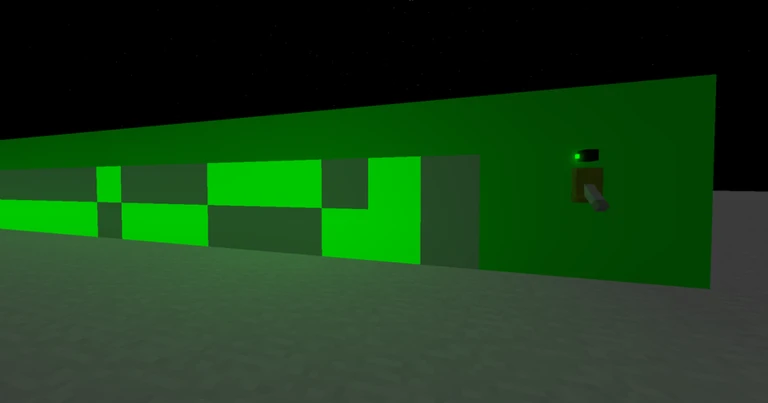
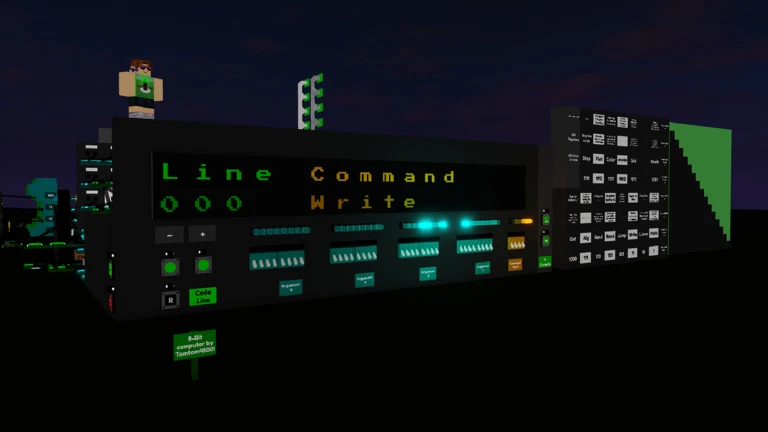
建造邏輯是一款沙盒建造遊戲,讓創造力與邏輯相結合 - 可以建造任何東西,甚至是智能物品!
❗遊戲適合16歲以上玩家嗎?請查看群組中的最新貼文。謝謝!
🌵 更新:介面調整、聊天與錯誤修復、按鍵組合、Shift註冊器。
🔨 從簡單的方塊到數位組件,建造任何東西吧!
🖥️ 建立並管理自己的公共伺服器!
✨ 和你的朋友一起建造驚人的東西吧!
👉 怎麼加入朋友呢?
按下 ▶ 按鈕即可傳送至中心並加入你的朋友。
如果你的朋友不在你的 Roblox 好友名單上,你可以使用他的加入代碼。
由於預留的伺服器限制,你無法從應用程式/網站直接加入好友。
📕 實用的快捷鍵組合:
[R、T、Y] 旋轉物品
[SHIFT] 衝刺(超高速)
[/] 專注對話與指令前綴
…其他快捷鍵可於「設定」>「客戶端設定」>「編輯鍵組合」中進行設定!
🔗 如果您需要幫助或有任何想法/錯誤 ⬇
我的群組:https://www.roblox.com/groups/6127410
由 Tomtom4500 用 ❤ 製成
Build Logic is a sandbox construction game where creativity meets logic - build anything, even intelligent things!
❗ Game is 16+? Please check out the latest post in the group. Thx!
🌵 Update: UI Tweaks, Chat & Bugs fixed, Keybinds, Shift Register.
🔨 Build anything, from simple blocks to digital components!
🖥️ Host and manage your own Public Server!
✨ Build amazing stuff with your friends!
👉 How to join a friend?
Press the ▶ button to teleport to the hub and join your friends.
If your friend isn’t on your Roblox friends list, you can use their Join Code.
You CANNOT join friends directly from the app/website due to reserved server restrictions.
📕 Useful Keybinds:
[R,T,Y] Rotate Item
[SHIFT] Sprint (Super Speed)
[/] Focus Chat + Command Prefix
... other shortcuts available under Settings > Client Settings > Edit Keybinds!
🔗 If you need help or have any idea / bug ⬇
My group: https://www.roblox.com/groups/6127410
Made with ❤ by Tomtom4500

你的紀錄
Your logMetaNew 玩家調查
下一份調查準備中。
這款遊戲適合你嗎?
At a glance新手攻略重點
Guide- 01 首先要做的事:如何選擇伺服器 初學者最快的捷徑是先加入公開伺服器中的「自由建築」類伺服器。
- 02 與好友會合的方法 使用好友的加入代碼,或是點擊好友名單中顯示為綠色的伺服器,是與好友會合最快的方式。
- 03 務必記住的按鍵綁定 只要記住用 R、T、Y 旋轉物品,以及用 Shift 進行超高速衝刺,就能大幅提升作業效率。
- 04 邏輯電路元件基礎:乘法器(Multiplier) 乘法器是進行 A×B=輸出運算的零件,共有 2 位元、8 位元、16 位元這 3 種。
Guide
建立邏輯!的攻略
閱讀攻略文章 →





可以從「我的遊戲」管理清單。
評價這款遊戲
首先,是一個簡單的問題
回答僅用於人數統計,不會顯示姓名或個別回答內容。
