
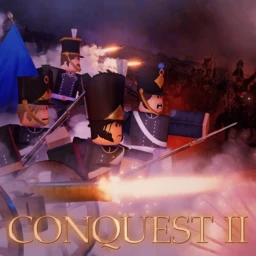
征服:拿破 Wars戰爭 [Pre-Alpha]
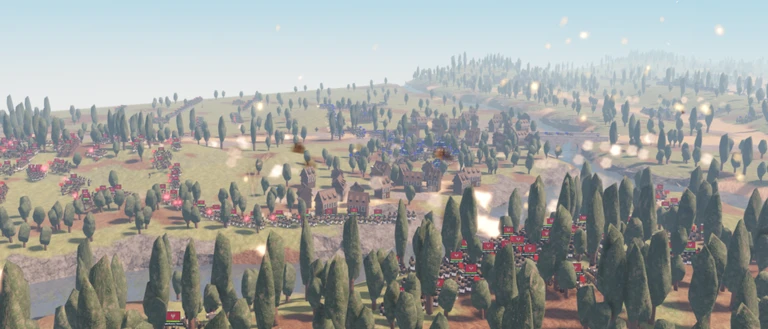
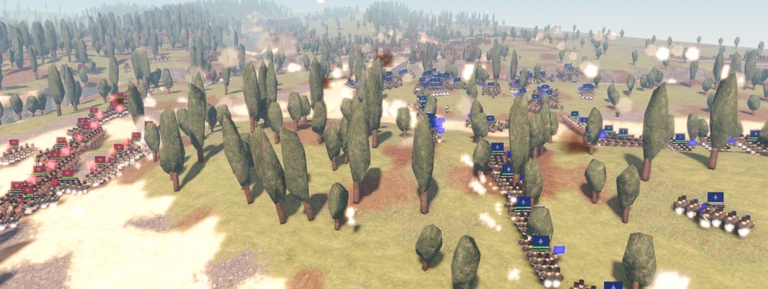
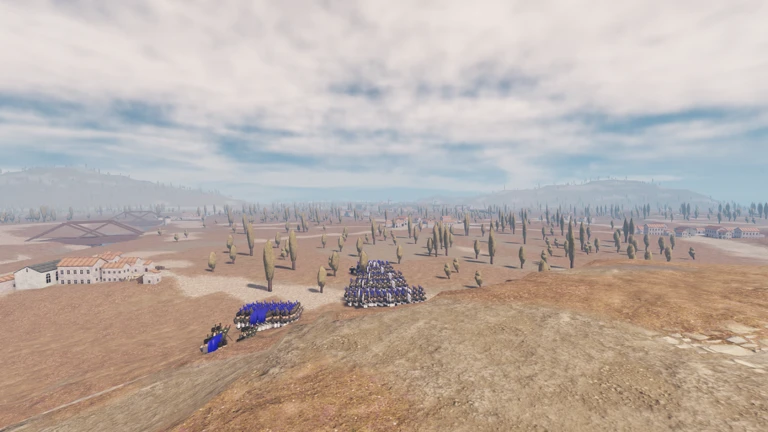
Conquest:Napoleonic Wars是一款基於Napoleonic時代的實時戰略(RTS)遊戲,受到Napoleon Total War的啟發,也是Captainwoodlegs的後繼者Conquest。
鍵盤
R = 旋轉單位
Z = 顯示單位範圍
H = 以相同的速度切換行軍
X = ping
C = 停止選定的單位
Q = 選取所有單位
E = 取消選擇所有選取的單位
左鍵控制 = 查看所有單位目標位置,而未選取它們
左鍵控制並點擊單位 = 在未取消選擇的情況下選擇單位。
T + 點擊 = 自動將單位移動到一行中
Shift + 點擊 = 將所有選定的單位移至同一位置,而不是全部移至同一位置
Shift + 點擊單位 = 選取同類型的所有單位
Shift + 按下數字 = 選取同類型的所有單位
行動裝置
雙擊並按住 = 拖動以同時選取多個單位
在您自己的私人伺服器中使用/private來開啟或關閉伺服器設定介面
如果你的角色無法移動,請使用/unstuck
Conquest: Napoleonic Wars is a real time strategy (RTS) game based on the Napoleonic era, inspired by Napoleon Total War and a successor to Conquest by captainwoodlegs.
Keybinds
R = Rotate units
Z = Show units range
H = toggle march at same speed
X = ping
C = halt selected units
Q = select all the units
E = deselect all selected units
Left control = see all the units goals positions without having them selected
Left control and click on an unit = select units without deselect.
T + click = move units into a line automatically
Shift + click = move all the selected units in formation rather than all to the same place
Shift + click a unit = selecting all the units of the same type
Shift + press a number = select all units of the same type
MOBILE
Double tap and hold = dragging to select multiple units at once
Use /private in your own private server to open or close the servers settings UI
Use /unstuck if ur character cant move

你的紀錄
Your logMetaNew 玩家調查
下一份調查準備中。
這款遊戲適合你嗎?
At a glance難易度、單人遊玩、支援中文、手機操作性、免費遊玩。這 5 項指標是根據玩家的評價整理出來的。
還沒有人評價這款遊戲。
新手攻略重點
Guide- 01 選取與移動單位的基本流程 拖曳選取、點擊移動,這兩個動作是所有戰術的起點。
- 02 控制部隊移動與排列方式 配合戰況調整隊形和移動方式,能讓你的部隊打得更有效率。
- 03 快速掌握戰場資訊 幾個按鍵就能即時看到攻擊範圍和傳送訊號,讓你掌握局勢。
- 04 同類單位的批量選取技巧 用 Shift 搭配點擊或數字鍵,一次指揮同種部隊,省去逐一點選的麻煩。
Guide
征服:拿破 Wars戰爭 [Pre-Alpha]的攻略
閱讀攻略文章 →






可以從「我的遊戲」管理清單。
評價這款遊戲
首先,是一個簡單的問題
回答僅用於人數統計,不會顯示姓名或個別回答內容。
