
How to Make a Roblox Escape Room Puzzle With ProximityPrompt
Build a three-switch puzzle in Roblox Studio. Players find the clue, press blue, yellow, and green in order, and open a shared door. This example uses a server Script and works as a starting point for a multiplayer room.
Build the room in Explorer
| Object | Location | Setup |
|---|---|---|
| PuzzleRoom | Model in Workspace | Contains the panel and door |
| Door | Part in PuzzleRoom | Anchored and CanCollide on |
| Panel | Model in PuzzleRoom | Contains three buttons |
| Blue, Yellow, Green | Parts in Panel | Add a ProximityPrompt under each |
Use more than color
Add a symbol to each button and set ActionText to “Press.” Put the buttons far enough apart that mobile players can select the intended prompt.
MetaNew Player Survey

The next survey is being prepared.
Check the sequence on the server
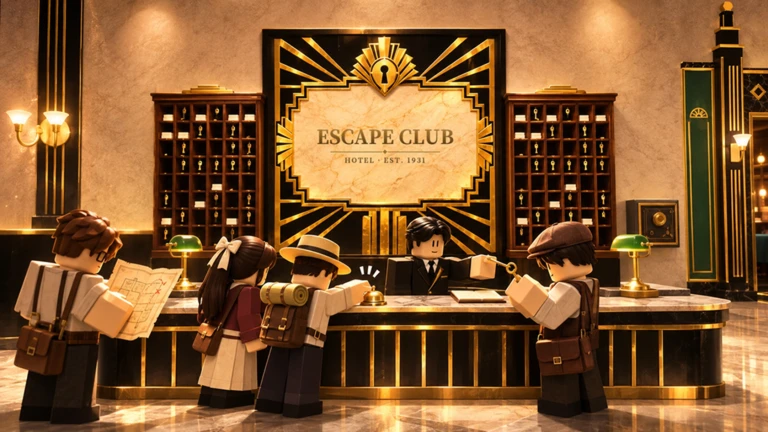
Add a Script to ServerScriptService. Keep the names in Explorer exactly as shown. A wrong input resets the sequence. A right sequence disables the door collision and changes its transparency.
local room = workspace:WaitForChild("PuzzleRoom")
local panel = room:WaitForChild("Panel")
local door = room:WaitForChild("Door")
local order = { "Blue", "Yellow", "Green" }
local nextStep = 1
local solved = false

for _, color in ipairs(order) do
    local button = panel:WaitForChild(color)
    local prompt = button:WaitForChild("ProximityPrompt")
    prompt.Triggered:Connect(function(player)
        local character = player.Character
        local root = character and character:FindFirstChild("HumanoidRootPart")
        if solved or not root then return end
        if (root.Position - button.Position).Magnitude > prompt.MaxActivationDistance + 2 then return end

        if color ~= order[nextStep] then
            nextStep = 1
            panel:SetAttribute("Step", 0)
            return
        end
        panel:SetAttribute("Step", nextStep)
        nextStep += 1
        if nextStep > #order then
            solved = true
            door.CanCollide = false
            door.Transparency = 0.75
        end
    end)
end
The state is shared by all players connected to that server. A new server starts with a closed door. Add a separate reset routine before using the script in a timed, repeated round.
Playtest all three paths
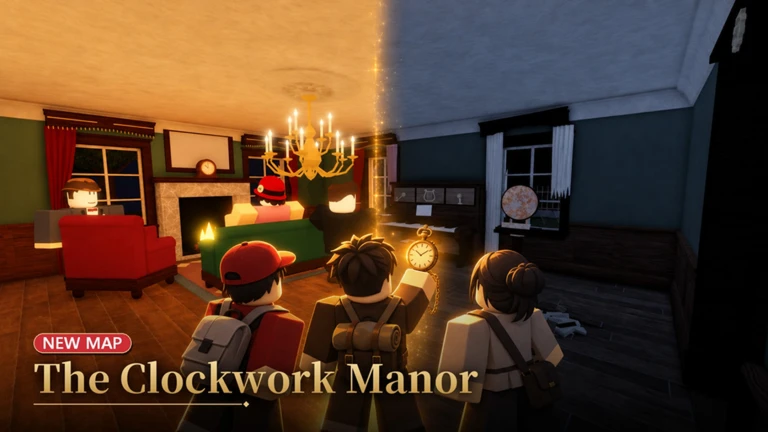
- Correct sequence
Press Blue, Yellow, and Green, then walk through the door.
- Wrong sequence
Press Blue then Green and start over from Blue.
- Two clients
Use Server & Clients to confirm that different players can contribute to a shared solution.
Study how another escape game teaches its rooms
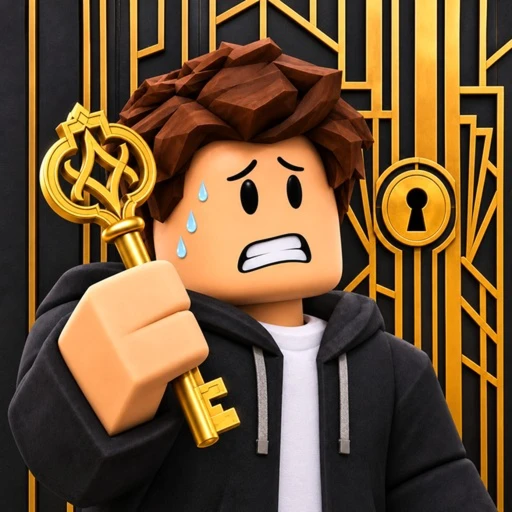
Look at where a player first sees the clue and where they enter the answer. Keep that distinction when you set up the second room in your own prototype.
Make a trailer that leaves the solution intact
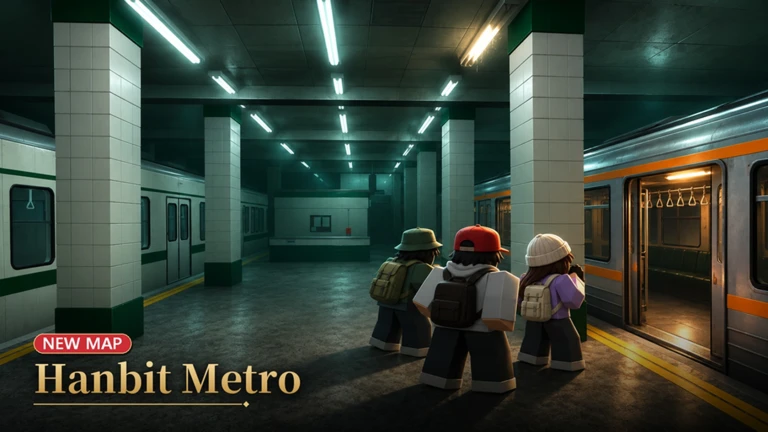
Film a player noticing the clue and the door opening. Cut away from the complete sequence so there is still a puzzle to solve after a player joins.
Promote your Roblox game with MetaNew
Reach Roblox players through sponsored placements in search, on the homepage, and alongside relevant guides and codes.
FAQ
Why does the button do nothing?
Check Output, the Explorer names, and whether each button has a ProximityPrompt below it.
Can every player have their own puzzle?
Yes. Key the progress by player or team and decide which door behavior is visible to whom before adapting the script.


