
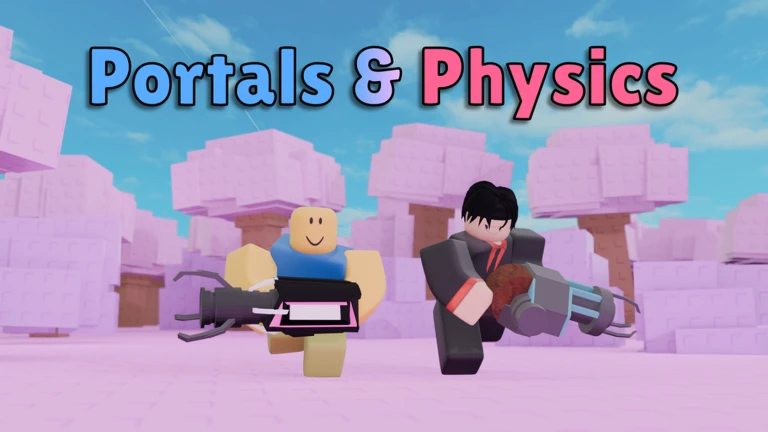
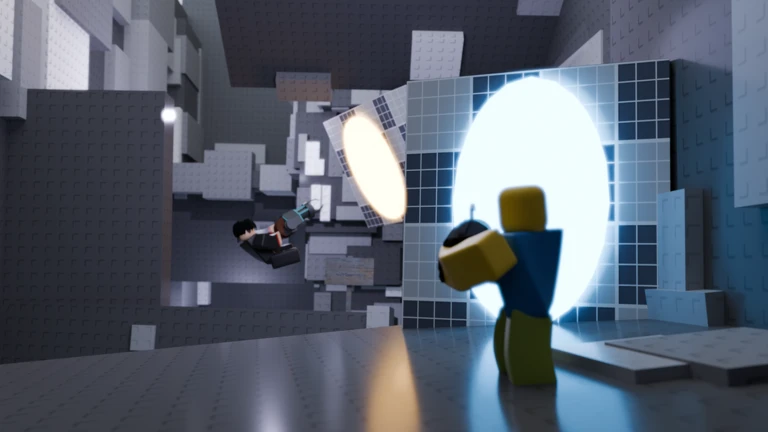
Welcome to Portals & Physics!
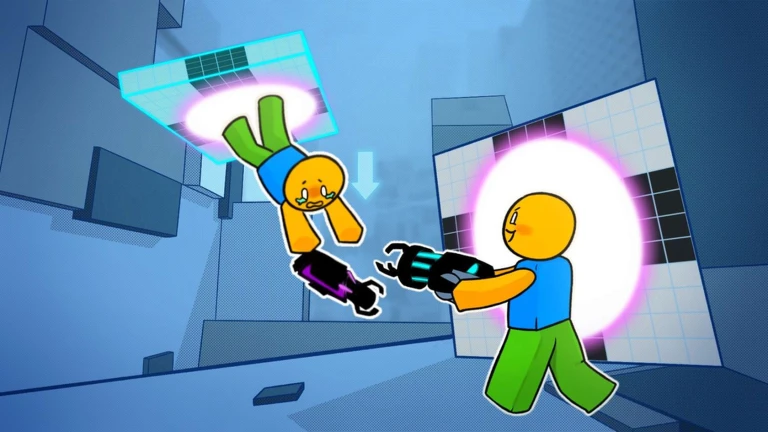
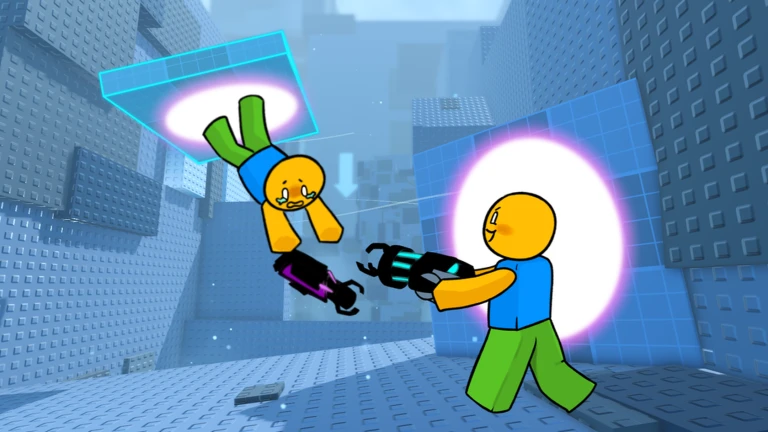
Portal Gun: Create portals to teleport between two places!
Physics Gun: Have the ability to move and rotate things!
⚠️DIFFICULTY WARNING: This game is meant to be harder than most obbies!
While it starts easy, each level gets way harder!⚠️
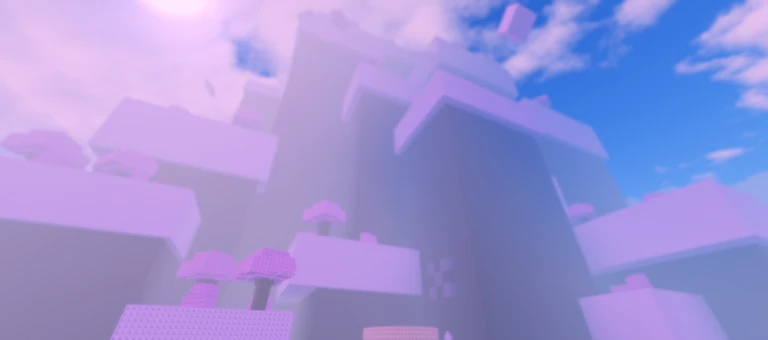
🧠Work with your partner together using Portal and Physics guns to get through increasingly difficult levels! Traverse through various environments to get to the end and claim victory!🏆
🎁Like the game and join the group for 2 FREE skins!🎁
🌍Waypoints allow you to save your progress! Both players must have the waypoint unlocked to teleport there.🌍
🔊Leave feedback using the feedback button!
⚠️This game is made by a solo developer. There will be bugs, so please report them⚠️
MetaNew Player Survey

The next survey is being prepared.
Your log
Your logIs this game for you?
At a glanceDifficulty, whether it works on your own, whether it works in Japanese, how it plays on a phone, and how far you get without paying. All five come from people who have actually played it.
Nobody has rated this game yet.
Where beginners should start
Guide- 01 Getting started as a pair You cannot play alone, so line up a partner before you launch the game.
- 02 What each gun actually does The two guns solve different kinds of problems, so knowing which one to reach for saves time.
- 03 The five stages and what to aim for There are five named stages to clear, with a short bonus level at the very end for the most determined players.
- 04 Free skins from liking and joining the group Two free skins are available without spending anything, and they have no effect on how the game plays.
Guide
Portals & Physics [2 Player Obby] Guide
Read the guide →
Similar games
Similar 📝Homework!
Rating68%
Playing4
 PORTALS [2 Player Obby]
Rating64%
Playing42
 Elements [2 Player Obby]
Rating78%
Playing0
 3 player obby V2
Rating77%
Playing0
 Three Player Obby
Rating57%
Playing39
 [WORLD 2] Chained [2 Player Obby]
Rating92%
Playing8
 Shoot a Friend [2 Player Obby]
Rating96%
Playing40
 Throw Me [2 Player Obby]
Rating91%
Playing421
You can manage your lists from My Games.
Rate this game
First, a couple of quick questions
Answers are only counted as totals. Names and individual answers are never shown.
