
[October 2026] Roblox ‘Steal a Brainrot’ Latest Event Schedule and Times
In the popular Roblox game ‘Steal a Brainrot’, major official events run several times a week.
This article outlines the latest event schedule, including start times, how long they last, and what to focus on.
Tips for participating are also included so you can jump in right after reading.
What are events in Steal a Brainrot?

Source: “Roblox“
|
Genre |
Collecting, Tycoon, Stealing |
|---|---|
|
Play time |
From 10 minutes |
|
Free-to-play rating |
○ Free to play, but rare ones take patience |
Events in Steal a Brainrot are special occasions triggered across all servers simultaneously by the developers.
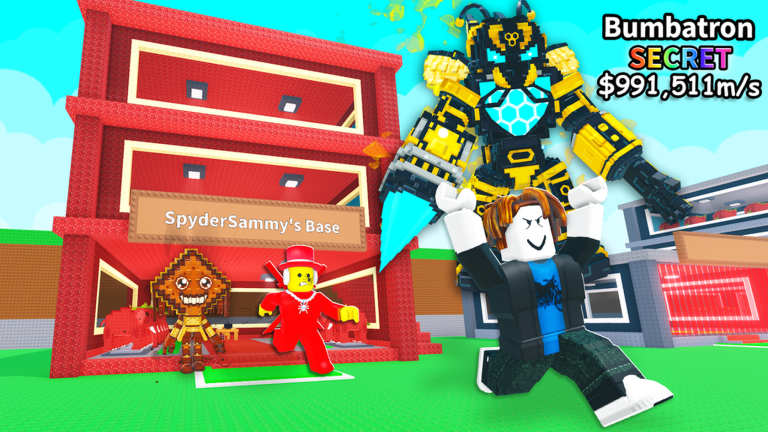
Brainrots rarely seen during regular play appear more frequently, and limited-time variants are sometimes added, making it an important time for collectors.
The key point is that events happen on every server at the same time. You do not need to server hop hoping to find one; it will occur on your current server at the scheduled day and time.
This means all you need to do to participate is log in at the right time.
[st-date] Latest Event Schedule
Currently, there are two regular admin events held every week. Both times are listed in JST (Japan Standard Time).
Regular Weekly Events
- Taco Tuesday: Starts every Wednesday at 8:00 AM JST, lasting around 30 minutes
- Saturday Update: Starts every Sunday at 5:00 AM JST, lasting around 30 minutes
Schedule at a glance
|
Event name |
Start time (JST) |
Approximate length |
Key highlights |
|---|---|---|---|
|
Taco Tuesday |
Wednesday from 8:00 |
About 30 minutes |
Increased spawn rates for rare variants |
|
Saturday Update |
Sunday from 5:00 |
About 30 minutes |
New features and seasonal items |
Because the names are based on days of the week in English-speaking regions, they shift when converted to Japan time: Taco Tuesday becomes Wednesday, and the Saturday Update becomes Sunday.
Many players miss out due to this time difference, so make sure to remember the schedule based on Japan Standard Time.
Things to keep in mind for Taco Tuesday
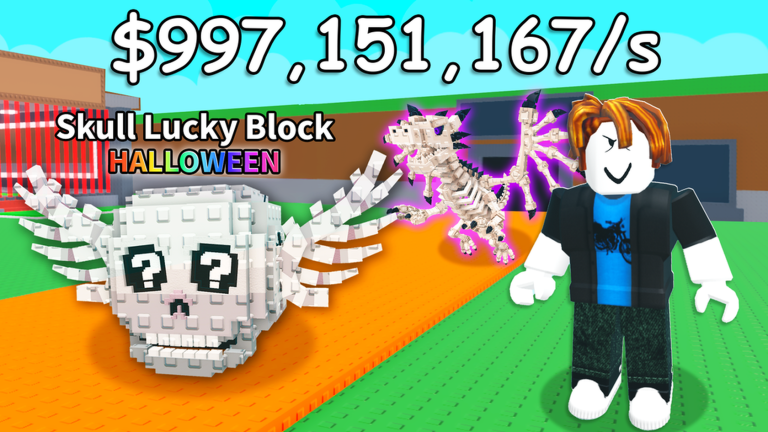
Wednesday at 8:00 AM overlaps with getting ready for school or work on weekdays. The event only lasts 30 minutes, so it is best to start the game 5 minutes early and make sure you have empty slots at your base.
If your slots are full when you encounter a rare one, you will lose precious time deciding what to give up on the spot.
Also, servers tend to get crowded right when it starts, which can cause lag.
Adjusting your settings beforehand to reduce lag—such as lowering graphics quality and closing unnecessary tabs—will help you make smooth decisions when stealing or running away.
Seasonal events are the main highlight of the Saturday Update
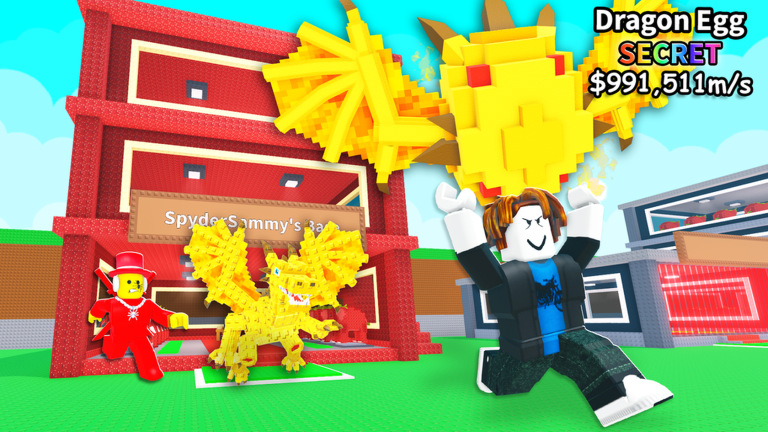
The Saturday Update at 5:00 AM on Sunday is not just an increased spawn rate event; it is also when new content gets added.
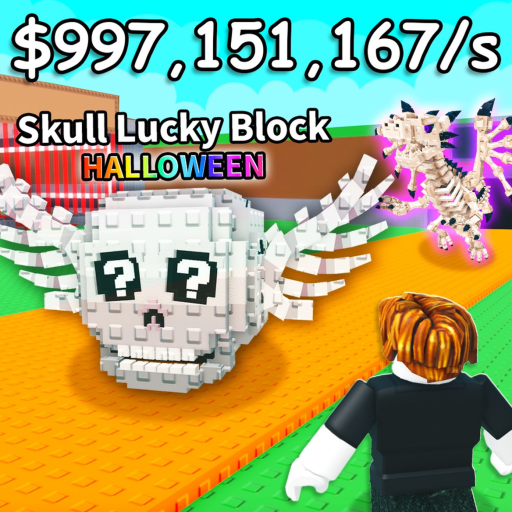
For example, the February 7, 2026 update introduced a Valentine-themed heart-shaped lucky block and limited-time Brainrots available only during that period.
These seasonal updates often feature characters that are even rarer than typical rare drops.
When event seasons like Halloween, the New Year holidays, or early spring draw near, it is well worth prioritizing the Saturday Update.
On the other hand, updates right after a seasonal event ends tend to add very little, so focusing on major milestones rather than going all out every single time is a more practical approach.
Tips for waking up in time for early morning events
- Go to bed early on Saturday night and set an alarm for 4:50
- Get the game ready the day before by finishing all updates and loading in advance
- Plan with friends to join the same server and wake each other up
- If you really can’t wake up in time, you can always check what was added later to get ready for next time.
Can the schedule change?
The start time is usually fixed, but it can be delayed by a few minutes to tens of minutes due to server maintenance or adjustments for major updates.
If nothing happens when it is supposed to start, switching servers or checking official announcements is the best way to see what is going on.
Also, when daylight saving time changes overseas, the event time in Japan may shift by about an hour.
It is a good idea to double-check the schedule around March and November.
Checklist before joining an event
- Do you have open base slots?
- Do you have enough in-game money saved up?
- Are your internet connection and device running smoothly?
- Are you logged in 5 minutes before the start time?
Frequently asked questions
Are you guaranteed to get a rare Brainrot during the event?
No, it is not guaranteed.
It only increases the chances of finding one, so luck is still involved.
However, your chances are clearly higher than usual, so the more times you participate, the better your odds get.
Is it still worth joining if it’s already started?
You will still get the benefits as long as the event is active.
It only lasts 30 minutes, but it’s worth logging in even if there are only 5 minutes left.
Do I need to switch to a specific server?
It happens across all servers, so you don’t need to rejoin.
However, if a server is too crowded and lagging, switching to another one can make playing smoother.
Summary: How not to miss your twice-weekly chances
The admin events in Steal a Brainrot center around two main times: Taco Tuesday at 8:00 AM JST on Wednesdays, and Saturday Update at 5:00 AM JST on Sundays.
Both end in about 30 minutes, so preparing beforehand and managing your time directly affects your results.
The Saturday Update is an especially great chance to aim for limited units, especially when tied to seasonal themes.
Just setting reminders on your phone for these two weekly events will help you avoid missing out, so start by doing that.


