
Paper Plane Training Guide: The core loop
About
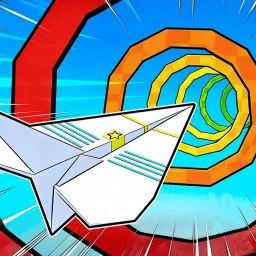
OverviewPaper Plane Training is a Roblox simulator where you throw paper planes for rewards, train to boost your power, and hatch pets that make you permanently stronger. This guide covers the core loop, how to unlock new zones, where to find engines, and how rebirth works — everything you need to keep making progress.
What is on this page
Contents
The core loop: throw, train, repeat
Step
Every session comes down to two actions you repeat in turn. Throwing your paper plane earns you rewards based on distance, and training converts those rewards into more power so your next throw goes even farther.
- Throw your paper plane collect the rewards you earn from the distance it travels.
- Open training spend your points to raise your power stat.
- Repeat the cycle each round pushes your throws a little farther than the last.
Hatching pets for permanent boosts
Tips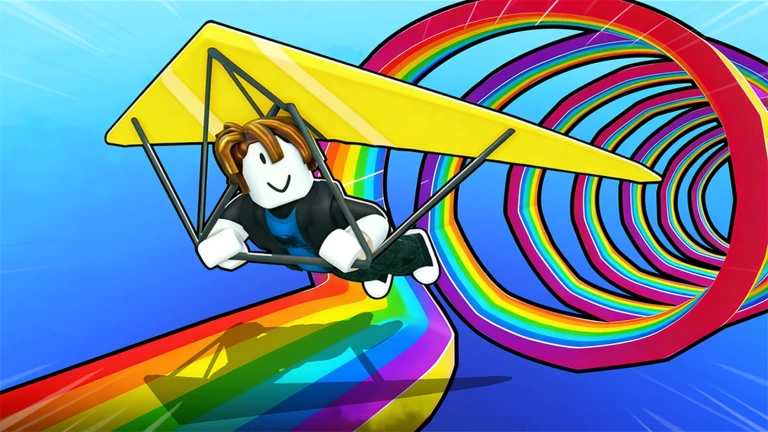
The stat boost you get from hatching a pet is permanent. Collecting eggs and hatching them gives you an advantage that makes every later activity easier.
- Every pet you hatch adds a permanent stat boost on top of what you already have.
- After hatching, check your updated power number before your next throw so you can see the gain.
Unlocking zones and finding new gear
Check
As your power climbs, new zones and higher platforms become available. Egypt is one of the new worlds you can reach, and unlocking it opens up a larger pool of paper planes, engines, and eggs to work with.
- In Egypt and other new worlds, look for the expanded selection of paper planes and engines.
- Pick up any new eggs available in the zone and hatch them to keep your stat boosts growing.
Engines and the Engine Merchant
Summary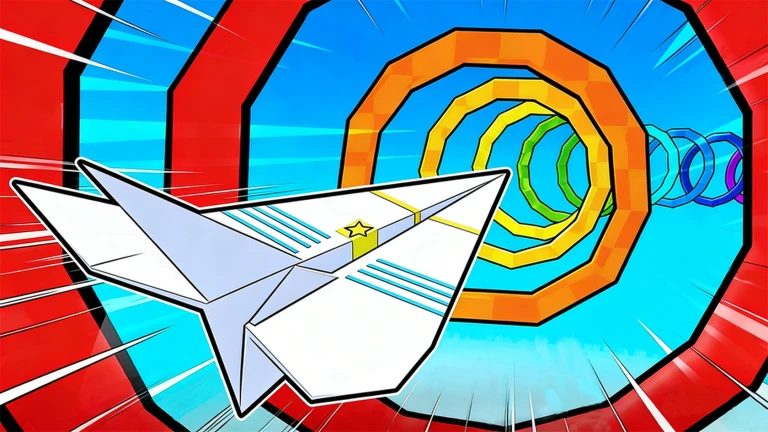
The Engine Merchant sells paper planes that come fitted with engines, and an engine-equipped plane outperforms a standard one on every throw.
- Engine Merchant the NPC who sells engine-fitted paper planes.
- Engine a power attachment that raises your plane's flight performance.
Rebirth: trading progress for speed
Warn
Rebirth is the prestige system in Paper Plane Training. Using it lets you progress faster in subsequent runs, which is how top leaderboard players build their scores.
Redeeming codes in the Shop
StepThe Shop is where you enter codes for bonus rewards. Codes are single-use, so once you redeem one on your account it cannot be used again.
- Open the Shop find the code redemption field inside the in-game Shop menu.
- Enter the code type it exactly as shown and confirm.
- Each code is one-time-use.
Glossary
Glossary- Training
- The in-game feature you use to raise your power stat, which directly increases how far your paper plane travels.
- Pet
- A character hatched from an egg that gives you a permanent stat boost.
- Engine
- An attachment sold by the Engine Merchant that improves a paper plane's flight performance.
- Zone
- A distinct area of the game world that unlocks as you progress, bringing new planes, engines, and eggs.
- Rebirth
- A prestige mechanic that lets you progress faster in future runs.
- Permanent stat boost
- A bonus from hatched pets that never expires.
Common questions
FAQWhere do I enter codes?
Open the Shop menu inside the game and look for the code redemption field. Each code only works once per account.
Do pet stat boosts disappear when I log out?
No — the boost from every hatched pet is permanent.
How do I get new paper planes and engines?
New paper planes and engines become available as you unlock new zones. You can also buy engine-fitted planes directly from the Engine Merchant.
When should I rebirth?
Rebirths let you progress faster afterward, which is how players rise on the leaderboard.
Game updates can change what is on this page. If you spot something, get in touch and let us know.
