
Cog Guide: First steps in the game
About
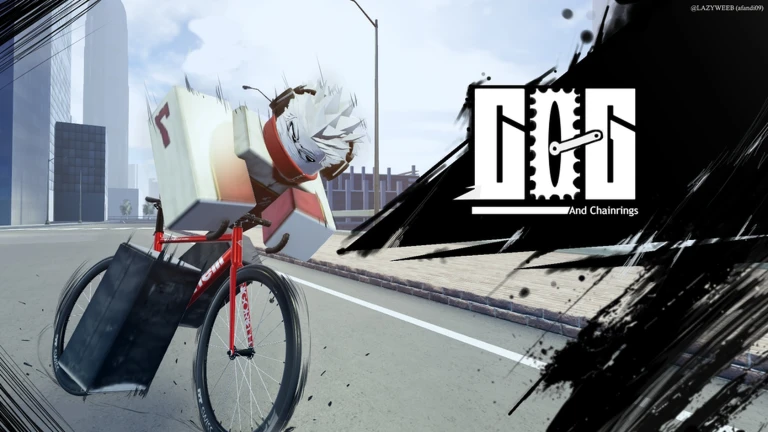
OverviewCog is a Roblox cycling game where you ride fixies, road bikes, and mountain bikes through the streets, taking on delivery jobs to earn cash and unlock new bikes. This guide walks you through earning money, handling your bike, and picking the right ride for your style.
What is on this page
Contents
Player notes and tips
Found a useful trick? Share it with everyone! Notes with screenshots are welcome!
Write a guide note
Cog
First steps in the game
Step
When you first load in, take a delivery job — either mail or an Uber Eats order — and ride to the drop-off point. Every 10 minutes you spend in the game also adds 100 miles and 10,000 cash automatically.
- Take a delivery job ride to the marked location and drop off the package to earn cash.
- Hold Sprint to accelerate this moves you between stops much faster.
- Check the redeem code box in the game entering a working code can get you a free bike.
MetaNew Player Survey

The next survey is being prepared.
Ways to earn cash
Tips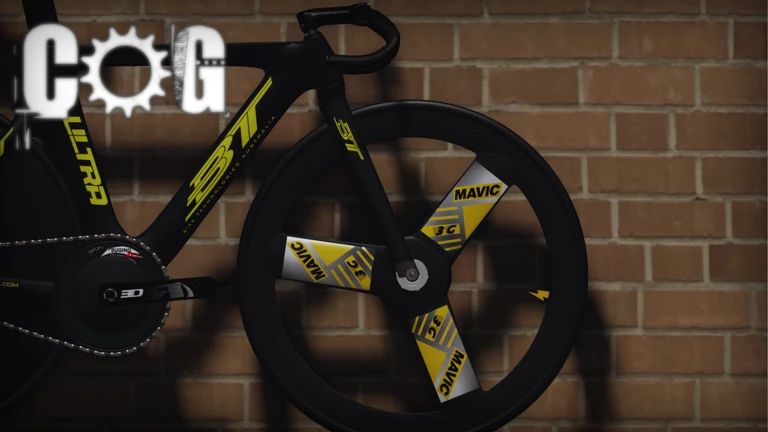
Cog has two active earning methods and one passive one.
- Deliver mail to earn money from each completed drop-off.
- Accept Uber Eats orders as a separate income stream.
- Collect the automatic bonus of 100 miles and 10,000 cash for every 10 minutes you stay in the game.
- Redeem any working codes through the in-game input field to pick up free bikes without spending cash.
PC and console controls
Table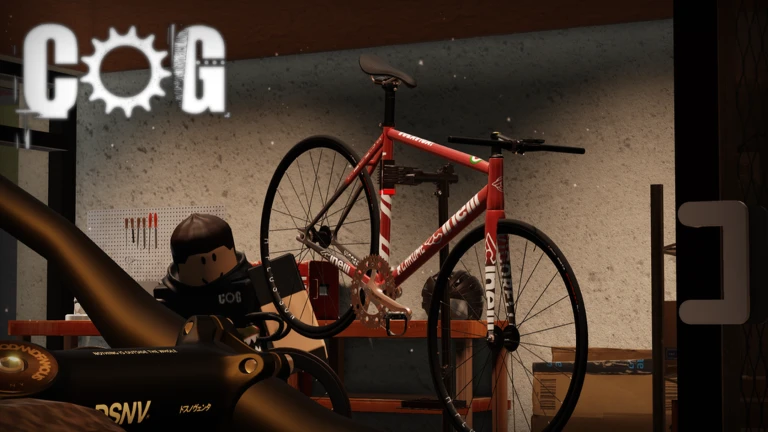
The table below covers every mapped action on PC and console.
| Action | PC key | Console button |
|---|---|---|
| Move forward | W | ButtonR1 (Pedal) |
| Move backward / brake | S | ButtonL1 (Brake) |
| Steer left | A | Left joystick |
| Steer right | D | Left joystick |
| Sprint (hold) | LCTRL | — |
| Skid | LSHIFT | — |
| Wheelie | X | — |
| Fish and Chips Trick | Z | ButtonX |
| Bike Hop | H | ButtonY |
| Stand | C | ButtonB |
| Body View | V | — |
Bike types and how to choose
Table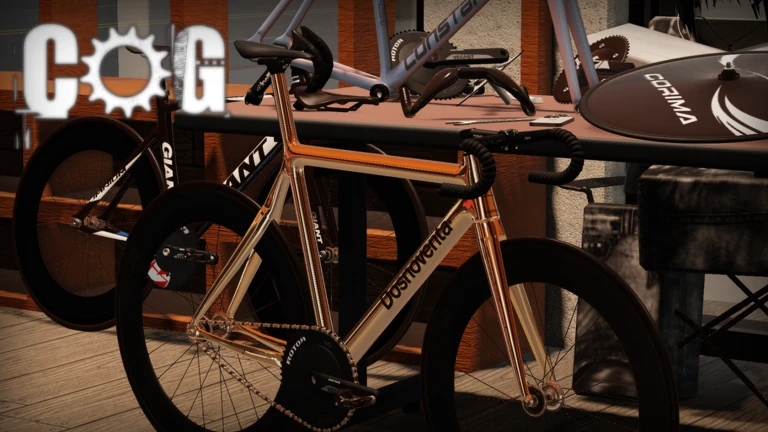
Cog features fixies, road bikes, and mountain bikes, each with its own handling character.
| Road bikes | built for speed. |
| Mountain bikes | more stable. |
| Fixies | a core bike type in the game. |
| Free bikes | obtainable through redeem codes. |
Tricks and advanced movement
Tips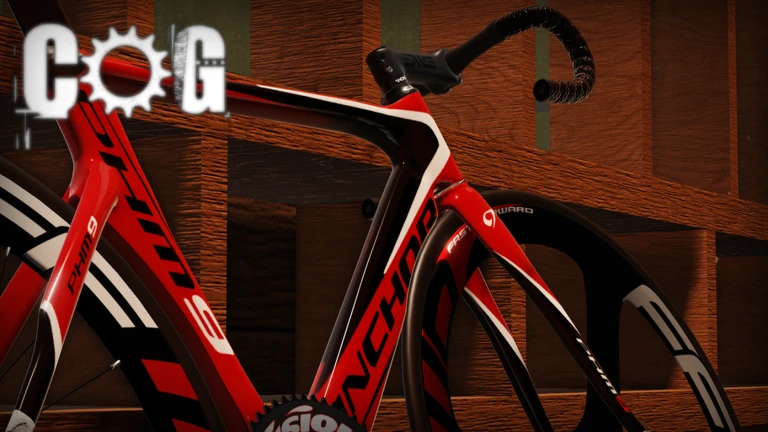
Once basic riding feels natural, the game offers several moves that add personality to your rides.
- Hold Sprint rather than tapping it — sustained acceleration covers ground much faster.
- Use Skid (LSHIFT on PC) to slow down sharply.
- Try the Wheelie (X on PC) once you are comfortable.
- The Fish and Chips Trick is available on both PC (Z) and console (ButtonX).
- Stand (C on PC, ButtonB on console) and Body View (V on PC) are rest modes.
Account and code safety
WarnCog does have a working redeem code system tracked through the in-game input field.
 10kfavorites
125 Miles
/xlk_i
200 Miles
/lauff
100 Miles
10KLIKES
250 Miles
Glossary
Glossary- Sprint
- A hold-down function that boosts your speed, available on PC via LCTRL.
- Wheelie
- A trick where you lift the front wheel while riding, mapped to X on PC.
- Fish and Chips Trick
- A named cycling trick available on both PC (Z) and console (ButtonX).
- Cash
- The in-game currency you earn from deliveries and time-based bonuses, used to buy bikes.
- Miles
- A secondary reward earned alongside cash for every 10 minutes spent in the game.
- Redeem code
- A code entered in the game's input field that rewards free bikes or other items.
- Body View
- A rest mode (V on PC) that lets you look at your bike and surroundings without riding.
- Stand
- A mode that dismounts you from your bike, mapped to C on PC and ButtonB on console.
Common questions
FAQCan I play without spending Robux?
Yes. Delivery jobs, Uber Eats orders, and the automatic 10-minute cash bonus all add up without any purchases. Redeem codes also hand out free bikes.
Does the game work on mobile?
Cog is available on PC, console, and mobile.
How do I enter a redeem code?
There is a code input field inside the game. Open it, type the code exactly as shown, and confirm.
How do I get a free bike from the owner?
Following the game owner and liking the game unlocks a free bike.
Game updates can change what is on this page. If you spot something, get in touch and let us know.
