
British Railway — Three roles and which to try first
About
OverviewBritish Railway is a Roblox game developed by Fourth Rail, released on January 1, 2023, where you can play as a Passenger, Driver, or Guard across a network of 54 stations and 30 or more trains. This guide walks you through getting started in each role, earning coins, and making the most of the game's features.
What is on this page
Contents
Three roles and which to try first
Table
Every player can choose from Passenger, Driver, or Guard at no cost. Passenger lets you ride trains and collect coins. Driver puts you in charge of running a service according to a timetable. Guard handles door operation and ticket checking, working alongside a Driver.
| Passenger | ride trains between stations and earn coins each time doors open and close |
| Driver | choose a train, plan a route, and transport passengers on a timetable |
| Guard | manage doors and check tickets in cooperation with the Driver |
Getting started as a Passenger
Step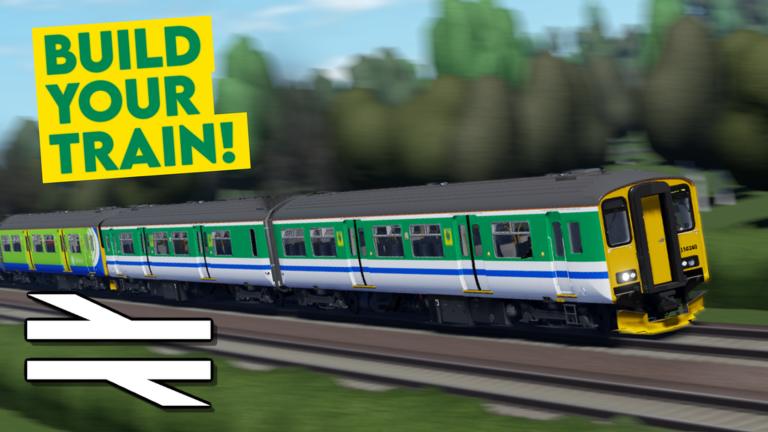
Spawning and earning coins as a Passenger takes only a few taps. New stations unlock automatically once you arrive by train, so your options expand the more you travel. Each stop where you are onboard earns you coins when doors open and again when they close.
- Open the menu select Explore, then Map.
- Pick a spawn station choose any station you have already discovered and tap to spawn there.
- Discover new stations ride a train to a station you have never visited; it unlocks the moment you arrive.
- Collect coins you receive 3 coins when the doors open and 3 more when they close, totalling 6 coins per stop while you are onboard.
Challenge Mode
Tips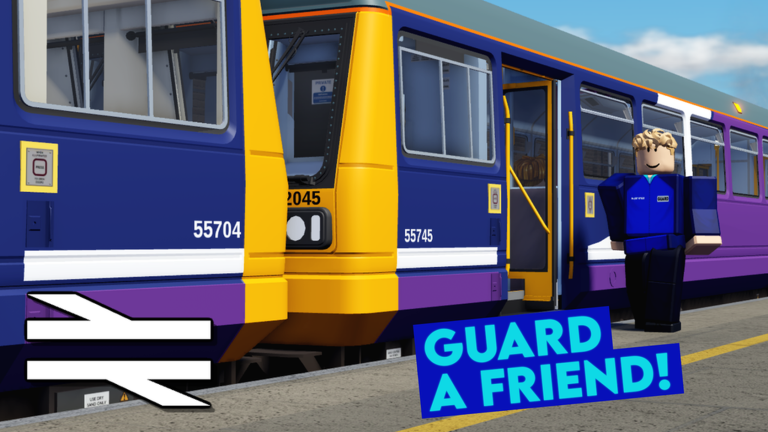
Challenge Mode is available through the Challenge button or any station ticket machine, but only when enough trains are running in the server. You are assigned a random destination and must reach it by train — walking to the destination does not count. When the timer runs out, the on-screen UI disappears, but you still have 30 extra minutes to finish that the game does not display. If you miss that extended window, a pop-up tells you the challenge has failed. Coins awarded on completion scale with the distance and difficulty of the journey.
- You can only start Challenge Mode when there are enough trains running in your server.
- Walk to the destination and it will not count — you must travel the whole way by train.
- The visible timer hitting zero does not end the challenge; an invisible 30-minute extension begins.
- If you do not complete the challenge in time, a message will pop up telling you that you have failed.
Journey Planner and compensation
Step
The Journey Planner is accessible from the main menu or from a ticket machine at any station you have already unlocked. It shows upcoming departures between two stations and awards coins scaled to the distance when you complete the journey. If the train you were scheduled to ride despawns before you finish, you still receive a compensation reward.
- Open Journey Planner select it from the menu or use a ticket machine at an unlocked station.
- Enter your route type your starting station and your destination, then press Find Times and Journeys.
- Check the results if no journey appears, no train is currently scheduled between those two stations, or a departure was too soon to be listed.
- Start the journey press Start Journeys and watch the UI for your train's arrival time and station details.
- Collect your reward coins based on distance are added automatically when you complete the trip, and a compensation is paid if your scheduled train despawns along the way.
Driving a train for the first time
Step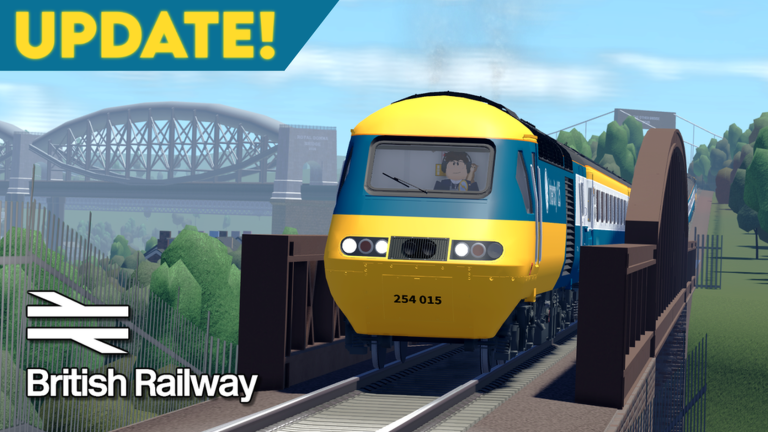
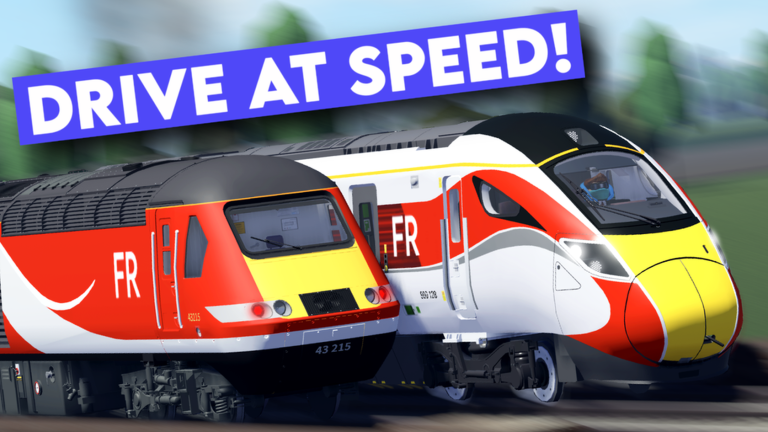
Pressing Drive opens the vehicle selection screen, where each train lists the route types, lines, and services it supports. After choosing a train you build your consist — the combination of coaches or units — and pick a livery. Trains with matching couplers can be joined together, with a maximum of 12 coaches and 3 units in any one consist. Once you are happy with the setup, you choose a depot to spawn from, then set your destination, stopping pattern, and route type.
- Select a train tap Drive and browse vehicles, checking which route types and lines each one supports.
- Build your consist choose coaches or units and a livery; use the top menu to switch between Multiple Units, Locomotives, and Coaches.
- Link vehicles you can couple different rolling stock as long as they share the same coupler, the consist stays under 12 coaches, and you have no more than 3 units.
- Save your consist use the bottom-left menu to save a consist you like so you can reload it later.
- Set your departure pick a depot, then choose a destination, stopping pattern, and route type before pressing Spawn Train.
Private servers and lag
SummaryIf you are experiencing lag or crashes, the game itself suggests playing in a private server. Public servers remain free for everyone.
- Public server free for all players
- Private server with Roblox Plus free
Glossary
Glossary- Consist
- The combination of coaches or units that make up a single train, which you build and can save for later use.
- Route type
- A category that determines which lines and services a given train is allowed to operate.
- Journey Planner
- An in-game tool that finds upcoming departures between two unlocked stations and tracks your journey for a coin reward.
- Challenge Mode
- A mode that assigns you a random destination and rewards coins based on distance and difficulty when you reach it by train.
- Depot
- The location where a Driver spawns their train before beginning a service.
- Discover
- The automatic process by which a station becomes available as a spawn point after you first arrive there by train.
Common questions
FAQWhy can't I spawn at a station I can see on the map?
Stations must be discovered before you can spawn at them. Travel to an undiscovered station by train and it unlocks automatically the moment you arrive. From that point on, you can use it as a spawn location.
The Challenge Mode timer hit zero — did I fail?
Not yet. When the timer reaches zero the UI disappears, but the game gives you an additional 30 minutes that it does not show on screen. If you reach your destination within that hidden window, the challenge still counts as complete. Miss it entirely and a failure message appears.
Can I couple any two trains together?
Only if they share the same coupler type. On top of that, the full consist cannot exceed 12 coaches in length or include more than 3 units.
What happens if my scheduled train despawns during a Journey Planner trip?
You receive a compensation reward automatically after completing the route.
Game updates can change what is on this page. If you spot something, get in touch and let us know.
