
Drive it — Getting started as a pair
About
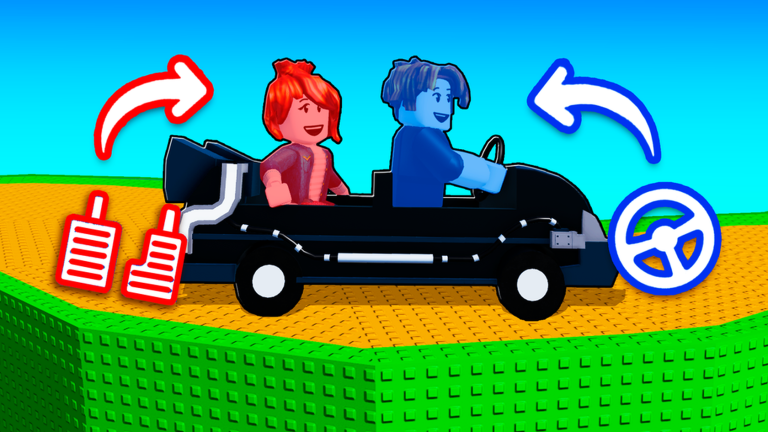
OverviewDrive it! is a two-player obstacle course where both players drive together through traps and tricks to reach each checkpoint. This guide covers how to get started, how to work with your partner, how to push through tough stages, and a few extras like car customization and redeem codes.
What is on this page
Contents
Getting started as a pair
Step
Drive it! is designed for exactly two players — solo play is not how the game is meant to work. Invite a friend to your party on Roblox before you join a session.
- Invite your friend use Roblox's party feature before entering so you land in the same session.
- Start on World 1 the first world's tricks are simpler, so use it to get comfortable with how the car handles.
How checkpoints save your progress
Summary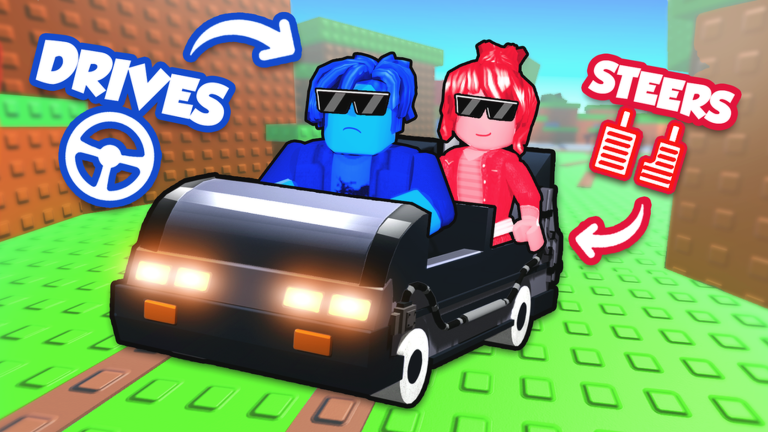
Each time you reach a checkpoint, your progress is saved on the spot. World 1 alone has at least five checkpoints, so there are plenty of places to catch your breath.
- Auto-save progress saves the moment you hit a checkpoint, not at the end of a stage.
- Restart point if you fall or fail, you come back at the last checkpoint you reached, not the beginning.
- World structure stages are divided into numbered worlds, each with their own checkpoint sequence.
Staying in sync with your partner
Tips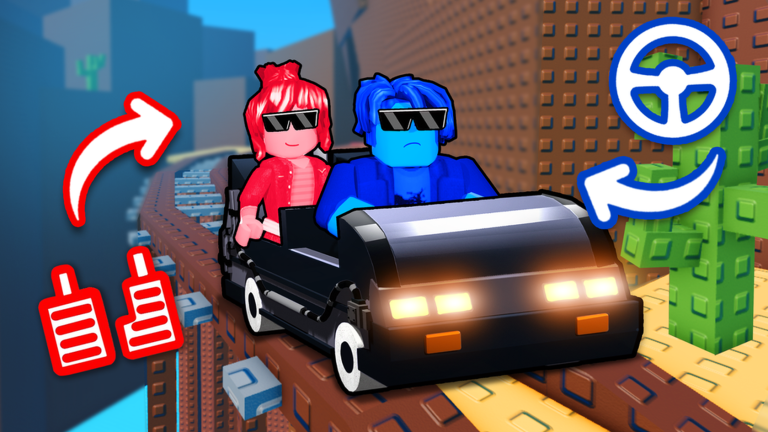
The tricks and obstacles in Drive it! are built to punish players who move independently. Talking to your partner in real time and agreeing on timing signals before tricky sections makes a huge difference.
- Use voice chat or a call app so you can talk instantly rather than typing mid-run.
- Count down together — saying '3, 2, 1, go' out loud before a joint action keeps both players moving at the same moment.
- Watch where your partner is on screen at all times, not just where your own car is heading.
- Observe a trick's pattern for one cycle before attempting it, so neither of you is guessing.
- If you keep failing the same spot, stop and talk through what each player is doing differently.
Avoiding sabotage from other players
Warn Welcome
FixedRevives
Thanksgiving
PATRICK
Freebies
Welcome
FixedRevives
Thanksgiving
PATRICK
Freebies
Glossary
Glossary- Obby
- Short for obstacle course — a Roblox genre where players navigate traps and hazards to reach a goal.
- Checkpoint
- A point in a stage that saves your progress automatically when you reach it.
- Trick
- A trap or hazard built into the course that is designed to stop or slow your car.
- Sabotage
- When another player deliberately interferes with your run to prevent you from progressing.
- Private session
- A session open only to the players you invite, keeping strangers out of your game.
- Starter Pack
- An optional purchasable bundle that includes items useful at the start of the game.
Common questions
FAQCan I play this game alone?
Drive it! is built for two players working together, and solo play is not how the game is designed to function. Invite a friend before you join a session.
Do I need to spend Robux to finish the game?
No — the base game is completable without any purchases. Car skins and the Starter Pack are optional extras.
Where do I report a bug?
Post a description of the bug on the game's official Roblox group wall, where the developers check for reports.
Game updates can change what is on this page. If you spot something, get in touch and let us know.
