
WELDINGBricklayer Guide: How a session works
About
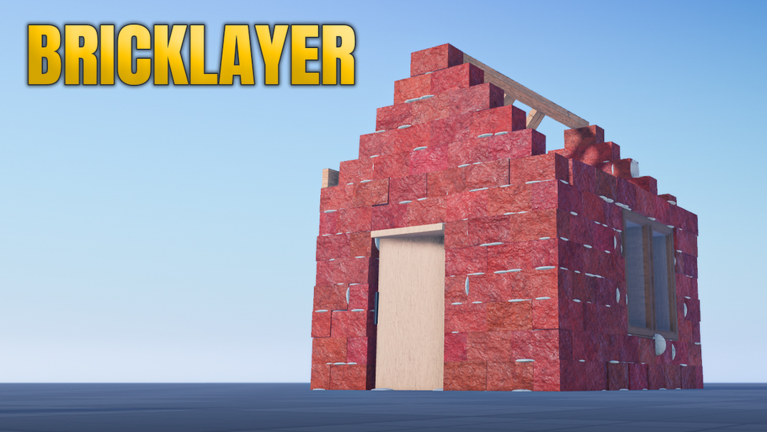
OverviewBricklayer is a construction simulator where you lay bricks, build walls, and save your work to come back to later. Up to seven players can share the same room, and the game runs on mobile, PC, and console.
What is on this page
Contents
How a session works
Step
When you join, you get a plot to build on. Place bricks to shape walls and structures, then save to a slot when you want to stop. Autosaving runs in the background the whole time, so progress is recorded even if you forget to save manually.
- Join the game your plot is ready as soon as you load in.
- Place bricks lay them on your plot to form walls and buildings.
- Save your work write your build to a save slot when you are done or taking a break.
- Resume later load your saved slot and keep adding to the same build.
Features that make building easier
Check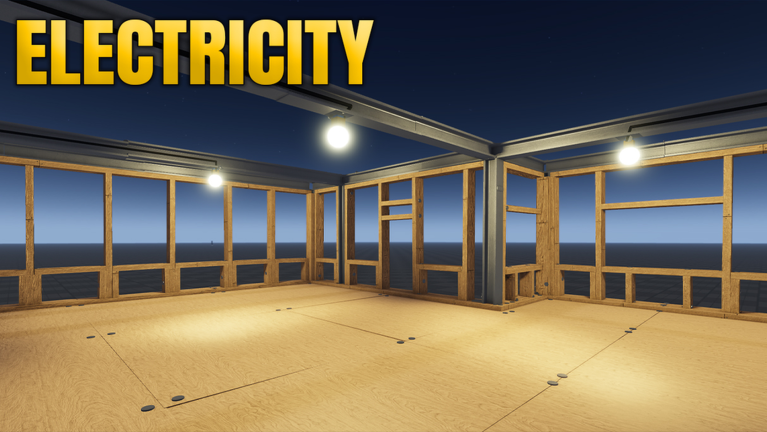
Update 4 added several tools that help you place parts accurately and keep your interface comfortable.
- Snap movement parts lock to set positions automatically so your bricks line up without manual adjusting.
- Autosave is running your progress saves in the background throughout the session.
- GUI size is adjustable open settings and resize the on-screen control panel.
- Colors are saved any custom color you create can be stored and recalled, and you can type a HEX code directly to get an exact shade.
- Private mode decide whether other players can see your build or not.
What Update 4 added
Summary
Every item below came with Update 4.
- Electricity logic gates, bulbs, and wiring let you add working circuits to a build.
- New materials drywall and insulation are now available as building options.
- Save size each slot now holds up to 200,000 items, up from 612.
- Private mode hides other players' builds so you can focus on your own.
- Customizable bricks gamepass a 40 Robux gamepass that unlocks extra brick customization.
- Second moving system an additional way to move around your plot.
Save slots and storage
Tips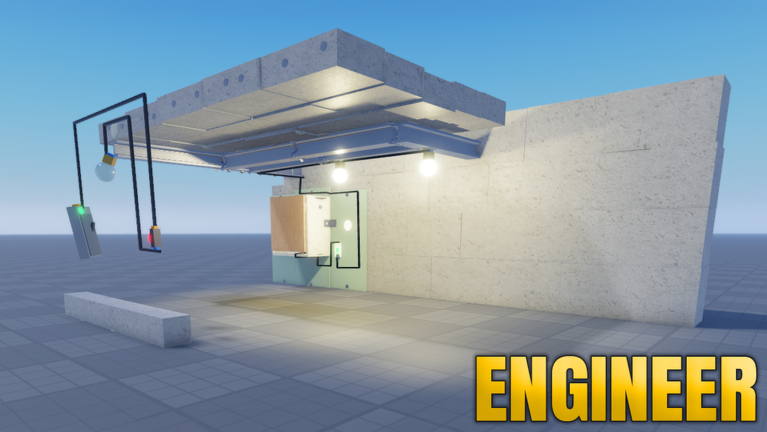
Before Update 4, each slot maxed out at 612 items. That cap is now 200,000 items per slot. Autosave handles ongoing progress.
- Each save slot holds up to 200,000 items after Update 4.
- Multiple big builds can sit in separate slots at once.
- Autosave protects work in progress between manual saves.
- Private mode applies per build, so you can make some builds visible and hide others.
Glossary
Glossary- Snap movement
- A setting that automatically locks placed parts to fixed positions and angles so your bricks line up cleanly.
- Private mode
- A build setting that hides your work from other players in the same room.
- HEX code
- A six-character code made of letters and numbers that describes an exact color, letting you match any shade precisely.
- Save slot
- A storage space for one build; each slot can hold up to 200,000 items.
- Autosave
- A background feature that records your progress automatically while you build, without you needing to press save.
Common questions
FAQHow many players can build in the same room?
Up to seven players can be in the same room at once.
Will I lose my build if I close the game?
Autosave runs throughout your session, so your progress is recorded as you go.
What is the electricity system?
Update 4 added logic gates, bulbs, and wiring that you can place as part of your build.
Can I play on my phone or tablet?
Yes, the game supports mobile, PC, and console. You can also adjust the GUI size in settings.
Game updates can change what is on this page. If you spot something, get in touch and let us know.
