
ZOMBIE INVASION — Controls for every platform
About
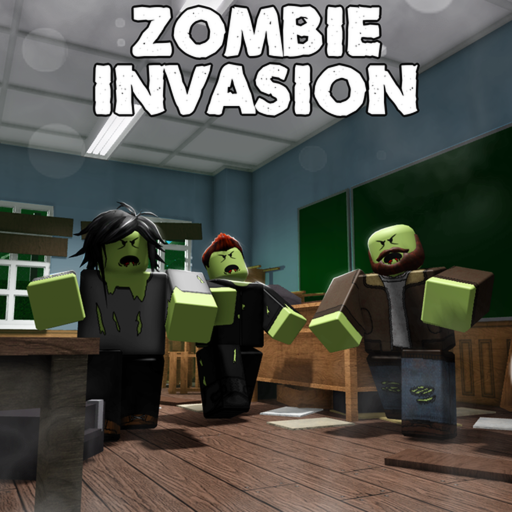
OverviewZombie Invasion is a survival shooter inspired by Call of Duty Zombies where you fight off endless waves of zombies for as long as possible — there is no win condition, just how long you can last. Up to eight players can team up, and every run tracks two things: how many zombies you kill and how many times you get revived. This guide covers controls, survival tactics, the revive system, and free bonuses you can grab before your first game.
What is on this page
Contents
Controls for every platform
Table
On mobile the gun fires automatically as long as you are aimed at a zombie. PC players can press F4 to lock or unlock the mouse.
| Move | WASD on PC |
| Aim | right mouse button on PC; L1 on gamepad; touch aim on mobile |
| Fire | automatic on PC and mobile; R1 on gamepad |
| Reload | R on PC; Y on gamepad |
| Sprint | hold Left Shift on PC; hold R2 on gamepad |
| Change weapon | 1 or 2 on PC; L2 on gamepad |
| Interaction | hold F on PC |
The revive system and what it means for long runs
Summary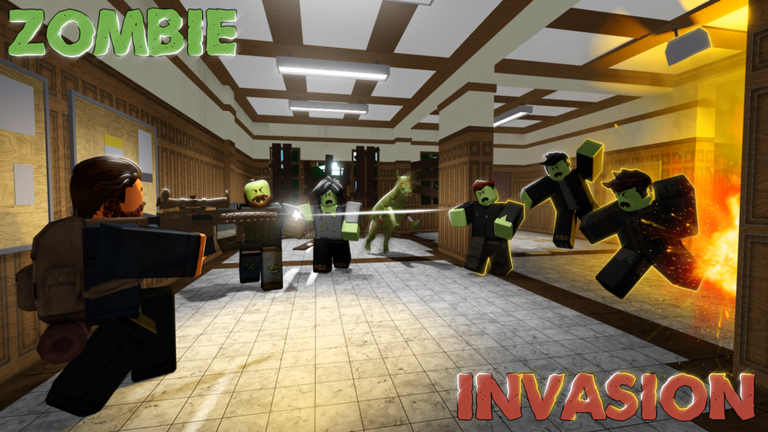
Both badge tracks — zombies killed and times revived — count within a single game session.
- Revive badges awarded at 10, 20, 30, 50, 100, 200, 300, 500, and 1000 revives in one game
- Kill badges awarded at 100, 200, 300, 500, 1000, 2000, 3000, 5000, 10,000, 15,000, 20,000, 30,000, and 50,000 kills in one game
Free bonuses before your first game
StepIf you have Roblox Premium, you also receive extra weapons and extra health at the start of each game.
- Follow the developer to unlock the follow bonus.
- Join the official community for another bonus.
- Like the game to earn the third bonus.
- Enable notifications to stay updated.
Glossary
Glossary- Max Revived
- The badge series tracking how many times you are revived in a single game, with milestones from 10 up to 1,000.
- Sprint
- Moving faster by holding Left Shift on PC or R2 on gamepad.
- Reload
- Refilling your weapon's ammo with R on PC or Y on gamepad.
- Interaction
- Holding F on PC to activate something in the environment.
- Auto-fire
- The mechanic where the game fires your weapon automatically once you are aiming at a zombie, available on all platforms.
Common questions
FAQIs there a way to win the game?
There is no win condition in Zombie Invasion. The goal is simply to survive as long as possible.
Do badges reset between games?
Yes — both the zombie kill count and the revive count are tracked within a single game session. If you leave and start a new game, both counters go back to zero.
Does playing with friends make the game easier?
Up to eight players can play together in the same game.
What does Roblox Premium give you here?
Premium members receive extra weapons and extra health at the very start of each game. Players without Premium can still earn bonuses by following the developer, joining the community, and liking the game.
Game updates can change what is on this page. If you spot something, get in touch and let us know.
