
Floors Have Teeth Guide: Flashlight management
About
OverviewFloors Have Teeth is a horror adventure game where you play as someone responding to a desperate call from an old friend named Bob. One small favour pulls you into a terrifying journey across dark floors full of puzzles and dangers. This guide covers the controls, how to survive threats, and how to explore each room effectively.
What is on this page
Contents
Flashlight management
Tips
The flashlight is toggled with the right mouse button. It lights up the area around you, which you need to read the environment and find interactable objects. A bright light also makes you more visible, so it is not always smart to keep it on.
- Turn the flashlight on whenever a room is too dark to see objects or doorways clearly.
- Keep an eye on battery level; when it runs out, find a replacement battery inside the room or look for another light source.
- Toggling the light off before hiding gives you an extra layer of concealment during dangerous moments.
MetaNew Player Survey

The next survey is being prepared.
Surviving a threat
Check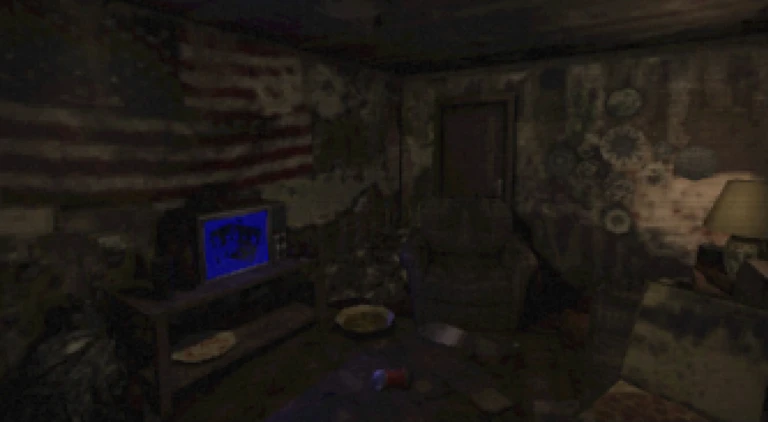
The game signals threats through sound and atmosphere. The moment you sense something approaching, you have a short window to decide on your response.
- Listen for audio cues approaching sounds mean you need to act now.
- Sprint away with Left Shift or crawl with Left Control to stay low and out of sight.
- Turn off your flashlight before you hide so the light does not give away your position.
Searching a new room
Step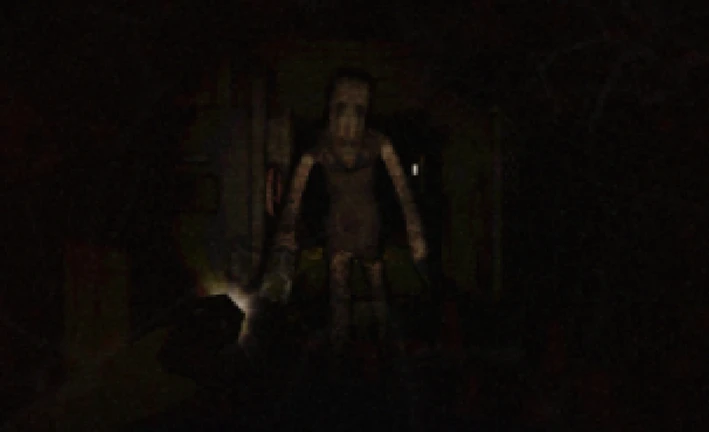
Every floor hides puzzles, items, and paths. The left mouse button is your main tool for discovery.
- Sweep the room use your flashlight to pan across the whole space before touching anything.
- Click everything press the left mouse button on walls, furniture, and objects to find interactables.
- Check every edge doors and passages are sometimes tucked into corners or shadows.
Community strategy ideas
CommunityThese ideas and tips come from people playing the game. Share your discoveries too!
No strategy ideas yet. Share a tip you discovered.
Share a strategy idea
Floors Have Teeth
Glossary
Glossary- Floor
- A level or chapter of the game, set inside a dark building, each one introducing new rooms and dangers.
- Crawl
- A low movement mode activated with Left Control that lets you move through tight spaces and avoid being spotted.
- Interactable
- Any object in the game world that responds when you click it with the left mouse button.
- Tool
- An item you carry that can be equipped with the Number 1 key to open paths, break obstacles, or solve puzzles.
Common questions
FAQWhat do I do when my flashlight battery runs out?
Search the room for a replacement battery. If you cannot find one, look for any other light source in the environment.
When should I crawl instead of sprint?
Crawl when you want to move through low passages or stay hidden. Sprint when you need to cover distance quickly.
Is there more than one chapter?
Chapter One follows your attempt to help Bob and pulls you into a full horror adventure. Chapter Two has not yet been released.
Game updates can change what is on this page. If you spot something, get in touch and let us know.
