
Voxel Sandbox — Getting started on your first session
About
OverviewVoxel Sandbox is a Roblox building game where you place blocks to create whatever you can imagine, with no goals or rules to follow. Your work saves automatically on a private server, so you can always pick up where you left off.
What is on this page
Contents
Getting started on your first session
Step
The moment you enter the game, you land in your own private server. There are no tutorials to sit through and no rules to memorize — you can start placing blocks straight away.
- Check your private server your personal building space loads automatically when you join.
- Try placing a block get a feel for how placement works before worrying about what to build.
- Try removing a block knowing you can undo any mistake makes experimenting much less stressful.
- Pick up a few different block types browse what is available so you know your options.
Building tips
Tips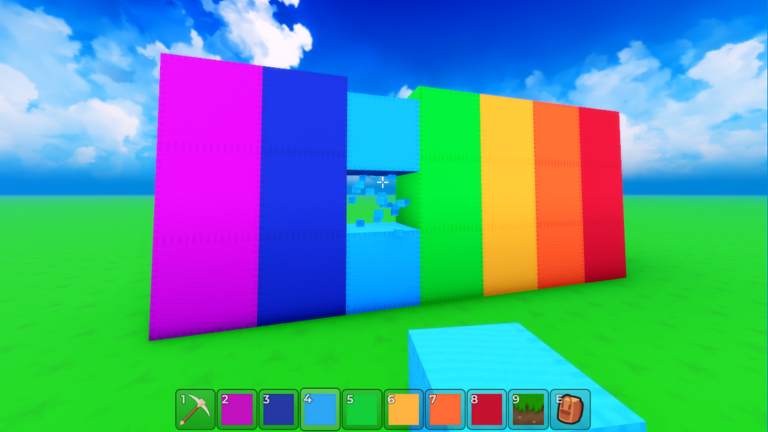
There are no wrong ways to build here.
- Build from the ground up — starting at the base and working upward keeps tall structures balanced.
- Use the same block type in large runs to fill big flat areas quickly.
- Break complicated shapes into simpler pieces and combine them rather than trying to do everything at once.
- Delete and redo freely — nothing is permanent, so trial and error is always an option.
- Your build saves as you go, so short sessions add up — you do not need to finish in one sitting.
Using TNT
Warn
TNT is bought with in-game currency and sets off a large explosion when triggered. Because destroyed sections cannot be restored, it is worth moving anything you want to keep out of the blast area first. Craters and wreckage can become features in your next build.
Building with friends
Check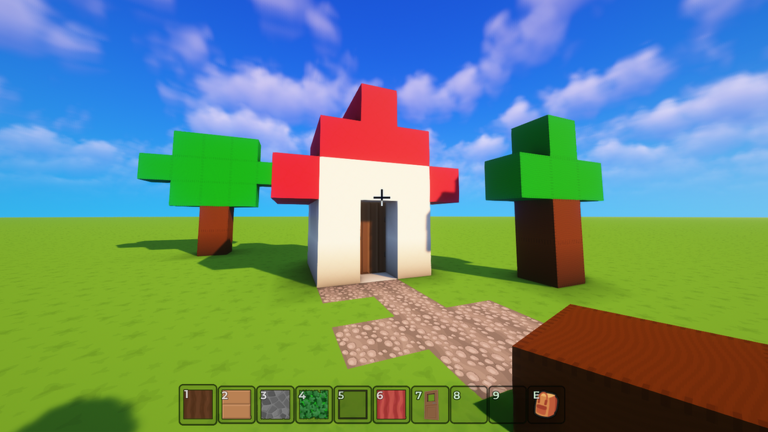
Friends can join the same server and build together on shared projects.
- Agree on who builds in which area before anyone places a single block.
- Ask before deleting anything someone else built.
What costs money and what does not
Table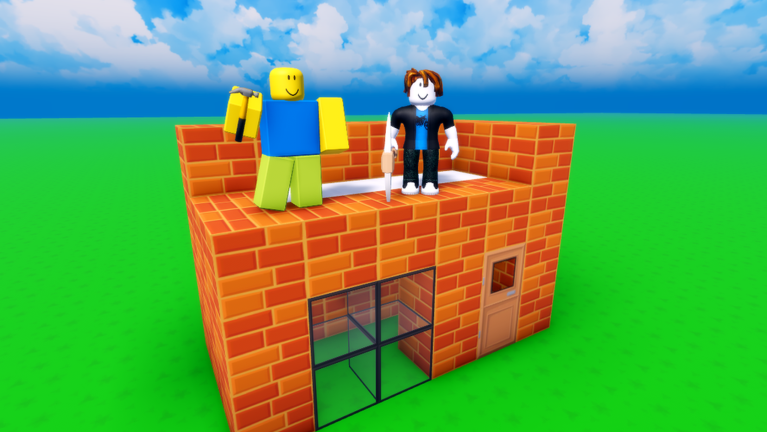
You can get a full experience without spending anything. The only item that requires spending in-game currency is TNT.
| Block placement | free |
| Private server saves | free |
| Multiplayer co-op | free |
| New block types | free |
| TNT | costs in-game currency |
Glossary
Glossary- Private server
- Your personal game space where your builds are saved automatically and persist between sessions.
- Block
- The basic cubic unit you place and stack to construct anything in the game.
- TNT
- An explosive item bought with in-game currency that destroys blocks in a radius when triggered.
- In-game currency
- Currency used to buy items like TNT.
- Multiplayer mode
- Playing on a shared server where multiple players can build together at the same time.
Common questions
FAQWill my build disappear when I leave the game?
No. Everything saves automatically to your private server. When you rejoin, your build is exactly as you left it.
What happens to a collaborative build when a friend leaves?
The build stays on the server you are hosting. Your friend's additions remain even after they disconnect.
Can I fix a section I blew up with TNT?
No — explosions cannot be reversed. You can build something new in or around the blast area rather than trying to restore the original.
Do I need to pay real money to enjoy everything?
Building, block access, and multiplayer are all free. TNT requires in-game currency, so real-money spending is never required.
Game updates can change what is on this page. If you spot something, get in touch and let us know.
