Games listed 43,680
Game guide

Grabpack Place | Legacy Guide: PC and console controls

[UPD!] Grabpack Place | Legacy
BlueWeared Studio, Playing 236, Rating 76.8%
Creator BlueWeared Studio
Playing 236
Rating 76.8%
Is this game fun?
No votes yet. Cast the first one.

About

Overview

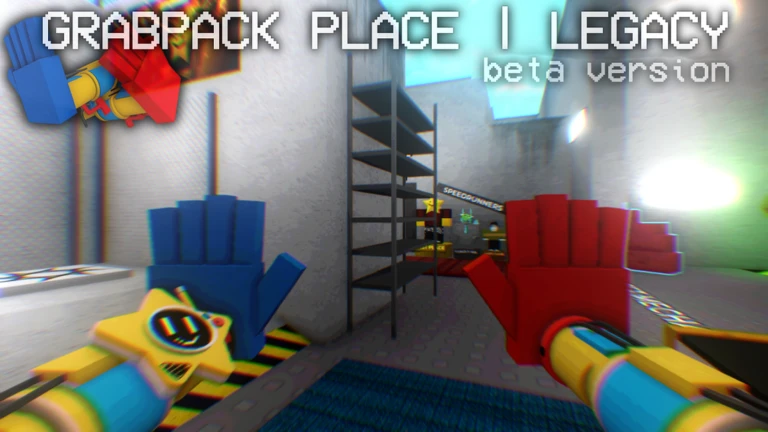
Grabpack Place | Legacy is a blocky-style grabpack game made by BlueWeared Studio, currently in beta. You work through four maps in order, using grabpack hands to interact with the world, while hunting hidden items and racking up badges along the way. This guide covers controls, map progression, hidden collectibles, and the badge milestones worth chasing.

What is on this page

Contents

Player notes and tips

Found a useful trick? Share it with everyone! Notes with screenshots are welcome!

01

PC and console controls

Table
In short Learning the hand-switching shortcuts early makes everything else in the game easier.

The grabpack has six selectable hands on PC, switched with the number keys 1 through 6. On console you use DPadRight to cycle hands quickly instead. Both platforms share the Hands Wheel as a way to manage hand settings, and both have a blacklight tool that reveals things you cannot see under normal lighting.

PCHands Wheel: R key
ConsoleHands Wheel: Y / Triangle
PCBlacklight: V key
ConsoleBlacklight: DPadLeft
PCFlashlight: F key
ConsoleFlashlight: DPadDown
Ask on the board
02

Map progression from start to finish

Step
In short Clearing all four maps in order is the spine of the game and earns you four badges.

There are four maps to complete, and finishing each one awards its own badge.

  1. Beat Map 1 clear the first map to earn the Beat Map 1 badge
  2. Beat Map 2 move on to the second map and finish it for the Beat Map 2 badge
  3. Beat Map 3 the third map comes next; completing it gives you the Beat Map 3 badge
  4. Beat Map 4 finishing the fourth and final map earns the Beat Map 4 badge
03 Live and upcoming events Events

Events running now or coming soon. They have fixed dates, so check them first.

Live now –

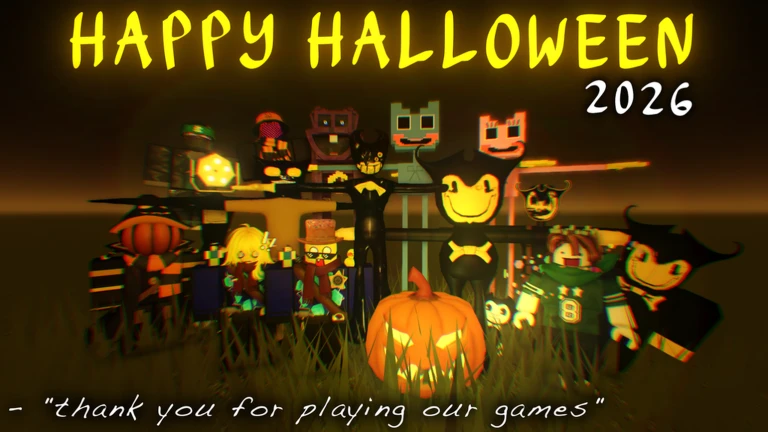
HALLOWEEN EVENT 🎃

this update adds halloween stuff to the game, collect the candies around the map to get a badge! :D thank you for the …

Upcoming –

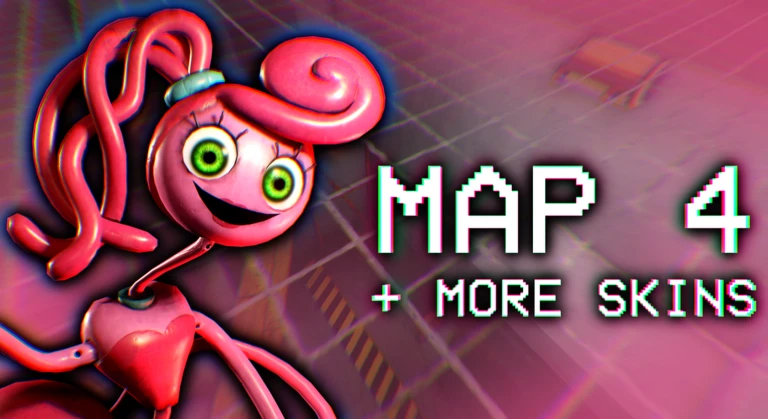
MAP 4 | EVENT 👻

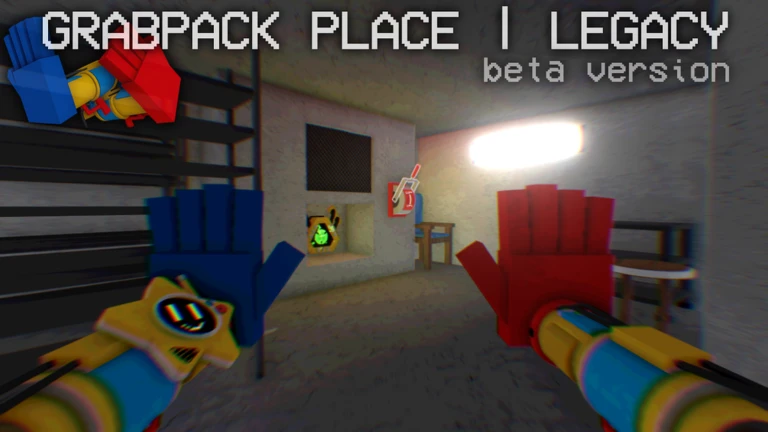
this event will add Map 4, but also More Skins and More Accessories to the Game! :D Please be patient with the updates…
See the whole schedule
04

Hidden collectibles and exploration badges

Tips
In short Several badges require active exploration rather than simply clearing maps.

These badges will not come to you naturally during a normal playthrough.
Tips worth knowing
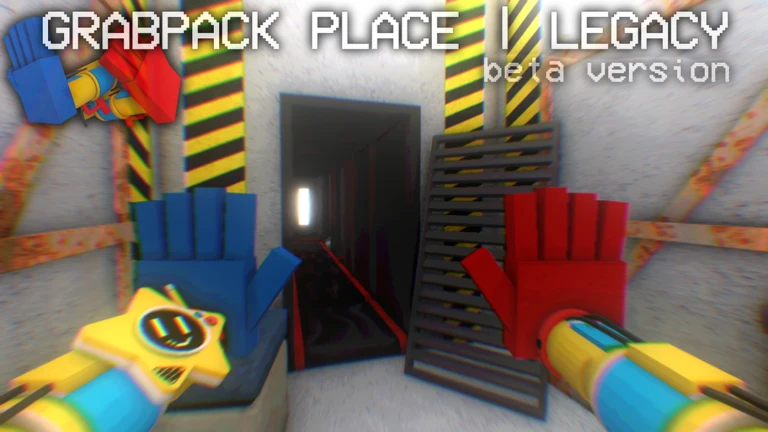
  • Collect all 10 flowers scattered across the map and bring them to Kissy to earn the Flowers for Kissy badge.
  • Find every Maxwell cat hidden around the map to unlock the Find All Maxwells badge.
  • Running into the developer blueguy rewards you with the Meet the Owner badge.
  • Finding blueguy's friend mr_lazy earns you the Meet Mr_Lazy badge.
  • Grab Limon with your hand to earn the Grab a Limon badge.
05

Passive badges that come with time

Check
In short Three badges unlock automatically as long as you keep playing, so there is nothing special you need to do for them.

Stay in the game and these will arrive on their own. There is no action required beyond being present.
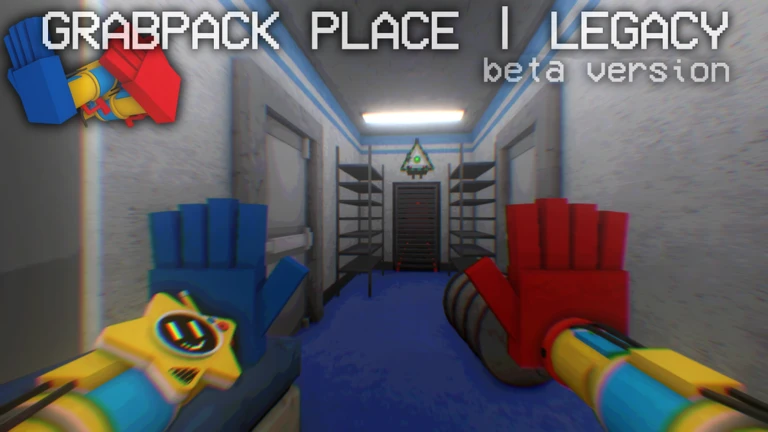
  • Play for 10 minutes to receive the Play for 10 Minutes badge
  • Reach 30 minutes of total playtime for the Play for 30 Minutes badge
  • Hit 60 minutes of playtime for the Play for 60 Minutes badge
06

The Fire milestones and skin rewards

Summary
In short Firing other players enough times unlocks two separate skins as well as two badges.

Firing players is a repeated action that accumulates. Hitting the two thresholds below each nets you a skin alongside the badge.

  • 65 fires earns the 65 Fired Players badge and a skin
  • 300 fires earns the 300 Fired Players badge and a second skin

Glossary

Glossary
Grabpack
The extendable hand tool at the centre of the game, used to grab objects and traverse the maps.
Hands Wheel
A menu opened with R on PC or Y/Triangle on console that lets you manage your grabpack hand settings.
Blacklight
A special light mode (V on PC, DPadLeft on console) that reveals things invisible under normal lighting.
Maxwell
A hidden cat character placed around the maps; finding every one earns the Find All Maxwells badge.
Fire
An action used on other players that counts toward the 65 Fired Players and 300 Fired Players badge milestones.

Common questions

FAQ

Do I have to play the maps in order?

There are four maps and each one awards its own badge when you finish it.

How do the playtime badges work?

They unlock automatically at 10, 30, and 60 minutes of playtime. You do not need to do anything special — just stay in the game.

What do I get for firing other players?

Reaching 65 fires earns a badge and a skin. Reaching 300 fires earns a second badge and another skin.

What is the blacklight useful for?

The blacklight makes certain things visible that you cannot see under normal lighting.

Updated Oct 12, 2026
Game updates can change what is on this page. If you spot something, get in touch and let us know.
[UPD!] Grabpack Place | Legacy BlueWeared Studio, Playing 236, Rating 76.8%
See the game pageAsk on the board
Add it to your home screen and it works like an app. One tap to open, and it loads faster after that.