
My Gaming Cafe Guide: The basic gameplay loop
About
OverviewMy Gaming Cafe is a tycoon game on Roblox where you run and expand a gaming cafe, floor by floor. You unbox PC parts and server customers to earn money, then spend it decorating and upgrading until you have unlocked all eight floors. This guide covers the core loop, how to progress through floors, and a few tips for getting the most out of the game from day one.
What is on this page
Contents
Player notes and tips
Found a useful trick? Share it with everyone! Notes with screenshots are welcome!
Write a guide note
[💻] My Gaming Cafe!
The basic gameplay loop
Step
Everything in this game comes back to one repeating cycle. Customers order PC parts and servers; you unbox them to turn those orders into cash. That cash goes into decorating and rebuilding your cafe, which unlocks new floors and upgrades. Repeat that on every floor and your cafe keeps growing.
- Unbox customers collecting PC parts and server orders converts them into money.
- Spend on decoration use what you earned to decorate your cafe; this is what pushes upgrades forward.
- Unlock upgrades completing decoration and upgrade goals opens new features on the same floor.
- Move to the next floor once a floor's conditions are met, the floor above becomes available and the cycle starts again.
MetaNew Player Survey

The next survey is being prepared.
Free rewards at the start
Tips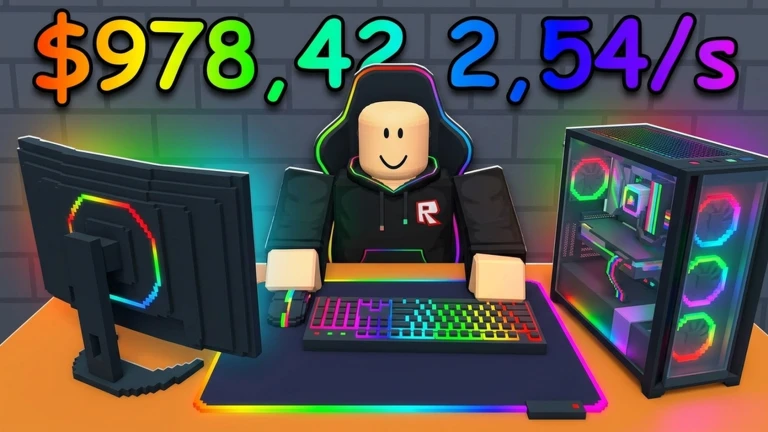
Before you start spending your in-game money, grab the free rewards the game offers. Joining the official group and clicking the Like button on the game page both trigger exclusive reward drops.
- Join the game's official Roblox group to claim your group reward.
- Like the game page to receive exclusive rewards.
- Check the in-game code entry box for any active codes; codes can expire or have limited uses, so redeem them promptly.
- Only use the official in-game input field when entering codes.
Glossary
Glossary- Unboxing
- The action of collecting a customer's PC parts or server order, which converts it into in-game money.
- Floor
- One level of your gaming cafe; you unlock floors two through eight by meeting upgrade and decoration conditions.
- Upgrade
- An improvement you buy with in-game money to rebuild or enhance part of your cafe.
- Tycoon
- A Roblox game genre where you grow a business by earning and reinvesting money.
Common questions
FAQWhat should I do first when I start the game?
Join the official group and like the game page right away to collect the exclusive rewards. After that, start unboxing customers to build up money.
How many floors are there?
There are eight floors in total. You unlock them one at a time, and each one you open awards its own badge.
Can I reach Floor 8 without spending real money?
Yes, the game is playable without spending real money. Make sure you claim the free group and like rewards early, then work through each floor's upgrade goals to reach Floor 8.
Game updates can change what is on this page. If you spot something, get in touch and let us know.
