
 Live now
–
Live now
–
Game guide
Command An Army Guide: Your first steps in the game
Is this game fun?1 votes
Fun 100%1Average 0%0Not fun 0%0
About
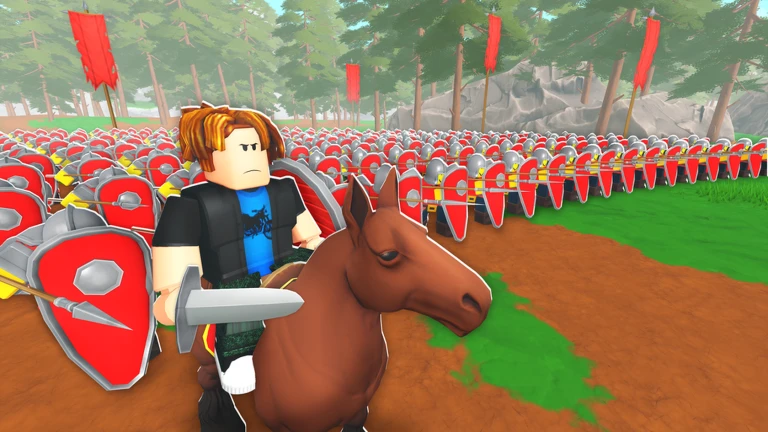
OverviewCommand An Army is a team-vs-team Roblox game where you fight alongside computer-controlled soldiers you command directly. You pick a side — attacking to capture points in order, or defending to hold those points until time runs out. This guide covers how to get started, the four orders, how to play both sides, building your squad, summoning new soldiers, and levelling up your troops.
What is on this page
Contents
01
Your first steps in the game
Step
02
The four orders and when to use them
Table
03
Live and upcoming events
Events
04
Playing the attacking side
Check
05
Playing the defending side
Tips
06
Summoning new soldiers
Step
07
Working codes
Codes
08
Building your squad
Summary
09
Unit strength at a glance
Table
10
Star cap, upgrading, and Ascension
Warn
11
Keeping the game safe and free to play
Check
12
Glossary
Words
13
Common questions
FAQ
01
Your first steps in the game
Step
In short
Finishing the tutorial and checking your star total before your first match gives you the smoothest start.
The tutorial walks you through each of the four orders at least once, so see it all the way through before joining a real match. Afterwards, starter soldiers become available to you. Before queuing, open the unit screen and confirm your equipped soldiers' star total sits within your star cap. The recommended loadout fills your slots quickly, but double-check that you have at least one frontline soldier and one ranged soldier before hitting play.
- Finish the tutorial use each of the four orders once so the controls feel natural before a real match.
- Open the unit screen check that your equipped soldiers' combined star count does not exceed your cap.
- Check your roster confirm at least one frontline slot and one ranged slot are filled.
- Read your quests glance at active quests before entering a match so you can chase multiple conditions in a single game.
MetaNew Player Survey
The next survey is being prepared.
02
The four orders and when to use them
TableIn short
Cycling through Follow, Rush or Attack, then Hold, then back to Follow covers almost every situation in a match.
Your soldiers do not perform well if you leave them on the same order all game. Each order suits a specific moment, and switching between them at the right time is the first real skill to build. The basic loop is: Follow to move your troops, Rush or Attack to push into a point or target an enemy, Hold once you have secured a position, then Follow again when it is time to advance.
| Follow | soldiers trail behind you; use this whenever you are moving between capture points or regrouping. |
| Hold | soldiers stay in place; use this the moment a point is captured or to lock down a narrow entrance. |
| Attack | soldiers focus on a target you pick; use this when you want to bring down a specific enemy or a gate. |
| Rush | soldiers charge forward hard; use this to push into an open point quickly or to break a defensive line. |
03 Live and upcoming events
Events
Events running now or coming soon. They have fixed dates, so check them first.
Live now
–
04
Playing the attacking side
CheckIn short
Following the objective markers in order and holding each point before pushing forward is how attackers win.
As the attacker, your goal is to capture points in sequence — taking a later point means nothing if the previous one is not already yours. Move with your teammates on Follow so your soldiers arrive together rather than trickling in alone. The moment a point is captured, switch to Hold and defend it briefly before charging on; leaving immediately after capping gives defenders an easy chance to take it straight back.
- Respect the order do not advance to the next objective until the current one is fully captured.
- Stay with teammates avoid charging in alone ahead of the rest of your side.
- Stop chasing do not follow retreating enemies outside the capture zone.
- Hold after capping switch to Hold right after capturing and wait until your team is ready before moving on.
Stuck? Try a video
Spending $853,141 In Roblox Command An Army!
This NEW Roblox Game Lets You Command an Entire Army!
I Dominated the Battlefield With a SPARTAN ARMY! | Command an Army
05
Playing the defending side
Tips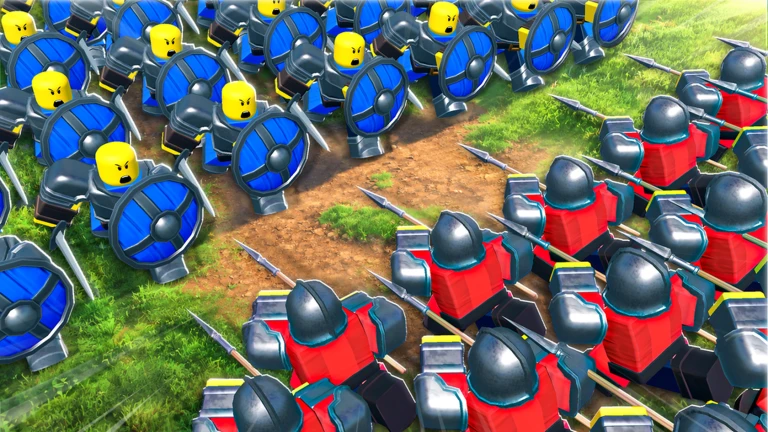
In short
Defenders win by burning the clock at each point, not by wiping the enemy team.
Your job on defence is to make attackers spend as much time as possible at each point. Position frontline soldiers facing the direction enemies approach from, and keep ranged troops slightly behind them. If your line collapses, do not fight scattered — switch to Follow, pull your soldiers back to you, and retreat to the next defensible position as a group rather than in pieces.
Tips worth knowing
- Watch the entrance to the capture zone constantly, not just the zone itself.
- Put frontline soldiers forward and ranged soldiers behind them from the start.
- When your line breaks, use Follow to collect your soldiers before falling back.
06
Summoning new soldiers
StepIn short
Head to the summoning area in the lobby after each match, spend your gems, and equip what you get through the unit screen.
New soldiers are summoned from the summoning area in the lobby. You spend gems to summon them, then equip whoever you get through the unit screen. Gems come from daily quests, weekly quests, and winning matches. There are also redeem codes that reward gems and other items.
- Go to the lobby head to the summoning area after a match ends.
- Open the summon menu hold the open summons button to bring up your options.
- Check your gems choose summon x1 or summon x10 depending on how many gems you have.
- Open the unit screen review what you got and add anything that fits within your star cap.
- Refill gems complete daily and weekly quests and win matches to build up gems for your next session.
07 Working codes
Codes
 CLASSES
2.5k gems and ten skill crystals
CLASSES
2.5k gems and ten skill crystals
2.5k gems and ten skill crystals
COSMETIC
5k gems and ten skill crystals
5k gems and ten skill crystals
LAESTRYGONIAN
700 gems and two skill crystals
700 gems and two skill crystals
UPDATE3
700 gems and two skill crystals
700 gems and two skill crystals
08
Building your squad
Summary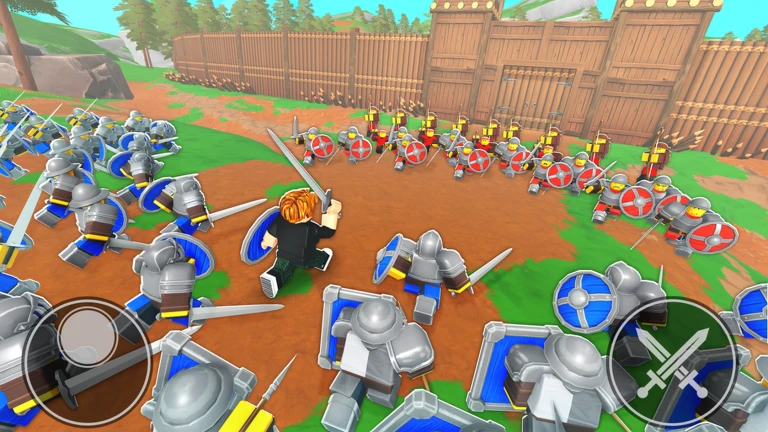
In short
A squad with mixed roles — frontline, damage, and ranged — holds capture points more reliably than one stacked with high-star soldiers of the same type.
Early on, filling roles matters more than chasing high-rarity soldiers. If the recommended loadout leaves you with no ranged soldier or no frontline, swap one slot manually before entering the match.
- Shield-bearer frontline unit that absorbs hits and holds a point; high durability.
- Mercenary close-range attacker that deals steady damage over time.
- Spearman holds the front line at longer reach and handles mounted enemies well.
- Archer fires from behind your frontline without taking direct hits.
- Cavalry suits fast pushes into open ground thanks to speed and charge ability.
09
Unit strength at a glance
Table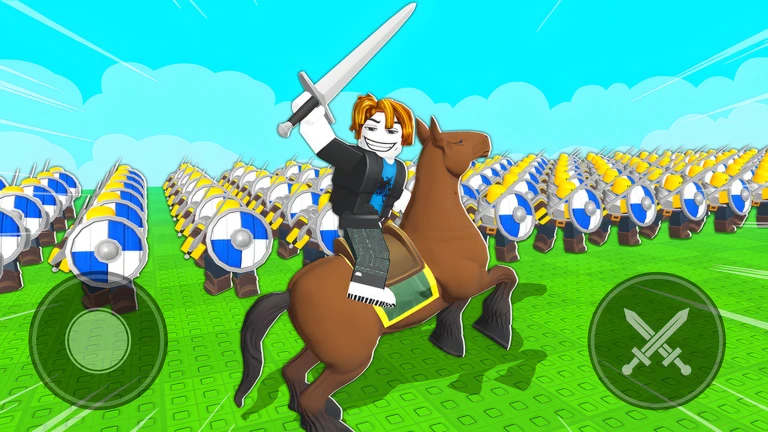
This table reflects unit ratings as of September 2026.
| Tier | Units | Best use |
|---|---|---|
| SS | Flame Archer, Lancer, Samurai | Highest-rated units in the current environment |
| S | Cavalryman, Mace, Spartan | Reliable damage and frontline options |
| A | Berserker, Crossbowman, Immortal, Imperial Wall, Knight | Solid performers that cover every role well |
| B | Elite Javelineer, Longbowman, Scout Rider, Sentinel | Practical for filling gaps in your squad |
10
Star cap, upgrading, and Ascension
Warn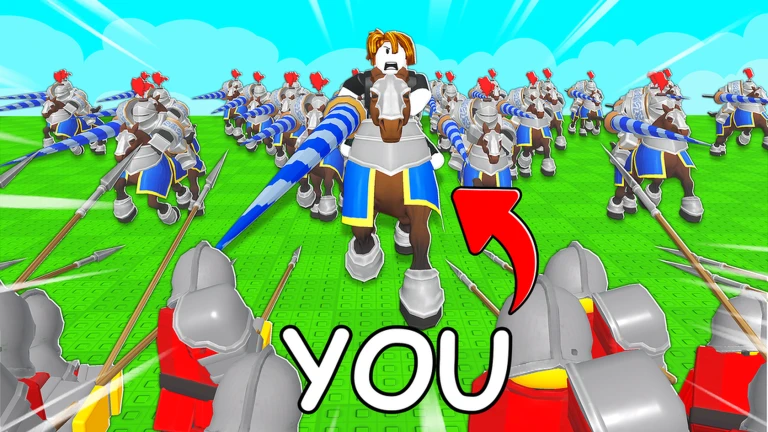
In short
Keep duplicate soldiers rather than deleting them — they become essential for Ascension once you reach account level 20.
Every account has a star cap: the total stars of your equipped soldiers cannot exceed it. At account level 20, Ascension unlocks, letting you merge duplicate soldiers to make them stronger without raising their star cost. Each soldier also has a Mastery level that goes up to 20.
Worth watching out for
Do not delete duplicates
merging them through Ascension at account level 20 strengthens a soldier without spending more of your star cap.
If a new soldier will not fit, swap a low-star soldier out rather than trying to add a fifth slot.
Raise your account level to increase your star cap and fit stronger soldiers.
11
Keeping the game safe and free to play
CheckIn short
The core gameplay is completely free, and a few simple habits keep online play safe.
The game involves medieval soldiers fighting with weapons, so check that the content suits you before jumping into a long session. Online matches put you alongside and against players you do not know. Some menu options, such as skipping summoning animations or changing your appearance, involve Robux.
- Never type your real name, school, address, phone number, or social media details into chat.
- Ask a family member before pressing any button that costs Robux.
- Troops, orders, and squad-building can all be practised without spending anything.
- If the combat feels like too much at first, try a short session to get a feel for it before committing to longer matches.
Community strategy ideas
CommunityThese ideas and tips come from people playing the game. Share your discoveries too!
No strategy ideas yet. Share a tip you discovered.
Share a strategy idea
Command An Army
Glossary
Glossary- Unit
- A type of soldier you equip and bring into battle as part of your squad.
- Star cap
- The maximum combined star count of all soldiers you can have equipped at once, which rises as your account levels up.
- Follow
- An order that makes your soldiers trail behind you as you move.
- Hold
- An order that keeps your soldiers at a fixed position to defend it.
- Attack
- An order that directs your soldiers to focus on a specific enemy or gate.
- Rush
- An order that sends your soldiers charging forward, best used for pushing into open ground.
- Capture point
- A location on the map that attackers must take in order and defenders must hold for as long as possible.
- Ascension
- A system unlocked at account level 20 that lets you merge duplicate soldiers to strengthen them without increasing their star cost.
- Mastery
- A per-soldier level that goes up to 20.
- Tier list
- A ranking of units by strength, rated SS through B, based on how well they perform in the current game environment.
Common questions
FAQCan I make progress without spending Robux?
Yes — orders, squad-building, and match play are all free. Robux options cover things like skipping summoning animations or changing your character's look. Always check with a family member before making a purchase.
How do I get new soldiers?
You summon new soldiers using gems from the summoning area in the lobby. Gems come from daily quests, weekly quests, and winning matches. Checking your active quests before a match lets you work toward several rewards at the same time.
Why can't I equip a soldier I just got?
Either your four equipment slots are already full, or adding that soldier would push your star total over your cap. Open the unit screen, check your star count, and swap out a lower-star soldier to make room.
Should I delete soldiers I have more than one copy of?
Hold onto them. At account level 20, Ascension unlocks and lets you merge duplicates to strengthen a soldier without raising its star cost. Deleting duplicates early means losing that upgrade material later.
Which units are the strongest?
As of September 2026, Flame Archer, Lancer, and Samurai sit at the top of the tier list. Cavalryman, Mace, and Spartan are close behind. If you cannot get those yet, build a squad with A-tier soldiers like Berserker, Crossbowman, and Knight to keep your roles covered.
Can I play alone?
You can join a match on your own. The game places you on one side of a team-vs-team match, so you will play alongside other players as your team attacks or defends capture points together.
Are there redeem codes?
Yes — the game has a code redemption system that rewards gems and other items. Codes have limited uses and expiry dates, so check for the current working ones before you play.
Updated Oct 24, 2026
Game updates can change what is on this page. If you spot something, get in touch and let us know.
Game updates can change what is on this page. If you spot something, get in touch and let us know.
