
Cities at War Guide: Starting out
About
OverviewCities at War is a Roblox strategy game where you build a city, grow an economy, and fight other players for territory. This guide walks you through setting up your income, trading at the docks, researching your military, and taking on rivals in a server of up to six players.
What is on this page
Contents
Player notes and tips
Found a useful trick? Share it with everyone! Notes with screenshots are welcome!
Write a guide note
Cities at War [new!]
Starting out — buildings first
Step
You begin the game already owning a city, so your first moves are about filling it with income-producing buildings. Farms, mines, mills, and homes all earn automatically whether you are actively playing or not.
- Place income buildings
put down farms, mines, mills, and homes as soon as possible to start earning automatically.
- Let them run offline
these buildings keep producing while you are away.
- Feed your research
funnel the income you collect into research.
MetaNew Player Survey

The next survey is being prepared.
Trading at the docks
Tips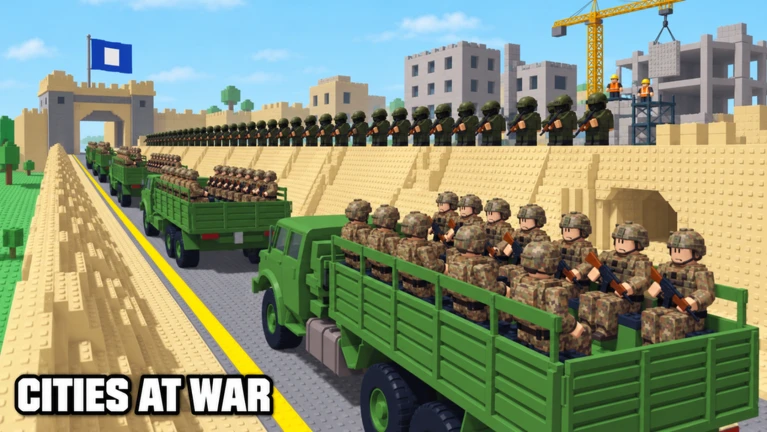
Goods prices at the docks shift every few minutes, so the same item can be cheap one moment and valuable shortly after.
- Check prices before you commit
spend a few minutes watching how a good's price moves before buying.
- Buy when prices are low, sell when they climb
this basic timing is what turns dockside trading into profit.
- Reinvest trading profits into buildings and research.
Research paths — troops and economy
Table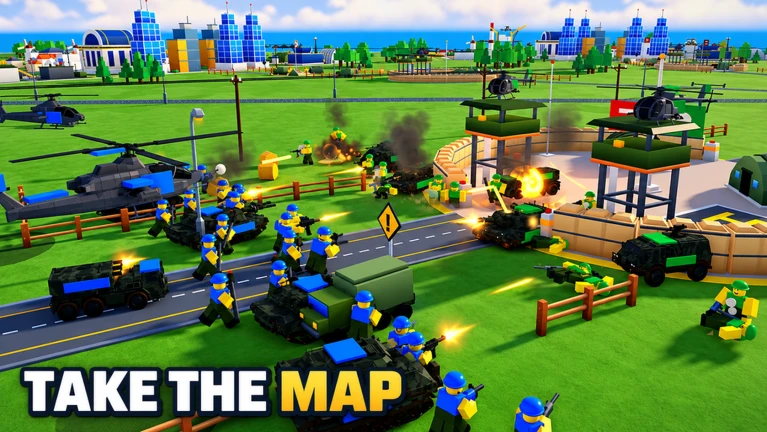
Research unlocks stronger units and a richer economy. Soldiers are the starting point, but tanks, helicopters, jets, and drones become available as you advance.
| Military research | unlocks and strengthens soldiers, tanks, helicopters, jets, and drones. |
| Economic research | improves the output of your city's buildings. |
Capturing enemy territory
Step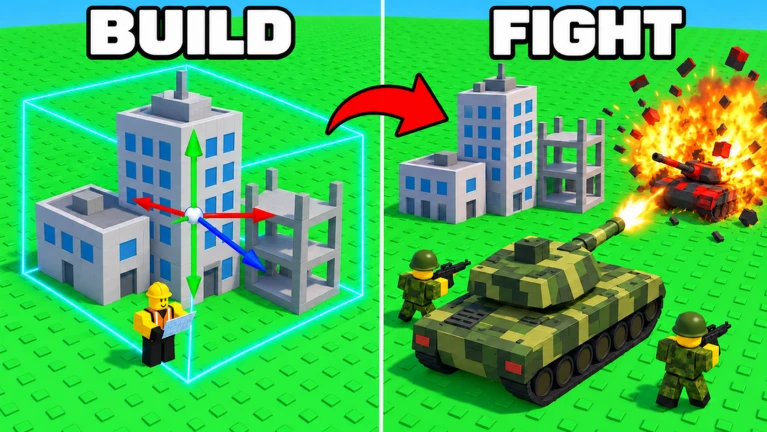
Combat is about sending your trained units to capture specific enemy installations. Each type of target — outpost, firebase, oil rig, or Capital — represents territory you can take from other players.
-
Visit another player's city to get a sense of their situation before committing your units.
-
Target outposts, firebases, oil rigs, and the Capital.
Playing in a six-player server
WarnEach server holds up to six players, each running their own independent city. That means up to five rivals can visit your city at any moment.
Glossary
Glossary- Income buildings
- Farms, mines, mills, and homes that earn resources automatically, including while you are offline.
- Docks
- The in-game marketplace where goods prices change every few minutes, letting you profit from buying low and selling high.
- Research
- The upgrade system that unlocks stronger military units and improves your economy.
- Outpost
- An enemy installation you can capture to expand your territory.
- Firebase
- An enemy military installation that is a target for territorial capture.
- Oil rig
- An enemy installation you can capture to expand your territory.
- Capital
- An enemy installation you can capture to expand your territory.
Common questions
FAQDo my buildings earn anything when I am not playing?
Yes. Farms, mines, mills, and homes all produce income automatically, even when you are logged off.
How many other players will I face in a server?
Each server holds up to six players, each with their own city. You can visit their cities, and they can visit yours.
What units can I unlock through research?
Research unlocks soldiers, tanks, helicopters, jets, and drones.
What is the point of trading at the docks?
Prices at the docks change every few minutes, so buying a good when it is cheap and selling it when the price rises earns you extra funds.
Game updates can change what is on this page. If you spot something, get in touch and let us know.
