Games listed 37,466
EN
Game guide

Turbo Soccer : Beta 1.0 - Car Soccer — Controls on every platform

Turbo Soccer : Beta 1.0 - Car Soccer
Turbo Soccer, Playing 20K, Rating 92.6%
Creator Turbo Soccer
Playing 20K
Rating 92.6%
Is this game fun?
No votes yet. Cast the first one.

About

Overview

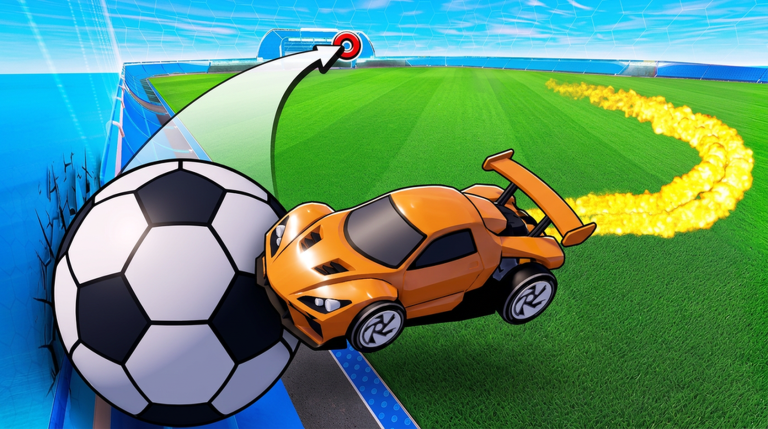
Turbo Soccer is a multiplayer Roblox game where you drive a car and play soccer against players from around the world. You earn Credits just by playing matches, then spend them to unlock new cars and customize your ride. This guide covers the controls, how matches work, how to improve, and how to build up your car over time.

What is on this page

Contents
01

Controls on every platform

Table
In short The control scheme is different depending on your device, so know yours before your first match.

Turbo Soccer supports three input methods. Pick whichever fits your setup — the game itself adjusts.

PCWASD keys to drive, mouse for camera and aiming
Mobileon-screen controller buttons displayed over the game
Consolea compatible controller plugged into your device
Ask on the board
02

How a match works

Step
In short Every match you play earns you Credits and experience, win or lose.

Matches are team-based. Your job is to get the ball into the opposing team's goal. You can squad up with friends to coordinate as a team.

  1. Join a match head into the lobby and start a game from there
  2. Chase the ball drive into the ball to push it toward the enemy goal
  3. Finish the match Credits and experience are awarded to everyone at the end
03 Live and upcoming events Events

いま開催中・開催予定のイベントです。期間が決まっているので先に確認しておきましょう。

Live now Oct 11 – Oct 12

CARS UPDATE! (and more)

The cars are getting a complete rework, and that's not all.

See the whole schedule
04

Earning Credits and unlocking gear

Check
In short Consistent play is the main way to build up Credits and expand what you can use on your car.

Credits are the currency you earn from participating in matches. You can then spend them to unlock new cars and customization options including skins, wheels, decals, and boosts.

  • Play every match you can Credits come in just for participating
  • Spend Credits to unlock new cars when you have enough saved
  • Visit the customization menu to apply skins, wheels, decals, and boost styles
  • Check whether any redeem codes are available the site tracks one working code right now, and codes can only be used once, so enter them before they expire
05

Rank and the leaderboard

Summary
In short Ranking up puts you against stronger opponents and shows your progress across the whole player base.

Each match adds experience to your profile. As that experience grows, your rank rises and your position on the global leaderboard updates to reflect it.

  • Experience source every match you finish, win or lose
  • Rank goes up as your experience total increases
  • Leaderboard records your standing against all other players worldwide

06 Working codes Codes
PACK an exclusive pack
an exclusive pack
Every code, and the votes on it, are on the codes page

Glossary

Glossary
Credits
The in-game currency you earn by playing matches, used to unlock cars and buy customization items.
Boost
A speed function you can use while driving.
Rank
A grade that rises as you earn experience from matches, reflected on the global leaderboard.
Leaderboard
A worldwide ranking table that tracks and compares player performance across all matches.
Decal
A visual graphic you can apply to your car as part of the customization system.

Common questions

FAQ

How do I get new cars?

Earn Credits by playing matches, then spend them to unlock new cars. You do not need to win — simply finishing a match gives you Credits.

Can I play on my phone?

Yes. Mobile is fully supported, and the game shows an on-screen controller so you do not need any extra hardware.

Updated Oct 6, 2026
Game updates can change what is on this page. If you spot something, get in touch and let us know.
Turbo Soccer : Beta 1.0 - Car Soccer Turbo Soccer, Playing 20K, Rating 92.6%
See the game pageSee working codesAsk on the board
Add it to your home screen and it works like an app. One tap to open, and it loads faster after that.