
GRAU SP Guide: First steps in the city
About
OverviewGRAU SP is a Roblox action game set in a Brazilian street-culture world where you ride bikes, pull off wild stunts, and explore a city with your own customized character.
What is on this page
Contents
First steps in the city
Step
When you load into the game, you have a bike ready to go. The city is open, so ride wherever you like while you find your feet.
- Ride around take the bike through different areas of the city to get used to the controls.
- Explore the map look for different streets and spots around the city.
- Grab items type commands like /lanterna for a flashlight or /camera for a camera to pick up useful gear.
- Find the stunt key open settings and choose whichever key feels best for triggering the grau (wheelie) move.
- Activate the robot police car tap the gear icon on the left side of the screen and hit VIATURA: ATIVAR when you want that extra challenge.
MetaNew Player Survey
The next survey is being prepared.
Character and bike customization
Check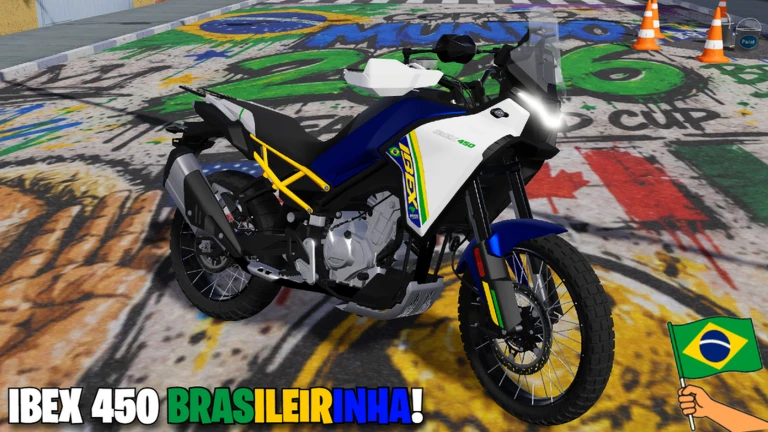
Customization in GRAU SP covers your character's skin, helmet, and bag. The skin button appears right on your screen, and helmets and bags are handled through text commands.
- Press the clothing-icon button on your screen to cycle through available character skins.
- Type /cap through /cap20 to try different helmets, and /rcap to take yours off.
- Type /bag or /bolsa to equip a bag, and /rbag to remove it.
Item commands worth knowing
Table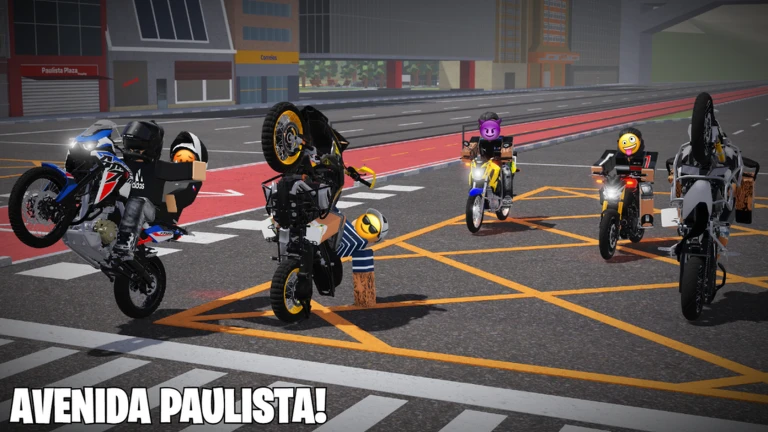
The game hands out a range of items through short slash commands.
| /lanterna | flashlight |
| /camera | camera |
| /dinheiro, /dinheiro2, /dinheiro3 | different money items |
| /kitmedico | medical kit |
| /selfie | selfie item |
| /pizza, /agua | food and drink items |
| /rojao, /mixa, /cpt, /va, /martelo | additional adventure gear |
Pulling off stunts
Tips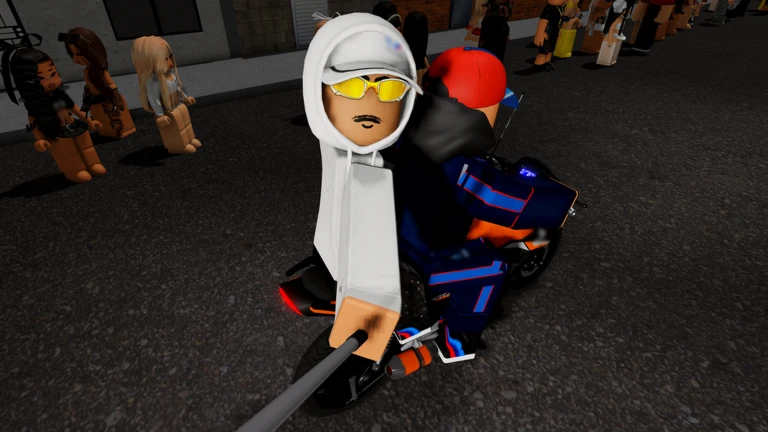
Performing stunts, especially the wheelie known as the grau, is the main thing to work toward in GRAU SP. The game lets you bind the stunt to any key you find comfortable, so experiment in settings.
- Set your grau key in the settings menu before you start practicing.
- The game is clear that you should never attempt any of these moves in real life.
Glossary
Glossary- Grau
- The Portuguese word for the wheelie stunt at the core of the game, where you ride on the back wheel only.
- Viatura Robô
- The robot police car event that chases your character around the city once you activate it from the settings menu.
- Cap
- The helmet items equipped via the /cap commands, ranging from /cap through /cap20.
- Bag / Bolsa
- A backpack accessory equipped with /bag or /bolsa and removed with /rbag.
Common questions
FAQHow do I do the wheelie?
Go into the game's settings and assign a key to the grau action — the game lets you pick whichever key suits you. Once that is set, press the key while riding and your character will pull the bike up onto its back wheel.
How do I get items like the flashlight and camera?
Type the matching slash command while you are in the game — /lanterna gives you a flashlight and /camera gives you a camera.
Is the robot police car always chasing me?
No — it only activates when you switch it on yourself. Open the gear icon on the left side of the screen and select VIATURA: ATIVAR to start the chase.
Can I change my character's look after I first log in?
Yes. Use the clothing-icon button for skins and the /cap, /bag, and /bolsa commands any time you want a different look.
Game updates can change what is on this page. If you spot something, get in touch and let us know.
