
Piano Tiles Guide: Basic gameplay loop

About
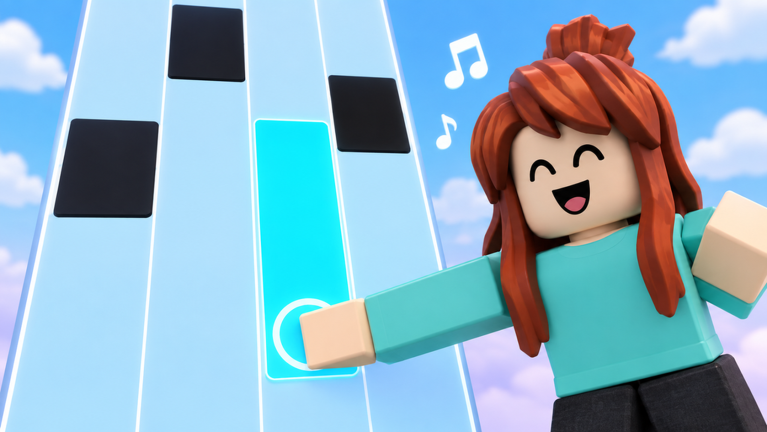
OverviewPiano Tiles is a rhythm game on Roblox where you tap falling tiles in time with the music. You can play solo at your own pace, go head-to-head against another player, or test your memory as the tiles fade out. This guide covers each mode, how to earn stars, and how to unlock skins and backgrounds.
What is on this page
Contents
Basic gameplay loop
Step
When you start a session, you choose a song and then pick a speed that suits your skill level. Tiles fall down the screen and you tap or press each one in rhythm with the music. Miss a tile or fall out of time and the run ends.
- Choose a song browse the track list and select whatever you want to play.
- Set your speed start lower if you are new; raise it as you get comfortable.
- Tap every tile hit each tile as it reaches you to keep the music going.
- Stay on beat a missed tile or a badly timed tap ends your run.
The three game modes
Table
Piano Tiles offers three distinct ways to play. Endless and Fade are solo challenges, while 1v1 puts you directly against another player.
| Endless | speed increases gradually as you play; the goal is to survive as long as possible. |
| 1v1 | you and one other player race through the same song and compare scores in real time. |
| Fade | tiles disappear just before you need to tap them, so you have to remember where they were. |
Daily Song challenge
Check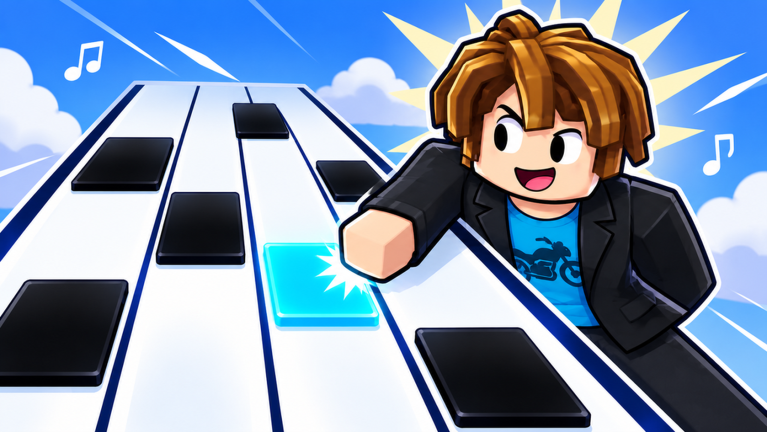
A new song challenge appears every day. Clearing it earns you stars, which you need for unlocking cosmetics and climbing the leaderboard.
- Check whether a new Daily Song is available it resets each day.
- Complete the challenge to earn stars.
Control options
Summary
The game works with touch, keyboard, and controller.
- Touch tap the tiles directly on a mobile device or tablet.
- Keyboard press keys on a PC keyboard to hit tiles.
- Controller connect a game controller and use its buttons instead.
Glossary
Glossary- Tile
- A falling block on screen that you tap or press in time with the music.
- Star
- A reward earned by playing songs and completing Daily Song challenges, used to unlock tile skins and backgrounds.
- Endless mode
- A solo mode where the tile speed rises continuously and you try to last as long as you can.
- Fade mode
- A solo mode where tiles vanish just before you need to hit them, testing how well you remember their positions.
- Daily Song
- A new song challenge that refreshes every day and rewards stars when completed.
Common questions
FAQHow do I start a 1v1 match?
Select the 1v1 mode from inside the game and you will be matched against another player. You both play the same song and your scores are compared at the end.
How many players can be in one room?
A single room fits up to 25 players at the same time.
How do I earn stars?
Complete the Daily Song challenge and play songs to earn stars.
Game updates can change what is on this page. If you spot something, get in touch and let us know.
