
House Tycoon 2 Guide: First steps when you load in
About
OverviewHouse Tycoon 2 is a building and real-estate tycoon game where you buy houses, customize them, and grow your income until you own the whole town. The game is currently in alpha, so new features are still being added.
What is on this page
Contents
First steps when you load in
Step
When you first start, the game gives you a house and walks you through the basics. Follow every tutorial message before you try anything on your own. Once the tutorial is done, use that first house to practice — change the wall colors, adjust the floor, and rearrange the layout until the controls feel natural.
- Follow the tutorial work through every prompt before exploring on your own.
- Change the wall color a quick color swap is the fastest way to get comfortable with the building tools.
- Review tutorial messages if something confuses you, scroll back through the in-game prompts for the answer.
MetaNew Player Survey

The next survey is being prepared.
Earning money and buying more houses
Tips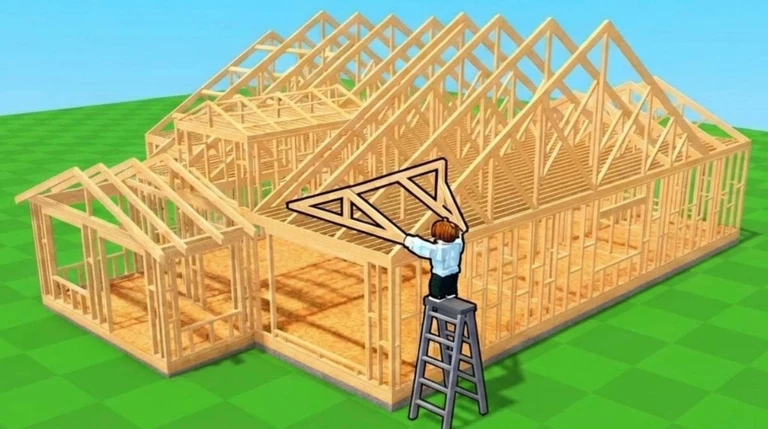
House Tycoon 2 is built around earning income from your properties and using that money to buy more. Once you own more than one house your income grows faster, and the game starts to snowball in your favor.
- Use your first house to start generating income.
- Save until you can afford the next house.
- Each house you own adds another income stream, so every purchase speeds up the next one.
Building and customization
CheckThe game gives you a lot of freedom with how your houses look and how rooms are arranged. You can redesign a house as many times as you want. Visiting other players' houses is one way to pick up layout ideas.
- Try a fresh theme each time you redesign.
- Browse other players' houses public builds are free to walk around and study.
What is in the game right now and what is coming
Tips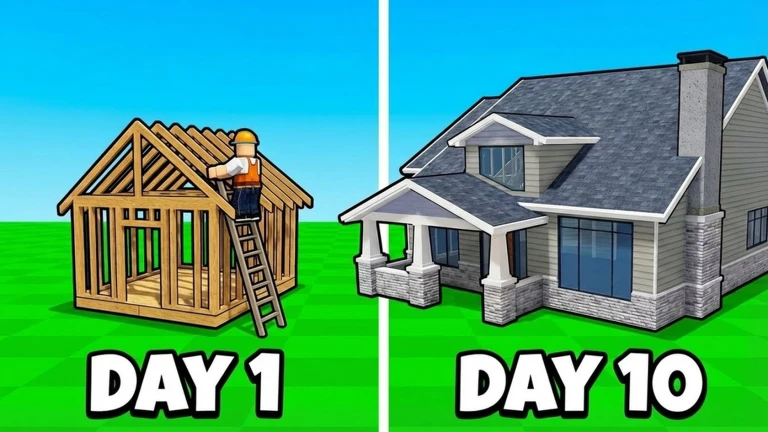
Because House Tycoon 2 is in alpha, the feature list will keep growing. More houses and more cars are both planned additions. Turn on Roblox notifications for the game so you hear about each update the moment it goes live.
- Available now — buying houses, building and customizing them, and managing your income.
- Coming later — more house types and more cars.
- Turn on notifications so you know the moment a new house or car arrives.
When something goes wrong
Check
Alpha games are expected to have rough edges. Before anything else, check whether you simply do not have enough money, since that is the most common reason a purchase or build action fails. If funds are not the issue, a full restart sorts out the majority of bugs.
- Check your balance first many roadblocks are just a cash shortage in disguise.
- Restart the game a fresh load clears most alpha-stage glitches.
Playing without spending real money
Warn
Everything in the core game — buying, building, earning — is available without spending real money. Redeem codes issued by the developer can be entered in the in-game code field. A code can only be redeemed once.
Community strategy ideas
CommunityThese ideas and tips come from people playing the game. Share your discoveries too!
No strategy ideas yet. Share a tip you discovered.
Share a strategy idea
House Tycoon 2
Glossary
Glossary- Alpha
- The stage of development where a game is playable but still unfinished, meaning bugs and big changes are normal.
- Tycoon
- A type of Roblox game where you earn money and reinvest it to build something bigger over time.
- Layout
- The arrangement of rooms and furniture inside a house.
- Customization
- Changing the colors, furniture, or structure of your house to match your own style.
- Redeem code
- A short string of text the developer gives out that you type into the game to claim a reward.
Common questions
FAQDoes owning more houses actually help?
Yes — each house you own adds another source of income, so your money grows faster the more properties you hold.
When are cars and more houses being added?
The game page lists more houses and more cars as planned additions, but no release date is given. Turning on notifications for the game is the best way to find out the moment anything new drops.
The game is running strangely — what should I do?
Alpha games are expected to have bugs, so a full restart is always the first thing to try. If the problem keeps coming back after restarting, check whether it is a feature that simply has not been built into the game yet.
Game updates can change what is on this page. If you spot something, get in touch and let us know.
