
Keyboard Color Bridge — How the game works
About
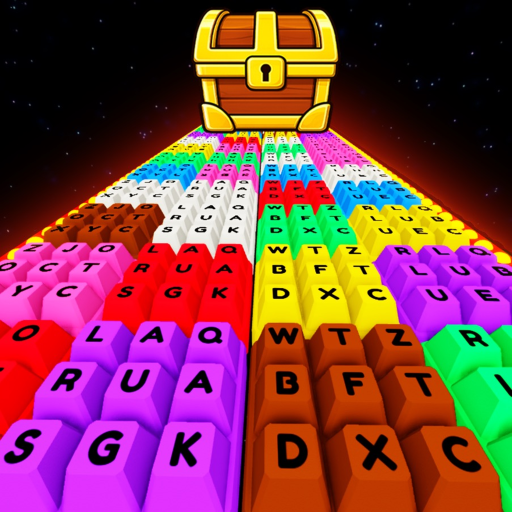
OverviewKeyboard Color Bridge is a Roblox obby-puzzle game where you tap keyboard keys to match colors and cross a series of blocks all the way to the finish.
What is on this page
Contents
How the game works
Summary
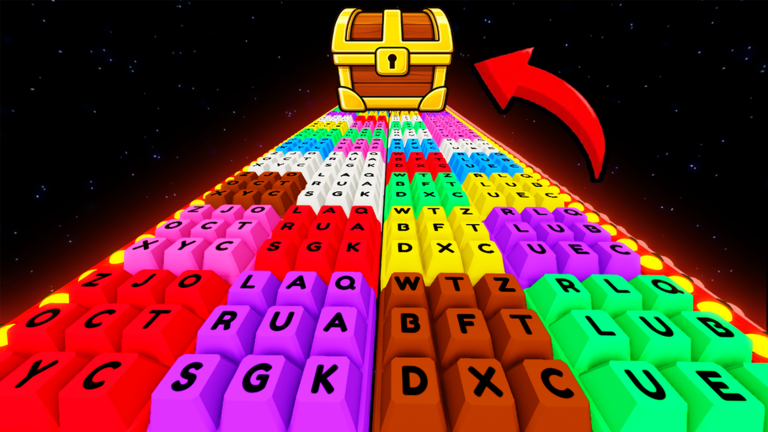
Each round puts a bridge of colored blocks in front of you. The game tells you which color to pick, and you press the matching keyboard key to step onto that block. Choose the wrong color and you fall and have to start over. Get every color right across all the stages and you reach the finish, where a big prize is waiting.
- Goal reach the end of every stage to claim the prize
- Input press a keyboard key to select your color
- Rule only the correctly colored block lets you cross
- Mistake wrong color means a restart
- Pace stages get harder as you go further
Starting out on your first run
StepThe opening stages are forgiving, so use them to get comfortable with how the prompts and blocks line up. There is no penalty for falling beyond restarting, so treat each attempt as practice. Work through one step at a time rather than rushing ahead.
- Read the color prompt look at what color the game is asking for before you touch any key.
- Pick one key press only the key that matches that color; hitting multiple keys at once causes mistakes.
- Give yourself multiple attempts falling means you can restart and try again.
What to check when you keep falling
Check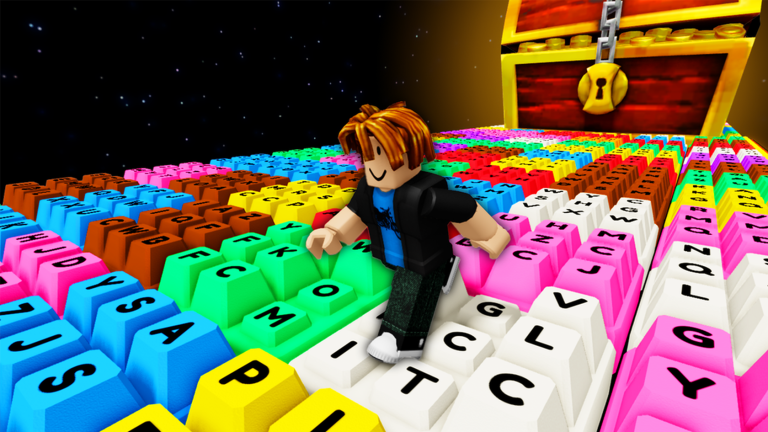
As you get deeper into the game, more colors appear and blocks come faster. When a stage feels impossible, go back to basics before giving up.
- Re-read the on-screen color prompt it is easy to skim it and guess wrong.
- Confirm you pressed the correct key the wrong key looks right in a hurry.
- Check whether your display brightness is making colors hard to tell apart adjusting it can clear up confusion.
- Give yourself a few more attempts getting used to the speed of a new stage just takes repetition.
Playing with friends
TipsKeyboard Color Bridge supports multiplayer, and the design lets each person move at their own speed. Someone finishing first does not ruin the run for everyone else, and multiple attempts mean everyone keeps improving together.
- Let each player move at their own pace.
- If one person reaches the goal first, others can keep going.
- Replaying stages together helps newer players improve.
Glossary
Glossary- Stage
- One section of the bridge; the game grows harder with each stage you clear.
- Goal
- The finish point at the very end of the bridge, where the big prize is awarded.
Common questions
FAQWhat happens when I step on the wrong color?
You fall and restart that stage. There is no limit on attempts, so you can try as many times as you need.
Can I play this alone?
Yes — the game works fine solo or with friends.
The colors on my screen are hard to tell apart. What should I do?
Try adjusting your display brightness or the lighting around you.
Game updates can change what is on this page. If you spot something, get in touch and let us know.
