
Lucky Block World: RAINBOW OP Guide: Getting started with mining
About
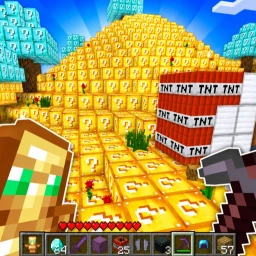
OverviewLucky Block World: RAINBOW OP! is a Roblox game where you mine Diamond Lucky Blocks to collect items, then use those items to build your dream house or fight other players.
What is on this page
Contents
Player notes and tips
Found a useful trick? Share it with everyone! Notes with screenshots are welcome!
Write a guide note
Lucky Block World: RAINBOW OP!
Getting started with mining
Step
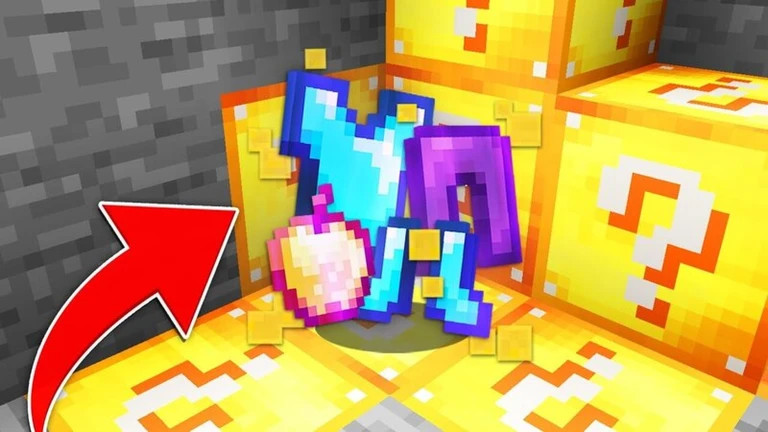
When you join a server, find the mining area and start breaking Diamond Lucky Blocks. Each block you mine drops items that you can use for building or combat. Your item collection is saved across every server, so nothing you gather is ever lost when you switch.
-
Find the mining area and break Diamond Lucky Blocks to collect items.
-
Your items save no matter what server you are on.
MetaNew Player Survey

The next survey is being prepared.
Building on your private server
Check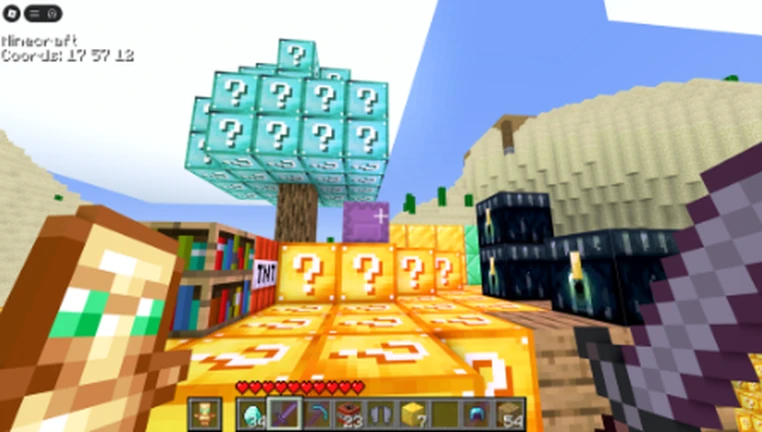
You can use the items you mined to construct any house or structure you want. Every build is stored on a private server at no cost, and you can go back and change your design as many times as you like.
- Use items collected from mining as your building materials.
- Your builds save automatically to your private server.
- Private server storage is free.
PvP and fighting other players
Tips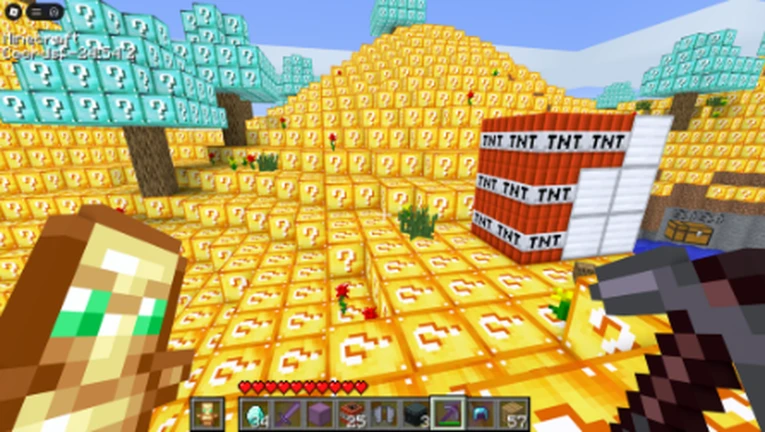
The game includes PvP where you fight against other players. Items and weapons gathered while mining can be used in combat. You can also play with friends.
- Enter PvP mode to compete against other players.
- Items collected from mining can be used in combat.
- Play with friends.
How the save system works
Tips
The game uses two save systems. One handles your collected items and the other handles your builds.
- Item saves
synced across every server, so switching never costs you loot.
- Build saves
stored on your private server.
- Both systems are completely free with no purchases required.
Glossary
Glossary- Diamond Lucky Block
- A mineable block found in the mining area that drops items usable in building and PvP.
- Private server
- A personal server space where your builds are saved and preserved between sessions.
- PvP
- A mode where you fight against other players using items collected from mining.
Common questions
FAQWill my house disappear if I leave the game?
No. Builds are saved automatically to your private server.
Do I need to spend Robux to access everything?
No. Mining, building, and PvP are all free. The private server storage that keeps your builds safe is also provided at no cost.
What happens to my items if I join a different server?
Your items are saved no matter which server you are on.
Game updates can change what is on this page. If you spot something, get in touch and let us know.
