
SELL YOUR AVATAR — The basic loop
About
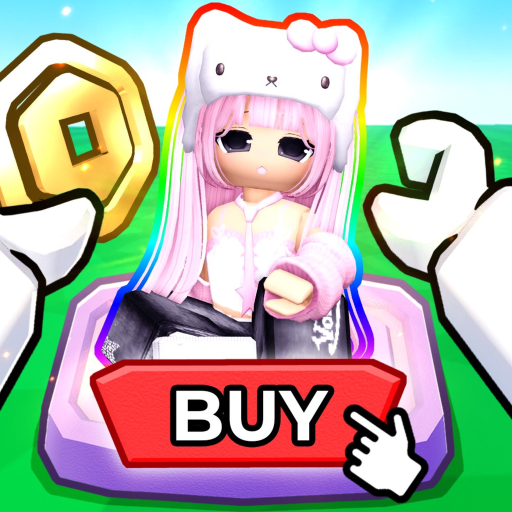
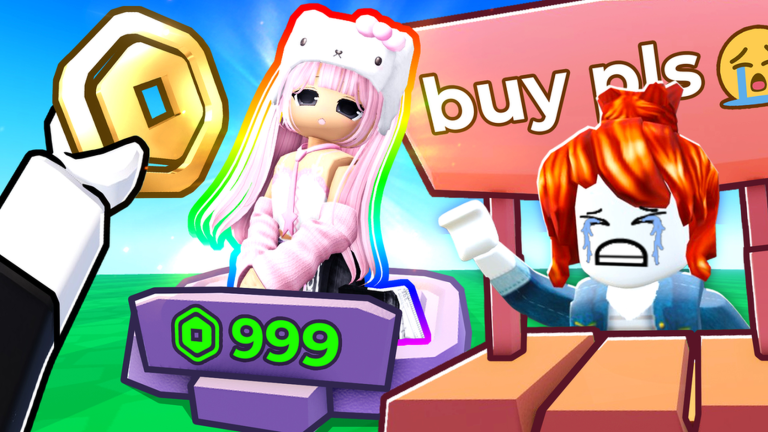
OverviewSELL YOUR AVATAR is a Roblox game where you design outfits, put them on display at your booth, and shop outfits made by other players — all to earn coins you can spend on avatar items that work in every Roblox game.
What is on this page
Contents
The basic loop
Step
The whole game runs on one repeating cycle. Once you understand it, you know what to do every session.
- Create an outfit build a look and put it on your booth so other players can see and buy from it.
- Browse the shop look through outfits other players have posted and buy items that catch your eye.
- Earn coins you earn coins both when someone buys from your booth and when you buy from someone else's.
- Spend coins take your coins to the avatar item shop and pick up items that go straight to your Roblox inventory.
VIP servers and Roblox Plus
Table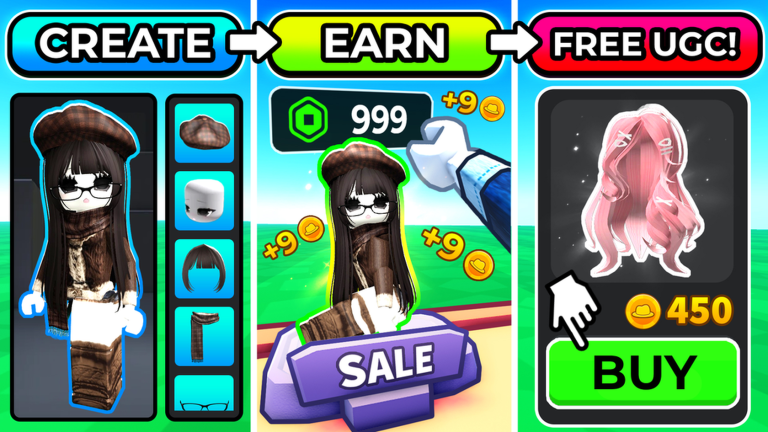
Two optional extras are available, and knowing what each one does helps you decide whether either is worth your time.
| Free VIP server | cuts lag if the main servers feel slow. |
| Roblox Plus membership | unlocks an exclusive booth not available to standard accounts. |
| No extras | the full core game is available without either. |
What happens to items you buy
SummaryAny avatar item you purchase with coins is added automatically to your Roblox inventory. You do not need to do anything extra to claim it.
- Added automatically items land in your inventory the moment you buy them.
- Works everywhere you can equip those items in any Roblox game, not just this one.
Glossary
Glossary- Booth
- The in-game display spot where you wear and show off your outfit so other players can browse and buy from it.
- Roblox Inventory
- The account-wide storage that holds every avatar item you own, accessible across all Roblox games.
- Coins
- The in-game currency earned by selling from your booth and by buying from others, spent on avatar items.
Common questions
FAQCan I play without spending any money?
Yes — every core feature of the game is free. Roblox Plus and VIP servers are optional conveniences, not requirements, and the game is fully playable without them.
Do I earn coins when I buy something, or only when I sell?
Both. You earn coins when another player buys an item from your booth, and you also earn coins when you buy an item from someone else's outfit.
Will items I buy here disappear if I stop playing?
No. Avatar items you purchase are saved to your Roblox inventory, which is tied to your account rather than to this specific game. They stay there and can be worn in any Roblox game you play.
Game updates can change what is on this page. If you spot something, get in touch and let us know.
