
Happy Tower Obby — Basic controls
About
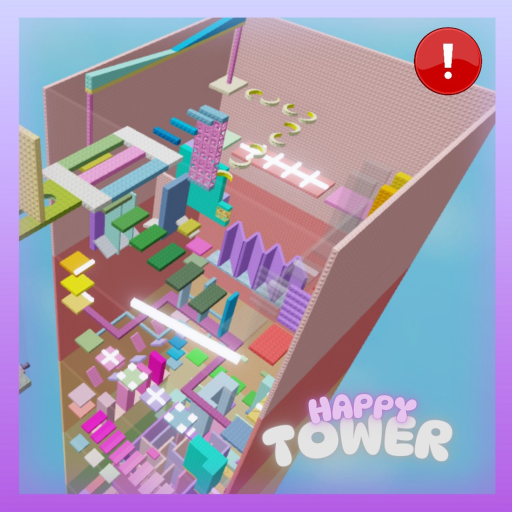
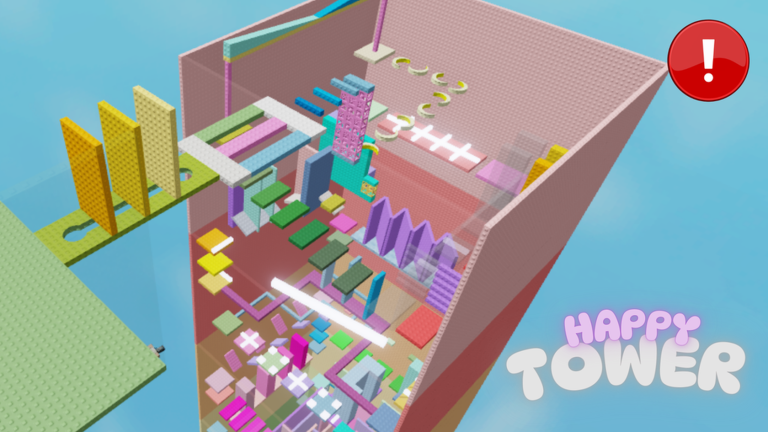
OverviewHappy Tower Obby is a colorful climbing game where you work your way up a tower packed with tricky obstacles, either on your own or alongside friends. This guide covers the controls, how to handle the obstacles you will run into, what to do when you get stuck, and how to keep improving once you have reached the top.
What is on this page
Contents
Basic controls
CheckHappy Tower Obby does not ask for complicated inputs. Move in any direction with WASD, jump with the spacebar, and hold Shift while moving to sprint. Drag the mouse to reposition the camera whenever your view feels awkward.
- WASD moves your character in four directions
- Spacebar jumps, and you can jump again immediately after landing
- Holding Shift while moving makes you sprint faster
- Mouse movement adjusts the camera angle freely
How the tower is structured
Summary
Obstacles grow more demanding the higher you go, starting with straightforward platforms and building toward sections that require precise timing and quick reactions. When you fall, you respawn close to where you dropped.
Common obstacles and how to beat them
Tips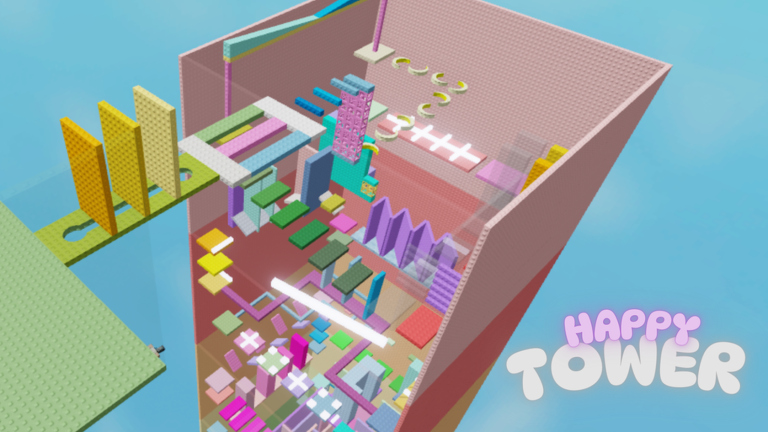
Every obstacle type in Happy Tower has a readable pattern. Spend a moment watching before you commit, and the path forward becomes much clearer.
- Moving platforms — wait and match your jump to the platform's direction of travel
- Disappearing floors — get across quickly to limit the time your weight is on them
- Steep slopes — build up speed before the incline and do not slow down partway up
- Rotating platforms — aim for the center where the spin affects your footing least
- Any obstacle — watch at least one full movement cycle before attempting it
Three things to check when you are stuck
Step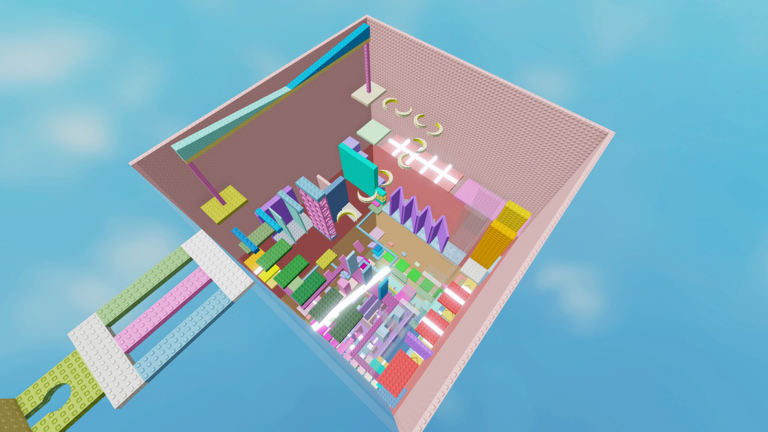
If you keep falling at the same spot, step back and run through these three checks before trying again.
- Check the camera rotate it with the mouse until you have a clear view of the platform ahead
- Check your timing try jumping slightly earlier or later than you have been, since small timing shifts make a big difference on moving and disappearing floors
- Check your speed decide whether sprinting or walking gives you better control at that exact spot
- Check your fall pattern notice exactly where you drop each attempt
Getting faster after your first clear
Tips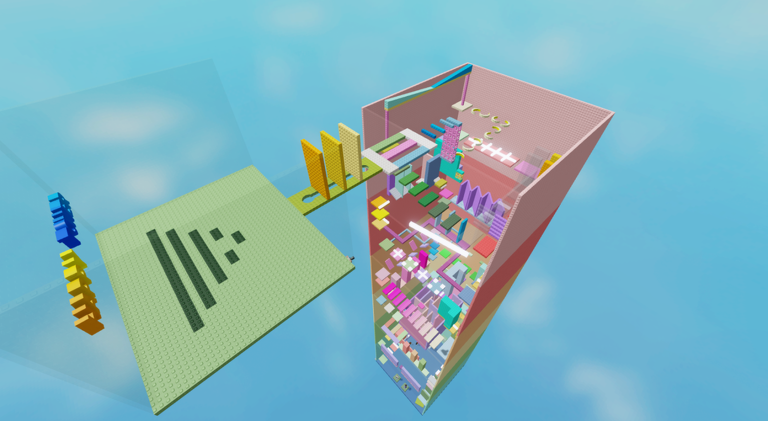
Clearing the tower once is satisfying, but trying to beat your own time is where the game opens up. Competing with friends on time adds another layer without needing any new content.
- Time yourself on repeat runs to track your personal improvement
- Compare times with friends in the same server and swap tips on tight sections
- Experiment with different paths through each section to find the quickest line
Safe habits while playing
Warn
Roblox brings a large number of players together. A few simple rules protect both you and your account while you enjoy the climb.
Glossary
Glossary- Obby
- Short for obstacle course — a Roblox game genre where you jump and run through a series of challenges to reach a goal.
- Checkpoint
- A marker partway up the tower; once you reach one, it becomes the spot you respawn from if you fall.
- Respawn
- What happens when you fall — your character reappears at the last checkpoint you touched.
- Sprint
- Faster movement triggered by holding Shift while moving, useful for gaps that need extra speed.
- Time attack
- A self-imposed challenge where you try to reach the top as fast as possible and beat your previous best time.
Common questions
FAQWhere do I restart from when I fall?
You respawn at the last checkpoint you reached, which is placed at intervals throughout the tower.
Can I play with friends?
Yes — join the same server and you will climb alongside each other in the same colorful world. You can watch each other attempt obstacles, compare progress, and share tips on hard sections.
Do I need to spend money to finish the game?
No. Every obstacle in the tower is accessible without spending anything. You can reach the top entirely through free play.
I keep falling at the same spot. What should I try?
First, rotate the camera so you have a clear view of the platform you are aiming for. Then experiment with your jump timing — earlier or later by just a fraction can be the difference. Finally, decide whether that particular gap needs a sprint or a more careful walking pace.
Game updates can change what is on this page. If you spot something, get in touch and let us know.
