
An Infinite Highway — First things to do when you join
About
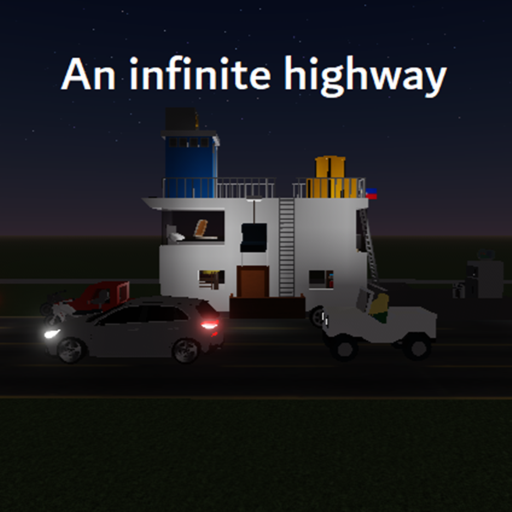
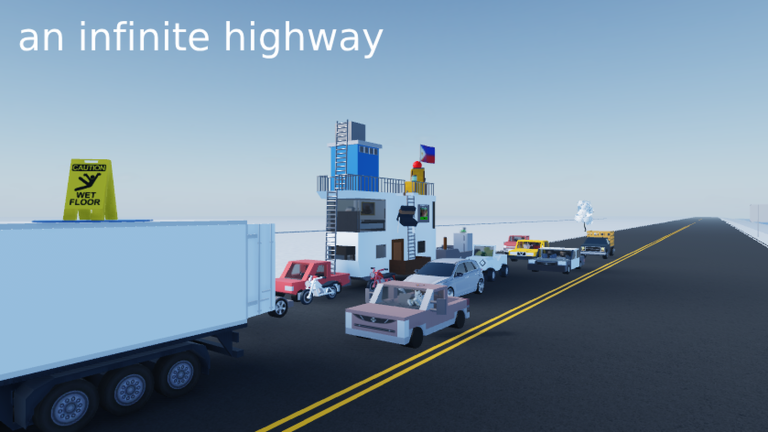
OverviewAn Infinite Highway is a hangout-style road trip game where the main goal is collecting all 17 badges by exploring the highway and stumbling into its events. This guide walks you through getting started, hunting down every badge, and using the built-in commands when you get stuck.
What is on this page
Contents
First things to do when you join
Step
Most of your early badges require nothing more than touching parts of the world or letting the highway do its thing to you. The road itself is your first checkpoint — step onto the asphalt and you earn a badge immediately. From there, wandering in different directions reveals sand, grass, buttons, signs, and more.
- Touch the asphalt step onto the road right away to pick up the touch asphalt badge, which the developers note that nearly every player gets.
- Head off-road look for a sandy area and interact with it to unlock toes in the sand, and find a grassy patch for touch grass.
- Watch for signs stroll along the roadside without paying attention and you will walk into a road sign, earning road sign'd through sheer lack of spatial awareness.
- Pick up a ball grab any ball you spot on the map and the baller badge is yours with no further effort required.
- Let a car hit you getting run over by traffic earns ran over.
Badges that need more effort
Tips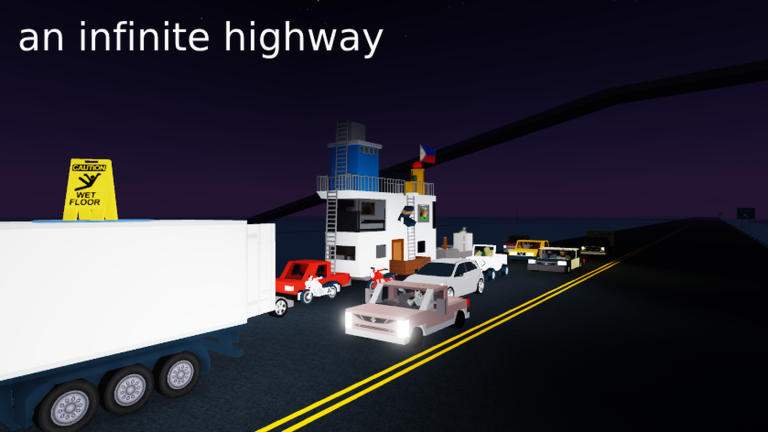
Once you have the easy badges, a handful of trickier ones are waiting. Some depend on game events you cannot fully control, while others need a deliberate trick or a bit of patience with your aim.
- To earn ballin', you need to shoot a ball into the chicken truck from at least 75 studs away — distance is everything here, so back up before you throw.
- The bandit raid is an event; when bandits attack, you earn raided just by being caught in it, and if you loot a fallen bandit afterward you earn loot a bandit corpse on top of that.
- Use a lockpick on something in the game world to earn thief.
- Land a brute-force punch — described by the developers as a 'falcon punch' — to earn the brute force badge.
- The slip badge is tied to a banana.
- Find the hidden button on the map for the find the button badge; the developers are upfront that the button does nothing, but finding it still counts.
Rare and event-based badges
Check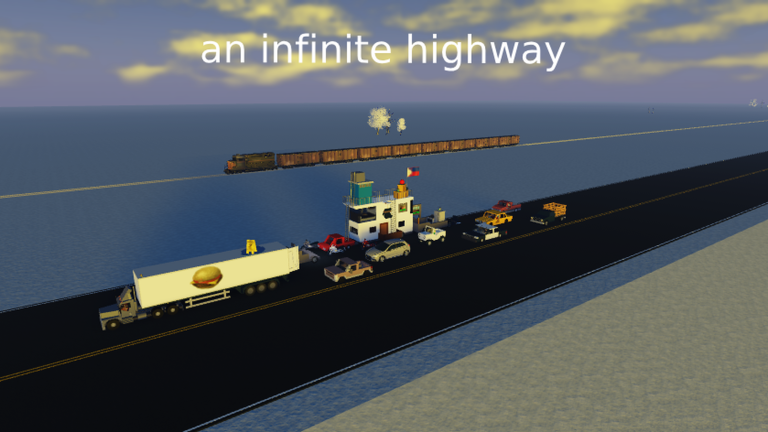
Three badges stand out because they rely on specific characters or situations rather than objects you can seek out.
- Met the developer cross paths with the game's developer in a live session to earn met the owner.
- Funny elf plush find the elf plush character somewhere in the game world.
- Money button there is a second hidden button tied to currency; hunt for it separately from the find the button one.
- Cash money a badge tied to money.
Chat commands when you are stuck
Summary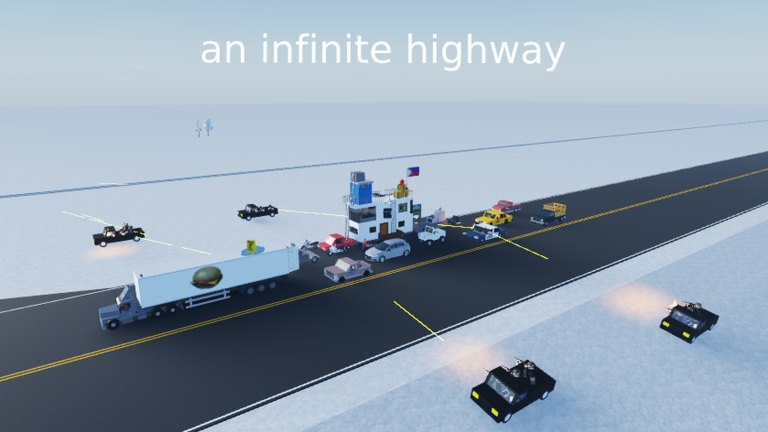
The game gives you several commands you can type into chat at any time. They are especially useful when your character gets into an awkward state or you just want to reset quickly.
Glossary
Glossary- Studs
- The unit of distance Roblox uses — 75 studs is roughly the length you need to stand back for the ballin' badge shot.
- Bandit raid
- A random in-game event where a group of bandits attacks players, triggering badge opportunities for those caught in it.
- Lockpick
- An in-game action that earns the thief badge when used on something in the world.
- Hangout game
- A game with no strict win condition — players explore, chat, and mess around at their own pace.
- Free model
- A pre-made asset from the Roblox library that developers can drop into their games; the developer credits the creators of the models used here.
Common questions
FAQHow do I get un-stuck if my character stops moving properly?
Type /respawn or /die into chat to reset your character immediately. If that does not fix things, type /rejoin to drop back into a fresh session.
Is the find the button badge worth chasing?
The developers openly say the button does nothing when pressed — but finding it still awards the badge.
Can I use the chat commands on other players?
No — every command in the list works only on your own character. You cannot use /explode or /respawn on someone else.
Game updates can change what is on this page. If you spot something, get in touch and let us know.
