
Pro Soccer Online Guide: Controls for PC and mobile

About
OverviewPro Soccer Online puts up to eight players on a small field for fast, back-and-forth soccer matches. This guide covers the controls, how matches work, what you can customize, and how to get the most out of every game.
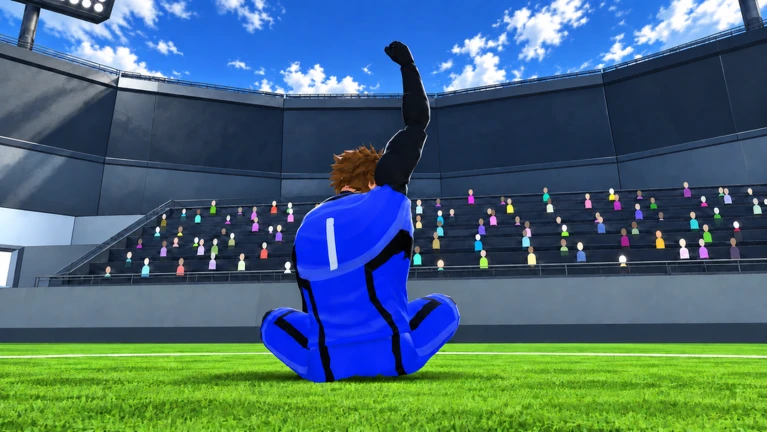
What is on this page
Contents
Player notes and tips
Found a useful trick? Share it with everyone! Notes with screenshots are welcome!
Write a guide note
Pro Soccer Online
Controls for PC and mobile
Check
On PC, your mouse and keyboard handle everything. Mobile players use taps and swipes to do the same things. Combining left-click with Shift gives you the most control over shooting and dribbling.
- Left-click shoot or pass
- E barrida (tackle to win the ball)
- Q regate (quick dribble move)
- Shift sprint
- Space jump
- CTRL lock mouse view
MetaNew Player Survey

The next survey is being prepared.
How a match starts
Step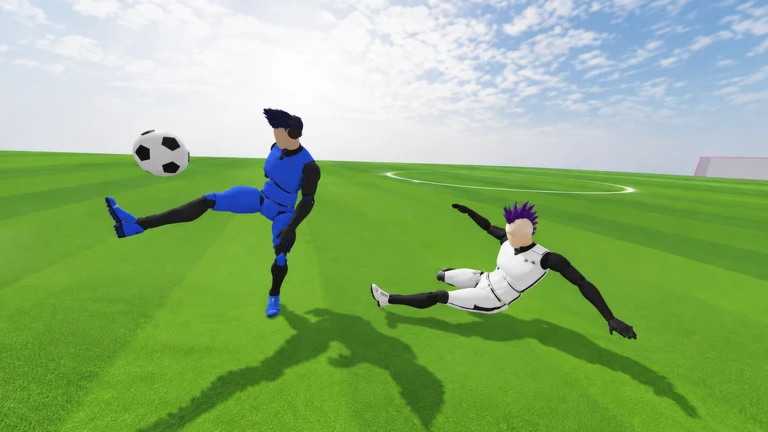
Matches are built around speed. The field is small, so there is no downtime between attacks and defense. Each server holds a maximum of eight players split across two teams.
- Join a server the game places you on a team automatically.
- Contest possession fights for the ball happen constantly.
- Score get the ball past the opposing AI goalkeeper to put your team ahead.
Getting past the AI goalkeeper
Tips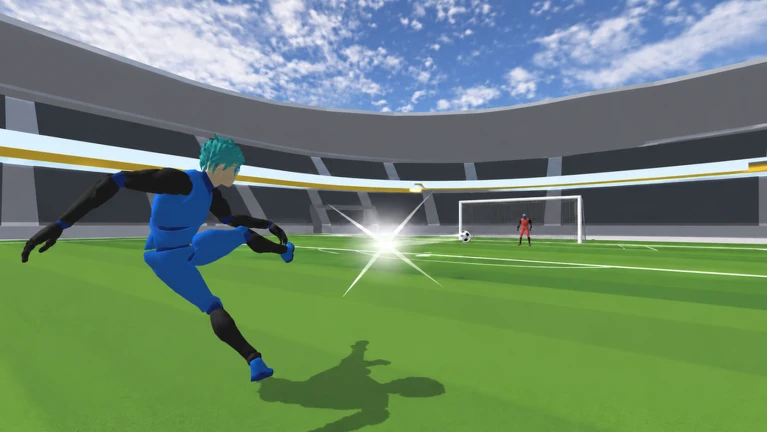
Because the keeper is AI-driven, it reacts to where you aim. Picking your spot carefully and varying your approach makes it much harder for it to stop you.
- Check where the keeper is standing before you shoot, then aim for the open side of the goal.
- A fast shot gives the keeper less time to react than a slow, telegraphed one.
- Pass to a teammate in a better position rather than forcing a shot from a bad angle.
Character customization
Summary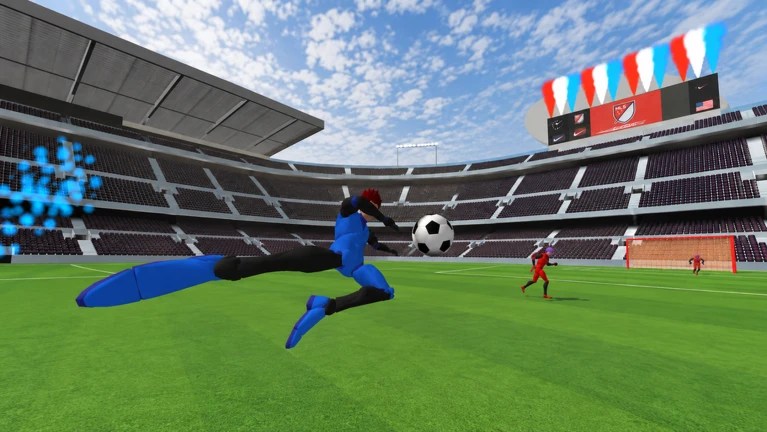
The game lets you change how your character looks and which animations they use. Everything you set is saved automatically, so you will always start the next session looking exactly how you left it.
- Appearance change how your character looks.
- Animations pick a movement style.
- Auto-save your choices are stored without any extra step from you.
Progress saving and private servers
TipsThe game saves your progress automatically, so nothing you earn is lost when you log off. Private servers are available if you want a controlled environment away from public matches.
- Your progress is saved after every match and waiting for you when you return.
- Use a private server to practice moves or run a match with friends only.
Glossary
Glossary- Barrida
- A tackling move triggered with E that lets you take the ball away from an opponent.
- Regate
- A quick dribbling move triggered with Q used to change direction or beat a defender fast.
- AI Goalkeeper
- The keeper on each team is controlled by the game, not a human player.
Common questions
FAQHow many players can be in one match?
Each server holds up to eight players. Those eight are divided between two teams.
Can I play on mobile?
Yes. Pro Soccer Online supports mobile devices, and all the PC actions are available through taps and swipes.
How do I play with just my friends?
Use a private server. It keeps the match limited to the people you invite, away from the public server pool. Private servers are built into the game.
Do I lose my progress if I leave mid-match?
No. The game saves your progress automatically, so you can pick up from where you left off the next time you log in.
Game updates can change what is on this page. If you spot something, get in touch and let us know.
