
EASYFLIGHT - Flight Simulator Guide: Getting into the cockpit
About
OverviewEASYFLIGHT is a flight simulator where you pick an aircraft, climb into the cockpit, and fly through extreme weather using next-generation physics. This guide covers the controls, customization, weather challenges, and the visual systems added in the current beta so you can get airborne and land in one piece.
What is on this page
Contents
Getting into the cockpit
Step
When you join a session, you choose which aircraft you want to fly before anything else. Once you are seated in the cockpit, the controls you need — throttle, stick, and gear — are all available.
- Choose your aircraft select the plane you want from the picker at the start of the session.
- Advance the throttle push throttle up to build speed along the runway before you lift off.
- Lower the gear before landing, deploy the landing gear and reduce throttle as you line up with the runway.
Weather and physics
Warn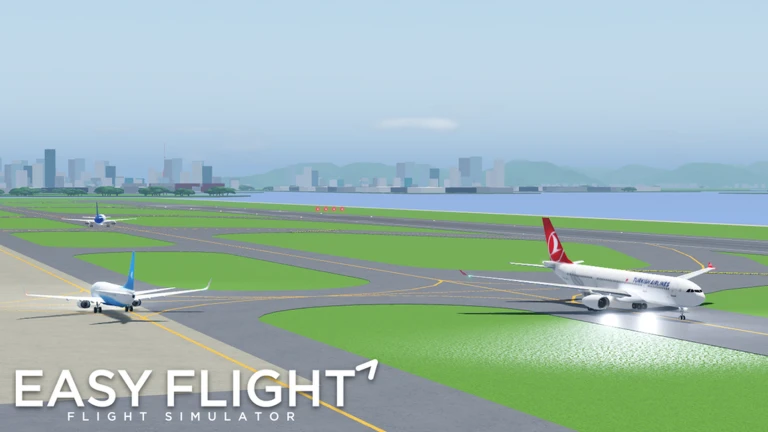
The game runs a next-generation physics model that simulates how a real aircraft behaves under harsh conditions. Crashes and failures are possible — the game is designed to let you experience them.
Liveries and aircraft customization
Tips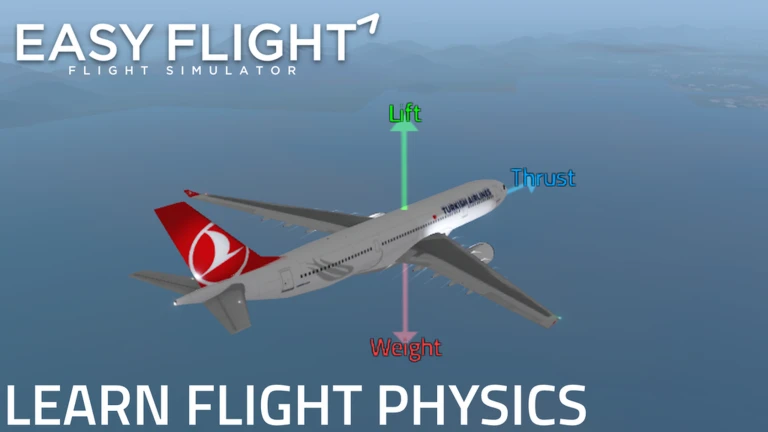
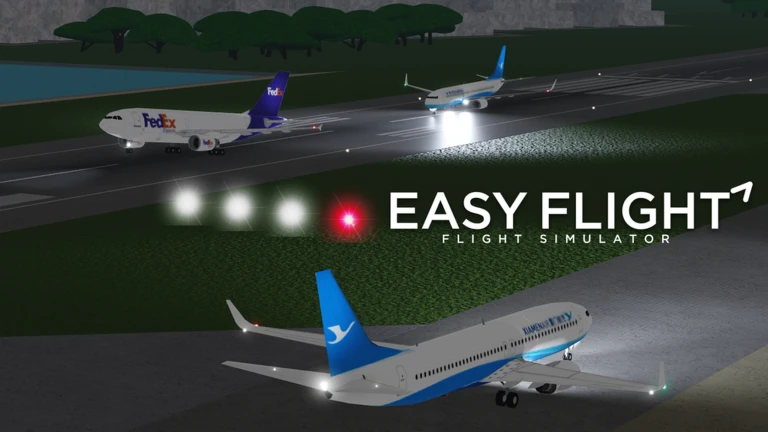
The current version ships with 25 default liveries added in the latest update, and more can be purchased.
- 25 new default liveries were added in the latest update.
- Liveries can be purchased to customize aircraft.
Engine animations and gear tilt
Summary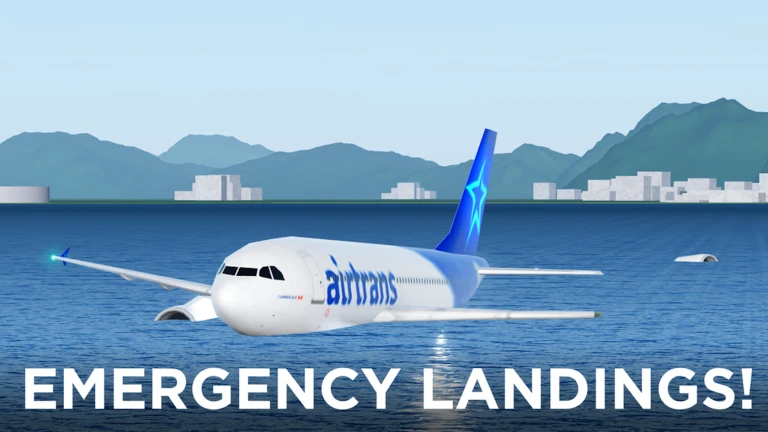
The current beta added engine animations and corrected gear tilt.
- Engine animations propellers and jet engines visually show whether the engines are running.
- Gear tilt the landing gear leans at the correct angle when deployed for touchdown.
- Lighting model days are brighter, nights are darker, and sunsets are now a distinct visual phase.
- Water shaders water rendering adds more detail to the environment during flight.
Multiplayer sessions
Table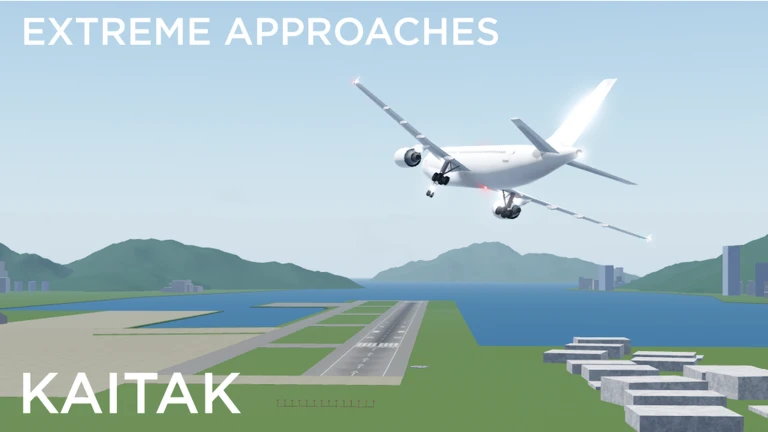
Each server fits a large group, and you can watch other players fly while you manage your own aircraft.
| Max players per server | 40 |
| RJTT (Haneda) | the main airport map, with an enhanced model and fixed collision in the current version |
Glossary
Glossary- Throttle
- The control that sets engine power, used to accelerate on the runway and manage speed in the air.
- Gear
- The landing wheels — retracted during flight and deployed before touchdown.
- RJTT
- The in-game airport based on Haneda, Tokyo, which received an updated model and collision fix in the current version.
- Next-gen physics model
- The simulation engine the game uses to make aircraft respond realistically to weather and pilot inputs.
Common questions
FAQHow many players can be in one session?
A single server holds up to 40 players at the same time. You can fly your own aircraft while watching everyone else do the same.
Can my aircraft crash or break down?
Yes — failures and crashes are part of the game. You can trigger failures deliberately, and landing badly can result in a crash.
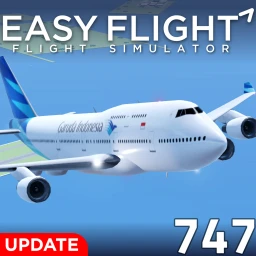
Do I need to buy the Boeing 747-400, or is it free?
The 747-400 costs 25 R$ and is not available for free.
Does weather actually change how my aircraft flies?
Yes. The physics model simulates aircraft behavior under extreme conditions.
Game updates can change what is on this page. If you spot something, get in touch and let us know.
