
Build Together Guide: First steps when you join
About
OverviewBuild Together! is a Roblox building game where you place blocks and create whatever you can imagine. Your work saves automatically in a free private server, so you can always come back and pick up where you left off.
What is on this page
Contents
Player notes and tips
Found a useful trick? Share it with everyone! Notes with screenshots are welcome!
Write a guide note
Build Together! [🔨]
First steps when you join
Step
When you join the game, you get the tools you need to place blocks immediately. Click or tap wherever you want a block to appear, and try different buttons to see what each one does.
- Open the menu browse the available colors and shapes to pick a block you want to try.
- Place your first block click or tap the spot in the world where you want it to go.
- Stack and combine layer blocks of the same or different colors to start building a larger shape.
MetaNew Player Survey

The next survey is being prepared.
Fixing and adjusting your build
Tips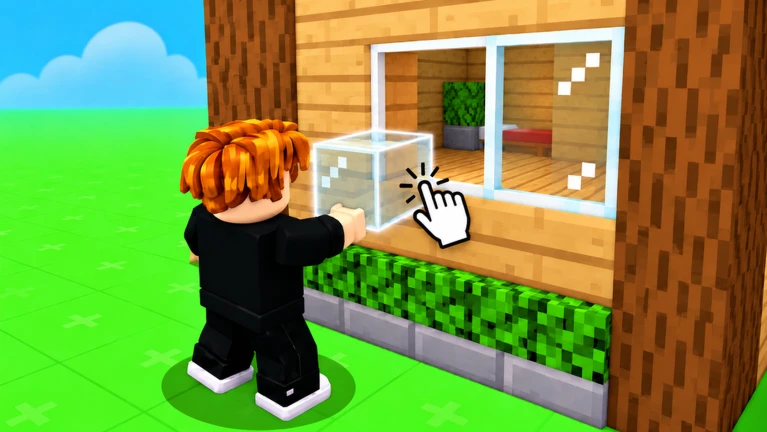
Mistakes are easy to undo. Select a block you want to remove and hit the delete button, or move it to a different position instead.
- Select a misplaced block and use the delete button to remove it cleanly.
- Move a block rather than deleting it if you just want it somewhere else.
- Start small — build something simple first, then scale up once the controls feel natural.
Block materials and color choices
Check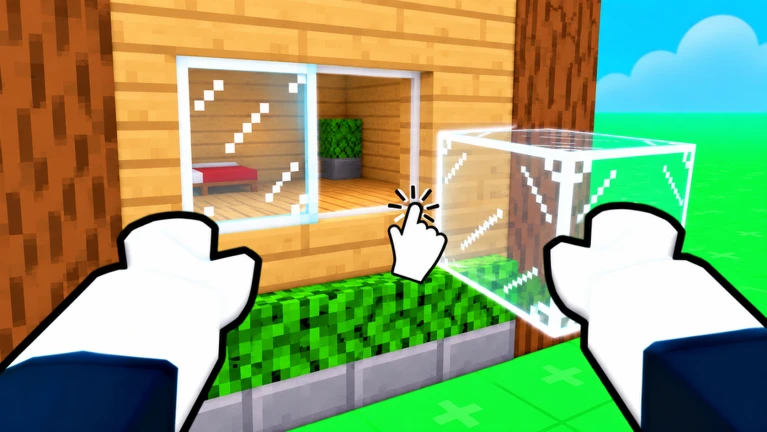
The game includes blocks in a variety of materials — wood, stone, metal, and glass among them. Choosing the right material for each part of a build makes it look more detailed and realistic.
- Use stone for walls.
- Use glass where you want windows.
- Use metal for decorative details.
- Pick materials that fit your theme stone suits a castle, while concrete-style blocks work better for a modern building.
Building with friends
Summary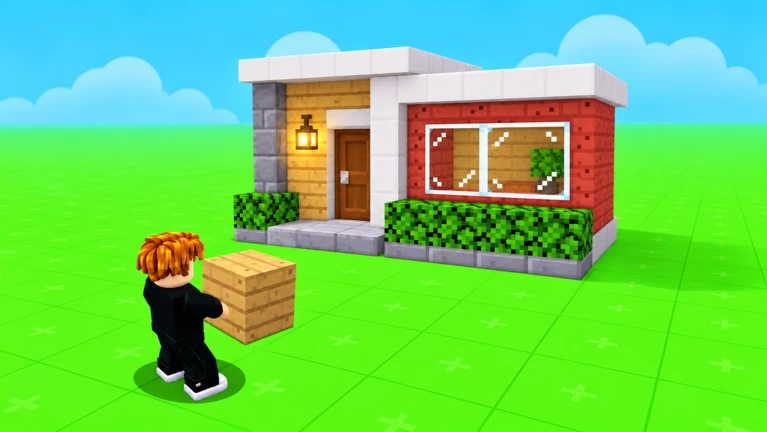
Use the in-game invite button, type a friend's username, and they can join your world. Once everyone is in, you can split the work so different people handle different parts of the build. If a friend leaves early, everything you have built stays saved.
- Session size up to 18 players can be in the same world at the same time.
- Inviting use the in-game invite button and enter your friend's username.
- Splitting the work assign one person to walls, another to decoration.
- When a friend leaves your build is unaffected and remains exactly as it was.
How saving works
Warn
There is no save button to press. The game handles saving on its own, and your private server is free. Other players cannot see your world unless you invite them.
Glossary
Glossary- Private server
- Your personal space where your builds are saved and stored, invisible to other players unless you invite them.
- World
- The in-game space where you place blocks and construct your creations.
Common questions
FAQHow many people can build together at once?
Up to 18 players can be in the same world at the same time.
Will my build disappear if I leave the game?
No. Everything saves automatically to your private server, so your work is there waiting whenever you return. You can leave mid-build and come back later without losing anything.
What happens to my build if a friend leaves the session?
Nothing changes. Your build stays saved exactly as it was. You can keep working alone or invite someone else to continue together.
Can I redo a block I placed in the wrong spot?
Yes. Select the block and either delete it or move it to the correct position. You can adjust any part of your build as many times as you need.
Game updates can change what is on this page. If you spot something, get in touch and let us know.
