
Build a Tower Guide: First steps when you start
About
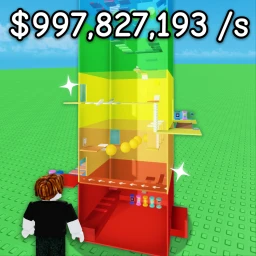
OverviewBuild a Tower is a Roblox idle simulation game where you buy blocks, stack them into a tower, and earn money automatically — even when you are offline.
What is on this page
Contents
Player notes and tips
Found a useful trick? Share it with everyone! Notes with screenshots are welcome!
Write a guide note
Build a Tower
First steps when you start
Step
When you first load in, the goal is simple: spend your money on the cheapest blocks available and keep stacking. Every block you add raises your tower and nudges your income rate a little higher.
- Buy the cheapest block
spend your starting cash on the lowest-priced block on offer and place it on your tower.
- Let the money build
after buying, wait for your tower to generate more cash automatically.
- Buy again
as soon as you can afford the next block, purchase it.
- Check back regularly
your tower earns money offline too, so opening the game after a break gives you a lump sum to spend.
MetaNew Player Survey

The next survey is being prepared.
Tower upgrades and what they do
Table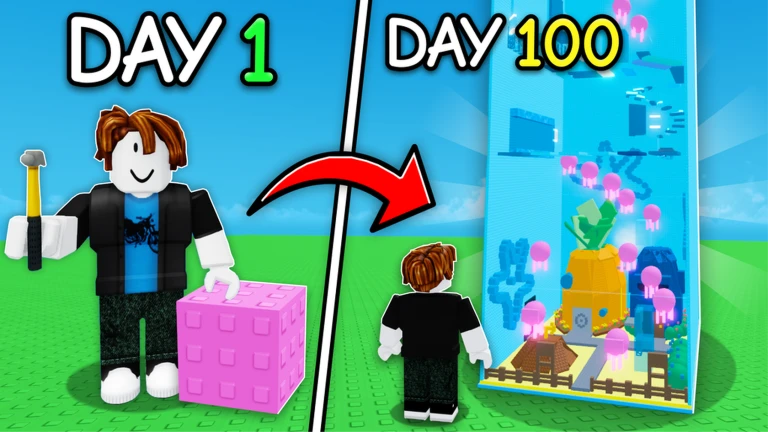
The upgrade menu offers several distinct boosts.
| Stage unlock | opens the next stage, giving you access to new block types you cannot get otherwise. |
| Item limit increase | raises the total number of blocks you can place at once. |
| Cash boost | doubles your earnings for a set period. |
Making offline income work for you
Tips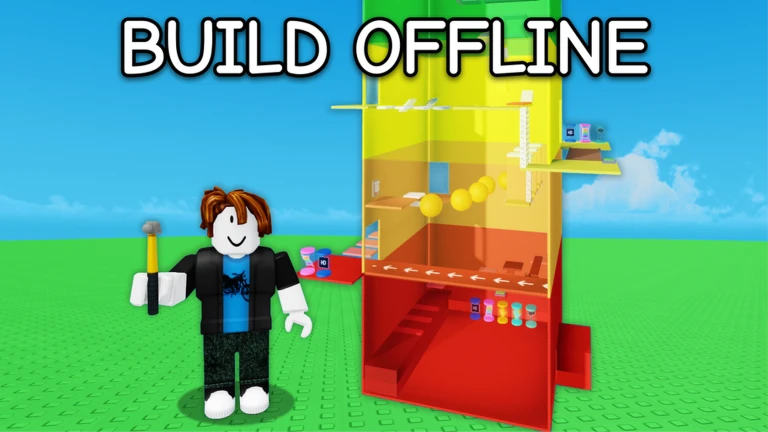
Your tower keeps generating money even when the game is closed, and everything it earns is saved automatically. The taller your tower and the more blocks you own, the larger those offline payouts become.
- Open the game in the morning and in the evening to collect what your tower earned.
- A taller tower means bigger offline payouts, so every block you add compounds over time.
What to check when you feel stuck
CheckIf the game feels like it has stalled, run through this list.
- Can you afford any block right now? Buy it immediately if so.
- Is a stage unlock available in the upgrade menu? A new stage means new block types.
- Can you raise your item limit? A higher cap lets you place more blocks.
- Is Cash Boost ready to use? Activating it when you need a large sum can cut waiting time.
- Has enough offline time passed? Give it a few hours and check again.
Glossary
Glossary- Block
- The basic building unit you purchase with in-game cash and stack to raise your tower's height.
- Stage
- A progression milestone that, once unlocked through the upgrade menu, gives you access to new block types.
- Item limit
- The maximum number of blocks you can have on your tower at once, which you can raise through upgrades.
- Cash boost
- An upgrade that doubles your tower's money output for a limited time.
- Offline income
- Money your tower earns automatically while the game is closed, saved and waiting when you return.
Common questions
FAQDoes my tower really earn money when the game is closed?
Yes — your tower generates cash automatically even when you are offline, and the game saves it all for when you return.
Can I finish the game without spending Robux?
The game is built for free-to-play. The offline income system and the upgrade menu give you everything you need to keep progressing.
Why does collecting different block types matter?
Owning more of a given block type increases the income that type produces, so variety across your collection compounds your total earnings.
Game updates can change what is on this page. If you spot something, get in touch and let us know.
