
 Live now
–
💸 50% OFF
Join now to get 50% OFF all purchases! 🎁 Also, get a LUCK BOOST by joining through this event page! 🍀

Obby For Free Rewards is a Roblox obstacle course where you pick an item you want, run through the stages to earn it, and claim it for free. This guide covers how to get started, how the reward system works, and how to push through the tougher jumps.
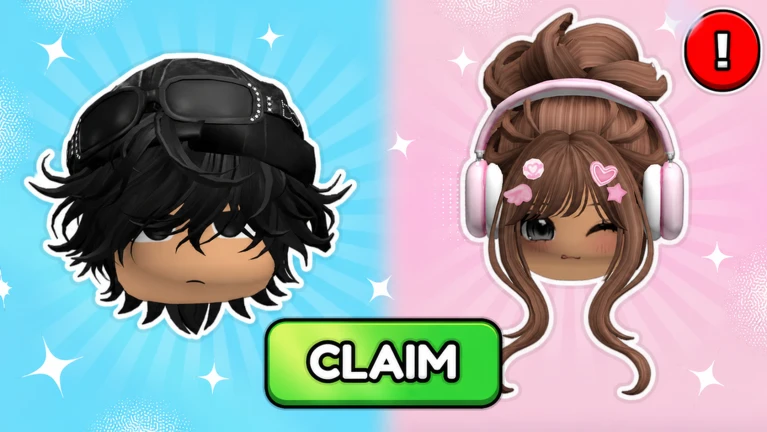
Found a useful trick? Share it with everyone! Notes with screenshots are welcome!
Obby For Free Rewards 🎁
Before you jump into any stage, there are two things to do. Favoriting the game on Roblox is a condition for receiving your reward, so do that first. Then pick the item you want — each item has its own corresponding stage.
press the Favorite button on the game's Roblox page before you play.
each item has its own obby, so make sure you are in the one that matches your pick.
run through every obstacle until you hit the goal to complete the stage and claim the reward.

The next survey is being prepared.
Once you claim a reward for a specific item, that same item goes on a 7-day cooldown. You cannot shorten this wait by any means.
Events running now or coming soon. They have fixed dates, so check them first.
Live now
–
Join now to get 50% OFF all purchases! 🎁 Also, get a LUCK BOOST by joining through this event page! 🍀
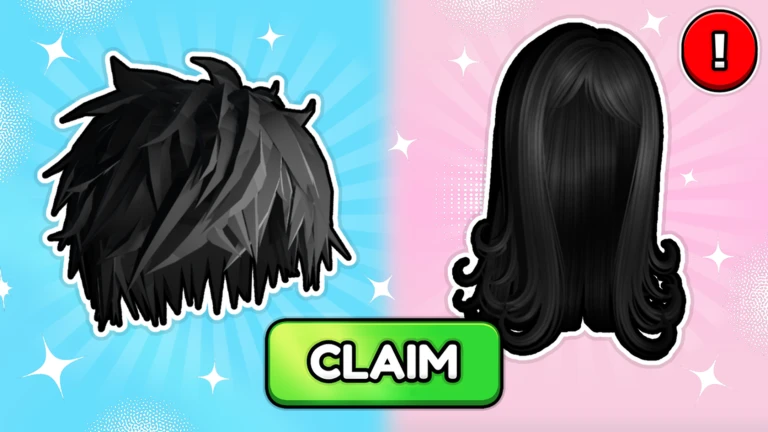
The game hands out badges at regular checkpoints. Earning them is automatic — just keep moving forward through the stages.
reach stage 10.
reach stage 20.
reach stage 30.
reach stage 40.
reach stage 50.
reach stage 60.
reach stage 70.
complete every stage.
First, confirm that you have favorited the game on its Roblox page, because that is a requirement. Also check whether you already claimed the same item within the last 7 days, since the cooldown would block a second claim.
Yes — the 7-day cooldown applies to each item separately. As long as you target a different item each time, you can complete multiple stages and claim multiple rewards without waiting.
No. Every reward is free and requires nothing beyond completing the corresponding stage. The 7-day cooldown applies equally to all players and cannot be bypassed by spending anything.
There is no in-game difficulty setting. The stages are built for beginners, so repeating a tricky section a few times and learning the platform layout is the intended approach.
Before you start
Please check the following before using MetaNew.
* You can change your email preference any time from your profile.
