Games listed 42,823
Game guide

Hunty Zombie Guide: Controls you need to know before your first run

[NOW!] Hunty Zombie
HZ DEV, Playing 1.2K, Rating 95.5%
Creator HZ DEV
Playing 1.2K
Rating 95.5%
Is this game fun?2 votes
Fun 100%2Average 0%0Not fun 0%0

About

Overview

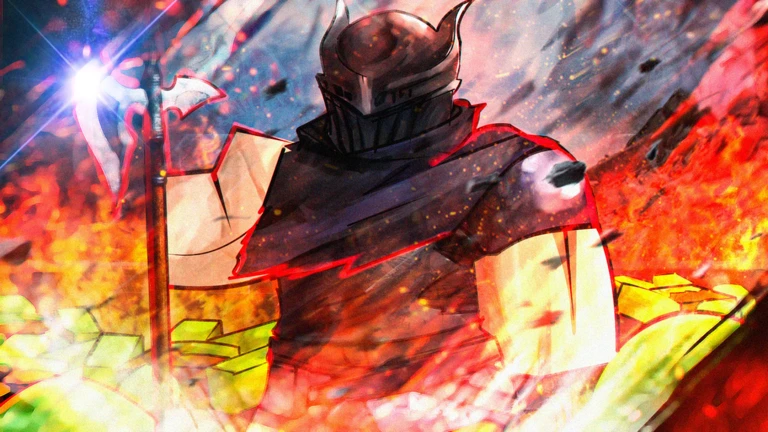
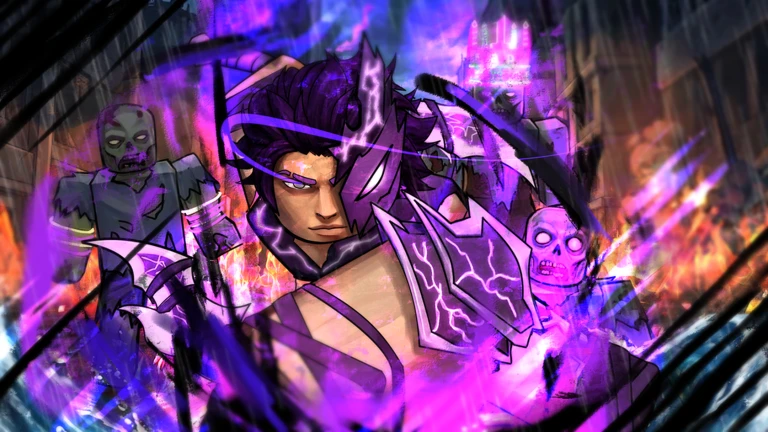
Hunty Zombie is an action RPG on Roblox where you fight through waves of zombies using weapons, abilities, perks, and awakenings. Each weapon comes with a normal attack, three abilities, and a powerful awakening move, and you build your own playstyle by combining traits, pets, and equipment. This guide covers everything from your first run to getting past tough bosses, managing your cash, and keeping your account safe.

What is on this page

Contents
01

Controls you need to know before your first run

Table
In short Memorizing the controls before you enter a wave saves a lot of confusion mid-fight.

Every action in Hunty Zombie has a keyboard key, an Xbox button, and a PlayStation button.

Normal attack (M1)LMB / X / Square
Ability 1Z / L2 / LT
Ability 2X / L1 / LB
Ability 3C / R1 / RB
DashQ / B / Circle
PerkE / Y / Triangle
AwakeningG / D-Pad Down
Switch weapon left/right1 or 2 / D-Pad Left or Right
Ask on the board
02

First steps in the lobby

Step
In short Grabbing free rewards before spending anything and trying the controls in Normal mode is the fastest way to get started.

Before you jump into a wave, spend a couple of minutes in the lobby getting your bearings. Knowing where everything is means you won't lose cash or free spins by accident. Once you have the layout down, one run through Campaign Normal is enough to feel out how combat actually works.

  1. Find the menus locate the weapon, perk, pet, and profile screens in the lobby before doing anything else.
  2. Claim free rewards collect daily rewards and any free spins before spending a single piece of cash.
  3. Run Campaign Normal enter one Normal wave to experience the combat flow firsthand.
  4. Review what you earned after the run, check your cash and materials before deciding how to spend them.
03 Live and upcoming events Events

Events running now or coming soon. They have fixed dates, so check them first.

Upcoming –

The Ice Shinobi

- New Weapon -> inspired on sub zero; - new content

See the whole schedule
04

How to spend your cash wisely

Tips
In short Spending cash on an extra weapon slot first gives you more options in every fight from that point on.

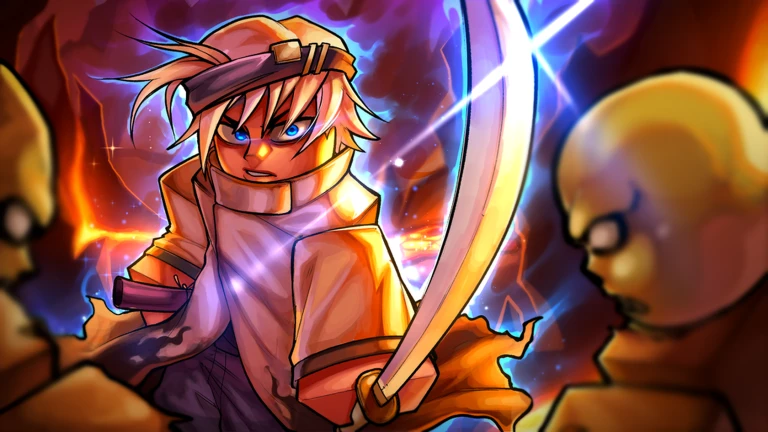
Cash runs out fast if you spend it without a plan. Free spins and free daily rewards can push you forward without touching your cash at all.
Tips worth knowing
  • Use free spins on weapons first — always spend free spins before touching your cash supply.
  • Set an extra weapon slot as your first big cash goal — it lets you swap to a second weapon when an ability is on cooldown.
  • Lock in one main weapon before spending cash on weapon spins — only try a paid spin if you still don't have a weapon that clicks for you.
  • Hold off on traits until your main weapon is decided — once you commit to a weapon, prioritize attack damage, ability damage, and attack speed.
05

Movement and combat habits that keep you alive

Warn
In short Standing still in the middle of a crowd is the single most common reason players get knocked out.

Zombies attack from every direction, so staying near the edge of a group and funneling them into one direction gives your abilities much better coverage. Dash has a cooldown, so burning it on routine movement leaves you with nothing when a boss unleashes a big attack.

Worth watching out for
Never stand still in the center of a crowd circle the outside of groups so damage comes from fewer directions.
Don't spam dash for regular movement save it for boss slams and exploding enemies.
Don't burn all three abilities at once keep at least one in reserve so you can handle the next wave of enemies.
Check the awakening gauge at the bottom of the screen a full gauge going unused is free damage you are throwing away.
Perks do nothing unless they are slotted in the equipment screen verify this before blaming a perk for not activating.
06

Pets, equipment, and crafting

Check
In short Deciding which weakness to fix before you craft stops you from wasting materials on gear that does not help you.

Pets and crafted equipment can fill gaps that weapons and traits alone cannot cover. Equipment slots can only hold one piece per slot, so check the crafting screen before committing materials to avoid a wasted craft.
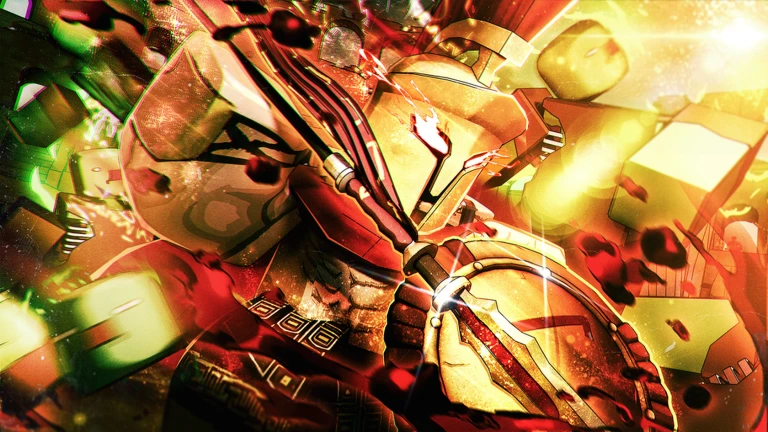
  • Open the pet screen after getting a new pet to confirm it is actually equipped.
  • Identify one specific weakness before opening the crafting screen.
  • If you keep getting knocked out, prioritize health and damage-reduction equipment.
  • If bosses survive too long, target attack-damage and ability-damage equipment.
  • Check that no two pieces share the same equipment slot before crafting a second piece for that slot.
07

When you are stuck and cannot progress

Step
In short Most blocks come down to a missing equipment setting or a habit that can be fixed in one run.

Before concluding that a section is too hard, run through this checklist. Dropping back to Normal and re-gearing almost always unlocks progress again.

  1. Check equipment slots confirm that your weapon, perks, and pet are all actually slotted and not just owned.
  2. Check the awakening gauge look at the bottom of the screen mid-fight to see whether the gauge is full and unused.
  3. Change your movement pattern try circling enemies rather than standing near the center.
  4. Switch weapons during cooldowns press 1 or 2 (or D-Pad left/right) to swap to a second weapon while abilities recharge.
  5. Drop to Normal difficulty return to Normal, update your gear and pet, then re-attempt the harder difficulty with the updated loadout.
08

Redeem codes

Step
In short Codes are one-time use and expire, so enter them as soon as you have them.

Codes give you free rewards without spending any cash. The live list of working codes is shown elsewhere on this page — this section just covers how to use them correctly.
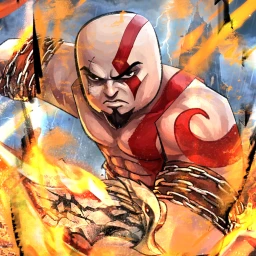
  1. Find the input box look inside the lobby screen for the code entry field.
  2. Type carefully match every capital letter, lowercase letter, and symbol exactly as the code appears.
  3. Use codes promptly expired codes do not work, so do not sit on them.
  4. Move to a private server if a code fails the game itself notes that private servers can resolve code issues.
09 Working codes Codes
GOW!
Hope!
MKNext!
HappyHalloween!
Every code, and the votes on it, are on the codes page
10

Account and spending safety

Warn
In short Free cash, codes, and in-game materials are enough to reach the mid-game without spending Robux.

Hunty Zombie is still in alpha, which means bugs are expected and the developers want reports when you find one.

Worth watching out for
Never use external scripts, auto-combat tools, or unknown files they can get your account banned or compromised.
Never share your name, address, school, phone number, or password in chat or anywhere else online.
Talk to a parent or guardian before spending Robux and agree on a limit before you open the shop.
Report bugs to the developers rather than trying to exploit them.
Free codes, daily rewards, and earned in-game cash are enough to enjoy the game from the start through the mid-game.

Glossary

Glossary
Wave
A set group of zombies that spawn together — clearing them all moves you to the next wave.
M1
The normal attack: left mouse button on PC, X on PlayStation, or Square on Xbox.
Ability
One of three special attacks tied to your weapon, each with its own cooldown before you can use it again.
Awakening
A weapon's strongest move, triggered by pressing G on PC or D-Pad Down on a controller once the gauge is full.
Perk
A temporary boost or heal activated with E on PC or Y/Triangle on a controller, requiring the gauge or condition to be met first.
Trait
A bonus effect attached to a weapon that improves things like damage, speed, or experience gain — best chosen after you settle on a main weapon.
Passive
A stat boost that works automatically the whole time you have the relevant equipment equipped, with no button press needed.
Equipment (Cosmetics)
Gear that raises stats like health, speed, and attack, with one piece allowed per slot at a time.
Payload
A mode where you escort an objective while fighting zombies, and earn points for the skill tree.
Reverse
A system that drops your level in exchange for permanent increases to attack, health, and ability damage, with level 100 being the first milestone.
Skill Tree
A set of upgrades you unlock with points earned in modes like Payload, letting you strengthen attack, defense, or speed to match your playstyle.

Common questions

FAQ

My perk won't activate even when I press the button — what's wrong?

Open the equipment screen and confirm your perk is actually assigned to a slot, then check whether the perk's gauge or use condition is met before pressing the button again.

Do I lose my weapons and pets if I use Reverse?

Reverse lowers your level, but your weapons, pets, cash, equipment, and perks stay with you. What you gain in return are permanent increases to attack, health, and ability damage.

Can I finish the game without spending Robux?

Free daily rewards, redeemable codes, and materials you earn in battle are enough to carry you through the early and mid-game.

Where do I enter redeem codes?

Look for the code entry field inside the lobby screen and type the code exactly as it appears, matching every capital, lowercase letter, and symbol. If the code does not go through, move to a private server and try again.

Should I use a keyboard or a controller?

If you use a controller, abilities map to L2, L1, and R1, weapon switching uses D-Pad left and right, and awakening is D-Pad Down.

Updated Sep 12, 2026
Game updates can change what is on this page. If you spot something, get in touch and let us know.
[NOW!] Hunty Zombie HZ DEV, Playing 1.2K, Rating 95.5%
See the game pageSee working codesAsk on the board
Add it to your home screen and it works like an app. One tap to open, and it loads faster after that.