
My Dino Empire Guide: Getting started with your base and first dinosaurs
About
OverviewMy Dino Empire is a Roblox idle game where you collect dinosaurs through a gacha system, build up a base full of upgradeable facilities, and sell ancient bones for cash.
What is on this page
Contents
Player notes and tips
Found a useful trick? Share it with everyone! Notes with screenshots are welcome!
Write a guide note
[NEW] My Dino Empire
Getting started with your base and first dinosaurs
Step
When you load in, a tutorial walks you through the basics. Your base facilities cannot do anything until you have dinosaurs assigned to them. Once you have a crew placed, bones start accumulating and your income loop begins.
- Follow the tutorial it sets up your base layout before anything else.
- Open the gacha spend your starting cash to pull your first dinosaurs.
- Place your dinosaurs assign them to base facilities so work can begin.
MetaNew Player Survey

The next survey is being prepared.
The core income loop
Summary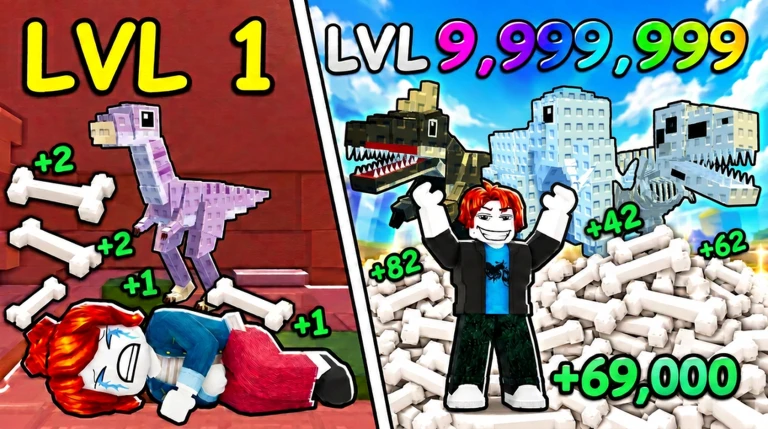
Everything in the game runs on a single cycle: facilities produce bones, you sell those bones for cash, and that cash funds gacha pulls and upgrades. The more facilities you have running, the faster bones pile up.
- Bones produced automatically by your base facilities while you play or stay offline.
- Selling bones converts your stock into cash through the sell screen.
- Cash used to pull the gacha and to upgrade or expand your base.
- Gacha pulls reward you with dinosaurs of varying rarity to staff your facilities.
- Higher rarity rarer dinosaurs are harder to pull.
Upgrading and expanding your base
Tips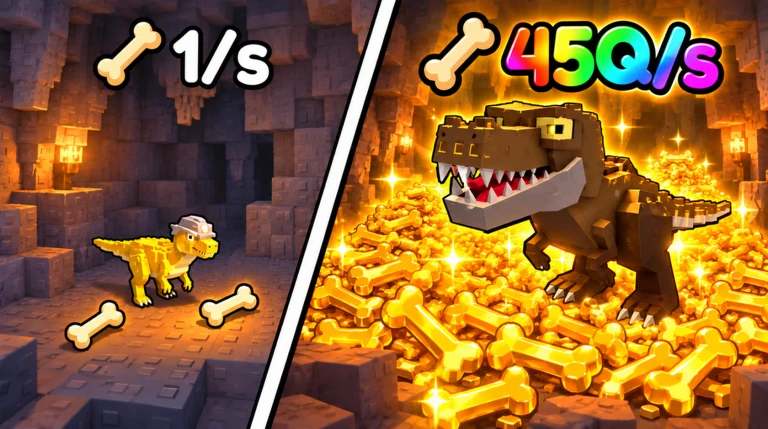
Your base has multiple facilities and each one can be leveled up independently. A higher facility level means more output per cycle. You can also buy extra land to place entirely new facilities, stacking your total bone production.
- Upgrade existing facilities — each level raises their output directly.
- Buy expansion plots — more space means room for additional facilities.
- Build in new areas — filling expanded plots multiplies your overall bone production.
Offline earnings and AFK safety
Check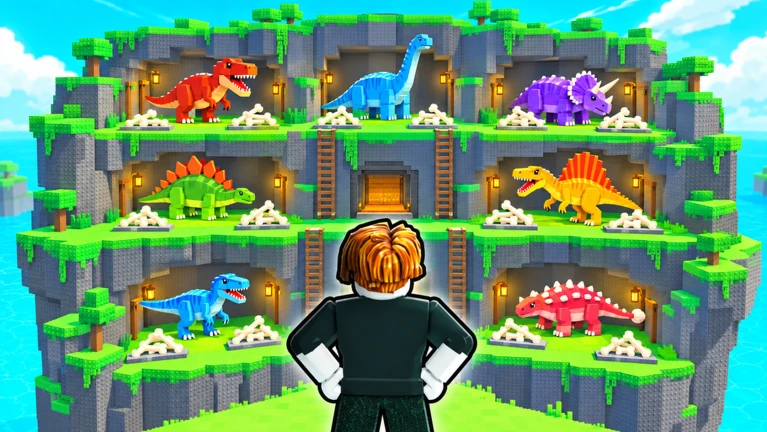
My Dino Empire keeps your base running even after you close the game. Bones and cash build up while you are offline, and you will not be kicked for going AFK while in a session either.
- Log out freely the base earns on its own the whole time you are away.
- Return and collect open the game and grab everything that piled up.
- No AFK kick you can stay in a session idle without being removed.
Redeem codes and the official group
WarnThe game distributes codes that unlock rewards such as pets, bones, and facilities. Each code can only be used once per account. The official group shares codes regularly, including some that are only available to group members.
Glossary
Glossary- Rarity
- A measure of how uncommon a dinosaur is; higher rarity dinosaurs are harder to pull.
- Upgrade
- Spending cash to raise a facility's level, increasing how many bones it produces.
- Expansion
- Purchasing extra land on your base so you can place additional facilities.
- Offline earnings
- The cash and bones your base accumulates automatically while you are not in the game.
- Code
- A string shared by the developers that you enter in-game to claim rewards like pets or bones.
Common questions
FAQDo I need dinosaurs before I can do anything?
Yes — base facilities only run when dinosaurs are assigned to them. Pull from the gacha first, place your dinosaurs, and then the bone production and income loop will start.
What happens to my base while I am offline?
Your base keeps producing bones and earning cash automatically. Nothing is lost by stepping away, and the longer you are gone, the more will be waiting when you return.
Where do I find codes?
Joining the official group is the most reliable way to get codes. Some codes are open to everyone, while others are exclusive to group members. Enter any code you find in the in-game code screen before it expires.
Game updates can change what is on this page. If you spot something, get in touch and let us know.
