
Build to Survive the Robots 2 Guide: The basic game loop
About
OverviewBuild to Survive the Robots 2 is a Roblox survival game where you construct a base before nightfall and then fight off waves of robots until morning. Die and you switch to the robot side, so building smart and fighting well both matter. This guide covers the full game loop, base-building tactics, trap setups, robot strategies, game modes, and how to redeem codes.
What is on this page
Contents
The basic game loop
Step
When you join a server mid-round you land in the lobby briefly and can enter Sandbox before jumping in as a robot. Between rounds everyone has about 15 seconds to vote on the next map in the lobby. Once the vote is done the build phase starts and you receive a build tool, a delete tool, and an orb tool. After the build phase ends those tools are taken away and you are assigned to either the human or robot team.
- Vote on a map pick a map in the lobby during the 15-second window between rounds.
- Build your base use the build phase to put up walls, traps, and a skybase before robots spawn.
- Survive or hunt humans must stay alive until the round ends; robots must wipe out every human.
- Death switches your team if a human dies mid-round, they respawn on the robot side and pick a robot to play.
- Round end the winning team is announced, then everyone is sent back to the lobby to vote again.
MetaNew Player Survey
The next survey is being prepared.
Controls to learn first
Table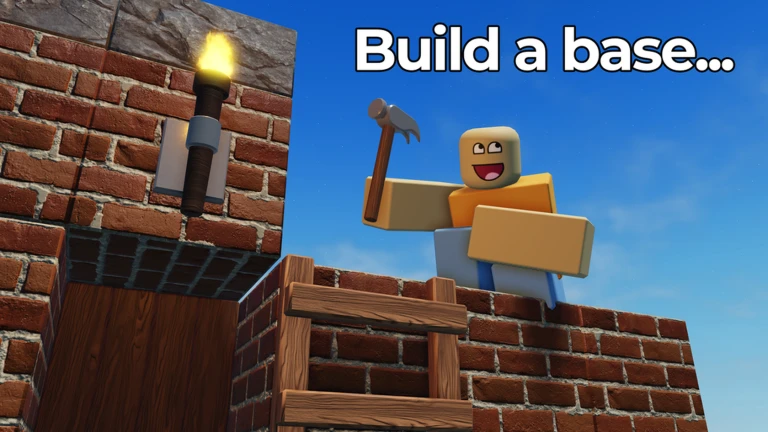
The shop can be opened at any point during a round, so you can buy and upgrade items between fights. Abilities are shared by both armors and robots and all use the same button.
| Sprint / activate ability | Shift on PC, LT on console. |
| Aim down sights | RMB on PC, L3 on console. |
| Open shop | G on PC, D-Pad down on console. |
| Auto-build or auto-delete | long-click with the build or delete tool equipped. |
Building a skybase that lasts
TipsSkybases are the standard human defense in this game. The goal is to put your strongest blocks at the bottom of each pillar and lighter ones higher up, so the foundation is as hard to destroy as possible. Robots will target the base of your pillars to collapse the whole structure, so that is exactly where your toughest materials belong.
- Use your strongest blocks at the base of every pillar and save weaker ones for height.
- Spread your pillars apart so a single explosion cannot collapse more than one at a time.
- Never use only wood or cardboard foundations; the Arsonist robot will set them on fire and force you down.
- Adurite is the strongest block in the game and survives two hits from even the Tank — save your limited supply of up to 13 for the most critical spots at pillar bases.
Traps, spinners, and magnets
Tips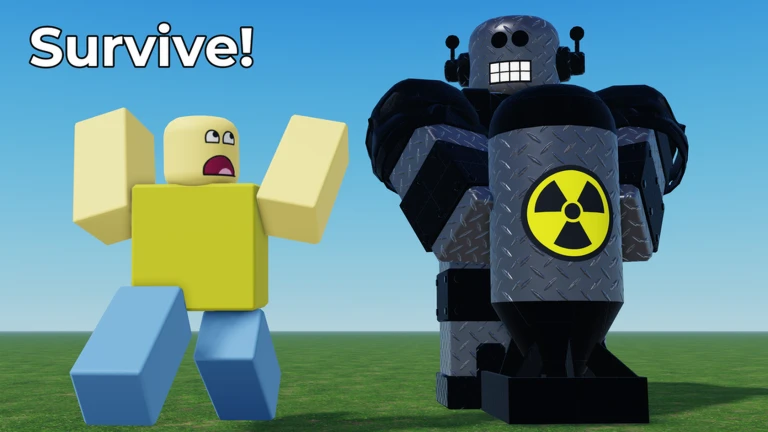
Traps placed where robots rarely walk do almost nothing for your income or your defense. Caltrops, flame traps, landmines, and magnets all work together, and the placement matters more than the quantity. Magnets set to repel push robots away and buy you time. Spinners are the highest-damage trap type and come in two sizes.
- Place all traps at chokepoints and common robot paths, not in quiet corners of the map.
- Set magnets to repel to slow robot advances — they are classified as machines, not traps, but work just as well for defense.
- Microspinners are small and easy to destroy but cheap enough to spam; flame trap microspinners deal the most damage of the small variants.
- Large spinners (sometimes called flingers) are durable because of their angular velocity and are very hard to destroy while spinning — pair them with traps for income.
- A winch spinner replaces the fixed base with a winch block, making it swing unpredictably and harder for robots to avoid.
- Rocketeers can take out large spinners from a distance unless a magnet is mounted on top.
Game modes and how they change the rules
Summary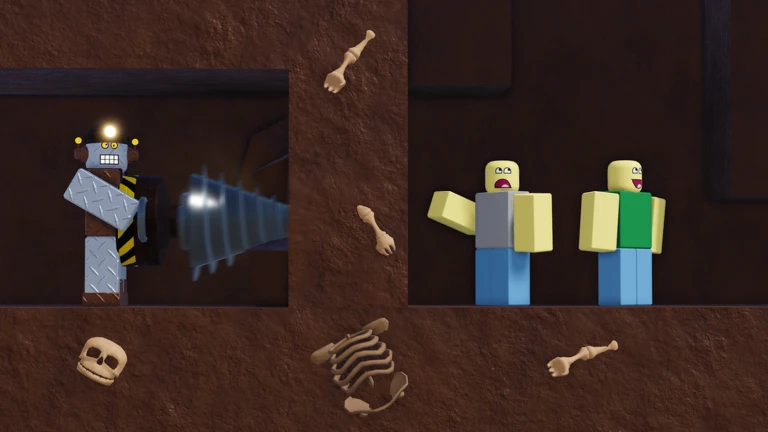
Classic is the default mode you land in when you join. Several alternative modes change the rules significantly, so knowing them ahead of time stops you from being caught off guard.
- Classic humans build and survive; dying once makes you a robot for the rest of the round.
- Defend the Crystals humans protect crystals with 1,000 HP each and respawn infinitely; active on Grasslands, Four Corners, and Close Quarters.
- Instant Defense building is disabled and you only get 50 seconds to prepare; available on Grasslands, Close Quarters, Snowy Summit, and Skull Island.
- Sandbox a separate server type with infinite blocks and build saving, useful for testing designs before a real round.
Robot tactics by robot type
TipsRobots respawn indefinitely, and the more humans they eliminate the stronger the robot team becomes. The catch is that a high, well-trapped skybase can run out the clock, so robots need to act with a plan rather than just rushing in.
- Use Arsonist to set wood or cardboard bases on fire, forcing humans to move or lose their structure.
- Use Saboteur to blow up traps, spinners, and walls that are blocking your teammates from advancing.
- Use Rocketeer to reach and ambush humans on high skybases where ground robots cannot follow.
- Use Doomsday to destroy skybases and blast open cave hideouts — its Stomp ability deals 100 damage to nearby blocks and players.
- Use Dissolver to spray poisonous gas in caves and kill humans who are sheltering inside.
- Use Driller when one human is hiding and you need to find them — its thermal vision locates enemies through walls.
- To break Adurite blocks, use Freezer to halve their HP first, then finish them with Shredder.
Abilities and when to use them
Check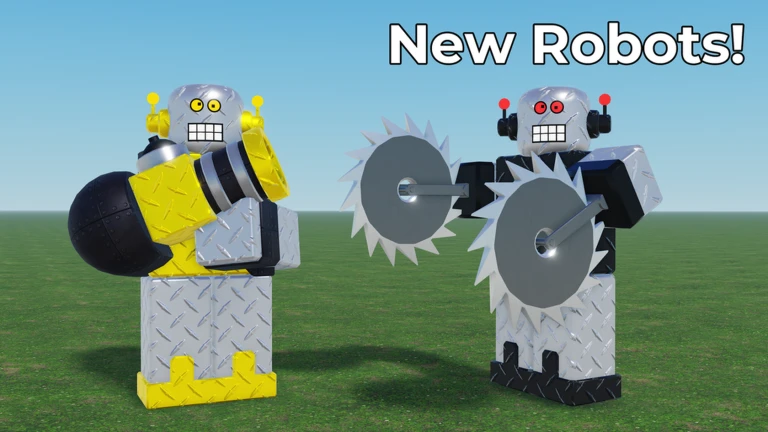
Both armors and robots can have abilities, and all of them are triggered with Shift on PC or LT on console.
- Sprint is the most common ability it gives a 1.25x speed boost and appears on most armors and robots.
- Teleport (Phaser, Void Armor) lets you pass through walls by holding the ability button to set range it cannot pass through Adurite.
- Invisibility (Ghost, Invisibility Cloak, Vampire Cowl) hides you completely and grants a speed buff for up to 45 seconds.
- Jet Pack (Rocketeer, Jetpack armor) flies you straight up until the fuel runs out.
- Dash (Skirmisher, Ninja Armor) launches you forward in your current direction; Ninja Armor was reduced to one dash per cooldown in the January 16, 2026 update.
- Stomp (Doomsday only) strikes the ground in a small radius and deals 100 damage to both blocks and players.
- Permafrost (Ice Warlock Robes) makes you invulnerable for a short time but locks your movement.
Redeeming codes
StepCodes give you preset rewards such as in-game money or cosmetics. There are also codes hidden around maps and inside promotional materials for BTSTR2.
- Open the shop press G on PC or D-Pad down on console.
- Select the Codes button it is the blue button inside the shop window.
- Type the code exactly and claim your reward money or a cosmetic will be added to your account.
Community strategy ideas
CommunityThese ideas and tips come from people playing the game. Share your discoveries too!
No strategy ideas yet. Share a tip you discovered.
Share a strategy idea
[🤖] Build to Survive the Robots 2
Glossary
Glossary- Skybase
- A defensive structure built high off the ground on tall pillars, making it hard for robots to reach.
- Adurite
- The strongest block in the game, able to take two hits from even the Tank and immune to the Dissolver, with a maximum of 13 blocks per player.
- Spinner
- A fast-rotating trap machine that flings robots away on contact; large versions are called flingers and are hard to destroy while spinning.
- Ability
- A special power tied to a robot or armor that is activated with Shift (or LT on console) and has both a duration and a cooldown.
- Instant Defense
- A game mode where building is disabled and humans have only 50 seconds to prepare before robots attack.
- Defend the Crystals
- A game mode where humans protect crystals with 1,000 HP each and can respawn infinitely, available on Grasslands, Four Corners, and Close Quarters.
- Firmware
- An equippable upgrade for robots added in the September 11, 2026 update that boosts robot stats and replaces the older cosmetic stat boosts.
- Microspinner
- A small, easily destroyed but spammable spinner variant, with flame trap microspinners dealing the most damage of the type.
Common questions
FAQIf I die, is my round over?
In Classic mode, dying moves you to the robot team for the rest of that round. In Defend the Crystals mode, humans respawn infinitely, so dying there does not cost you your place on the human side.
How do I use Adurite blocks effectively?
You can hold a maximum of 13 Adurite blocks even at max level. Adurite survives two hits from the Tank and cannot be dissolved. If robots do target it, they will need to freeze it first to halve its health before Shredder can break it.
What can I do in Sandbox mode?
Sandbox servers give you infinite blocks and the ability to save your builds.
Game updates can change what is on this page. If you spot something, get in touch and let us know.
