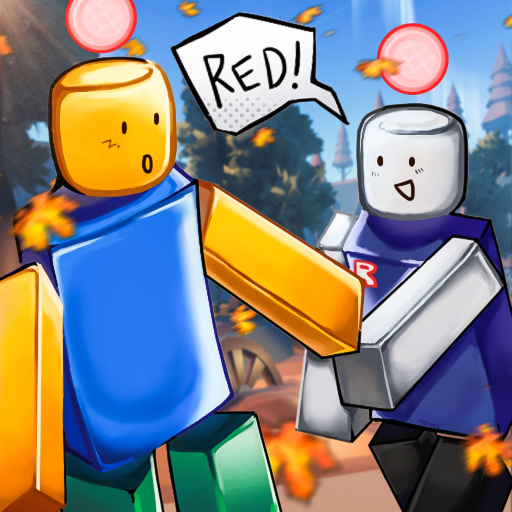
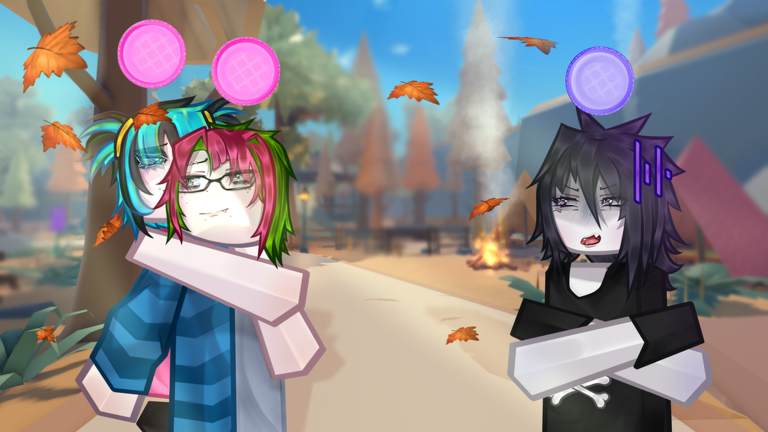
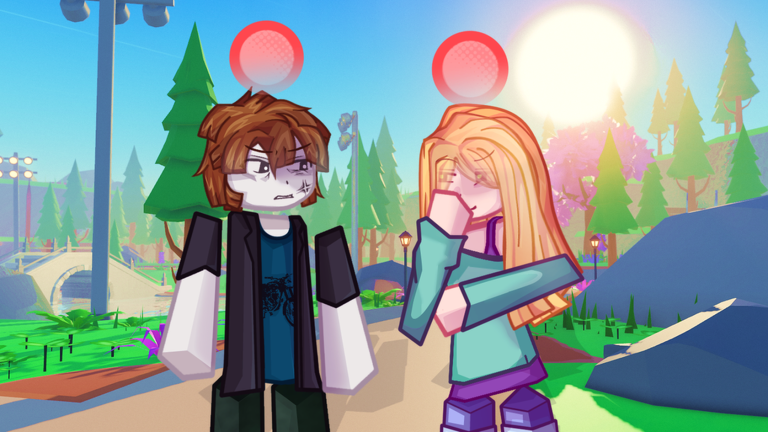
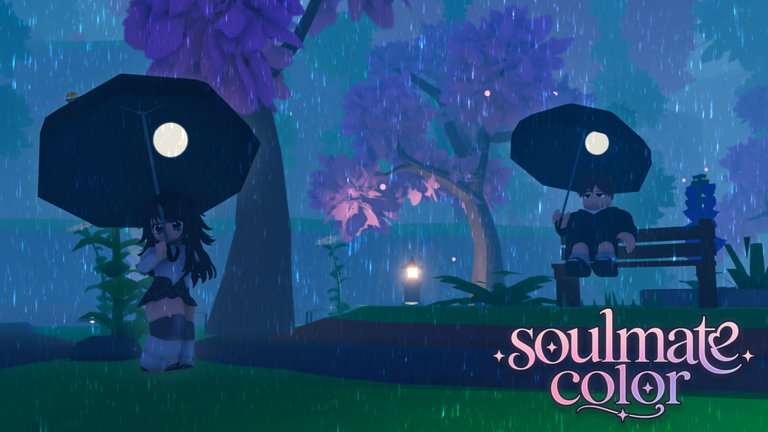
Soulmate Color is a chill roleplay game where every player gets a random color at the start, and whoever else receives that same color becomes your soulmate for the session. You and your soulmate then roleplay together following the POV (point of view) for your color. This guide walks you through getting started, finding your soulmate, playing with friends, and making the most of what the game offers.
In shortYour color is assigned the moment you spawn, and that assignment tells you everything you need to begin.
When you join the game, a color is randomly assigned to you — that is your soulmate color. Check the screen for the POV tied to your color, which gives you the theme and direction for your roleplay. Another player in the same server will have received that exact same color, and that person is your soulmate.
Join a serverwait at the spawn point until your color appears on screen.
Read the POVcheck the instructions for your color so you know the roleplay theme.
Find your soulmatelook for the other player who was assigned the same color as you.
Start roleplayinginteract with your soulmate following the theme your color's POV sets out.
Try againbecause colors are random each time, joining again gives you a fresh color and a different roleplay experience.
In shortGetting onto the same server as your friends is the key step; after that, matching colors comes down to luck.
Color assignments are random, so there is no guarantee you and a friend will share the same color. The fun is in seeing who ends up as whose soulmate each round. Joining the same server gives you the best shot at ending up in the same roleplay.
Tips worth knowing
Join the same server as your friends so you are in the same pool of color assignments.
Use the in-game chat to talk with your soulmate or coordinate with friends across the server.
In shortLogging in on consecutive days is the one long-term goal the game tracks with badges.
The game rewards players who return daily with login streak badges.
Reached 5 days in a rowearns the 5 Day Login Streak badge.
Reached 10 days in a rowearns the 10 Day Login Streak badge.
Reached 25 days in a rowearns the 25 Day Login Streak badge.
Reached 50 days in a rowearns the 50 Day Login Streak badge.
Reached 100 days in a rowearns the 100 Day Login Streak badge.
05
Free play versus the VIP gamepass
Table
In shortEverything core to the game is free; VIP adds convenience but nothing that changes the roleplay itself.
Every player receives a color and can roleplay fully without spending anything. The VIP gamepass adds two extras, neither of which affects what colors you get or how the roleplay works.
Free
full color assignment and roleplay access from the moment you join.
Free
in-game chat for talking with your soulmate and other players.
VIP only
.to command that teleports you directly to any player in the server.
VIP only
a special chat tag that marks you out in the chat window.
06
Staying safe and reporting problems
Warn
In shortKeep roleplay respectful, and use the official group channel if something goes wrong.
The developers are clear that they are not responsible for anything that happens outside the game itself.
Worth watching out for
If you see inappropriate behavior, report it through the communications server linked to the game's group.
Anything that happens outside the game is outside the developers' hands.
07
Rare events worth knowing about
Summary
In shortSome things in the game only happen when a developer is actively present, so you cannot plan for them.
A small number of experiences in Soulmate Color are entirely out of players' hands.
Blood Moon a special weather event that only a developer can switch on; you cannot activate it as a regular player.
Meeting the Creator or Dev these badge events happen only when the relevant person is actually in your server.
Easter 2024 Event a limited event that has already run; the badge exists but the event period is over.
Glossary
Glossary
Soulmate color
The random color you receive when you join, shared with exactly one other player who becomes your roleplay partner for that session.
POV
The themed instructions shown for your assigned color that tell you how to approach the roleplay.
.to command
A VIP-only feature that teleports you straight to any player in the server.
Chat tag
A special label shown next to your name in chat, granted to players who own the VIP gamepass.
Login streak
A count of how many days in a row you have joined the game, tracked by the game's badge system up to 100 days.
Blood Moon
A rare in-game weather event that only a developer can activate; regular players cannot trigger it.
Common questions
FAQ
What should I do if I never get a color assigned?
Leave the server and rejoin, or switch to a different server entirely. If the problem keeps happening, reach out through the communications server linked to the game's group page.
Can I guarantee matching colors with my friend?
No — the assignment is random, so matching with a specific person is a matter of luck.
Do I need the VIP gamepass to enjoy the full game?
No. Every part of the roleplay — receiving a color, finding your soulmate, and using in-game chat — is available for free. VIP adds a teleport command and a chat tag, but neither one changes the roleplay experience itself.
Updated Oct 5, 2026
Game updates can change what is on this page. If you spot something, get in touch and let us know.