
ASMR Toy Studio Guide: Getting started at your table
About
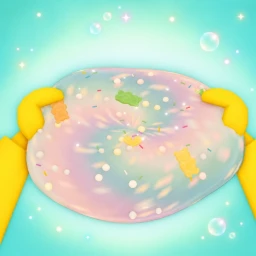
OverviewASMR Toy Studio is a Roblox game where you make slime and squishies, carve soap, pop bubbles, and play with other satisfying ASMR toys. You can save your creations, decorate them, and put them on display for other players to like. This guide walks you through getting started, the toys available, the community showcase, and how to work toward the game's badges.
What is on this page
Contents
Player notes and tips
Found a useful trick? Share it with everyone! Notes with screenshots are welcome!
Write a guide note
ASMR Toy Studio
Getting started at your table
Step
When you join, find an open table and claim it as your workspace. From there, making slime by hand earns you the Slime Chef badge, and saving your finished squishy unlocks the Squishy Maker badge.
- Claim a table
find a free one as soon as you join so you have a place to work
- Make slime by hand
follow the steps at your table to earn the Slime Chef badge
- Save your squishy
once your squishy is finished, save it to unlock the Squishy Maker badge
- Put on headphones
the game is built around ASMR sounds, so headphones make the experience much better
MetaNew Player Survey

The next survey is being prepared.
Toys in the studio
Check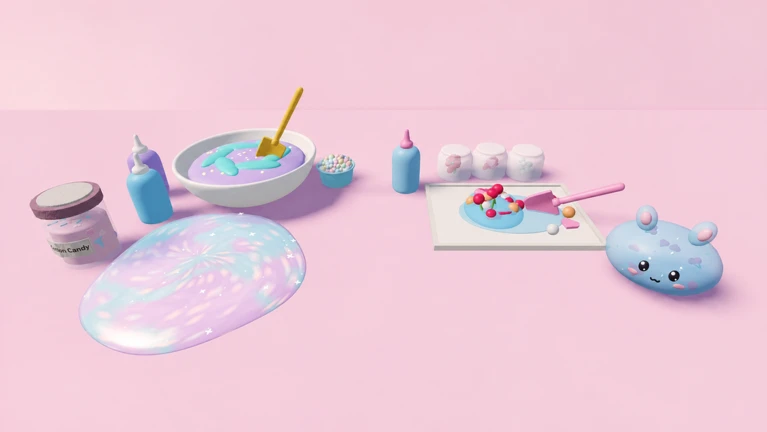
The studio has several different toys, each with its own feel and its own set of badges. Working through all of them also unlocks the Toy Tester badge, which requires you to try every toy at least once.
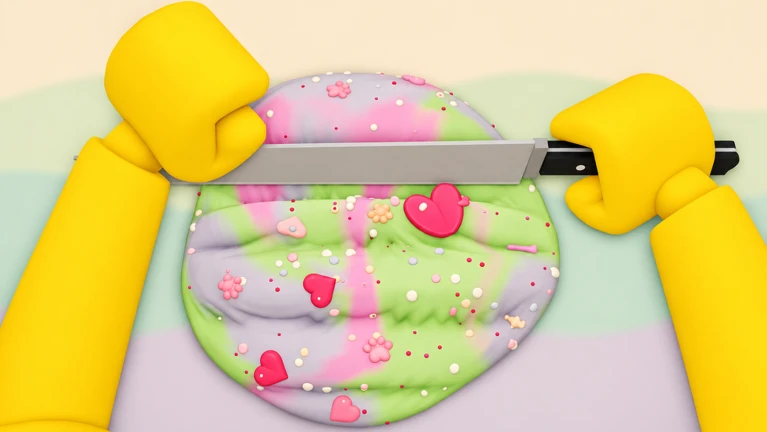
- Slime make it by hand, then keep going to reach Mad Scientist at 25 slimes
- Squishies create and save squishies; they can also be displayed in the showcase
- Block slicing cut a block all the way through for the Clean Cut badge
- Soap carving carve 10 bars to earn the Soap Artist badge
- Bubble popping pop bubbles here; Pop Star needs 1,000 and Pop Legend needs 10,000
- Rubik's Cube scramble and solve it, working toward Cube Master at 10 solves
- Keyboard type keys on the in-game keyboard toward 5,000 for Keyboard Warrior and 50,000 for Keyboard Master
- Pop it Pro score 100 in a single game for the Pop it Pro badge
- Ice blocks break your first ice block for the Ice Breaker badge
- Pimple popper pop 1,000 pimples for Pimple Popper Pro
- Peeling peel from the bowl 100 times for Peel Master
The community showcase
Summary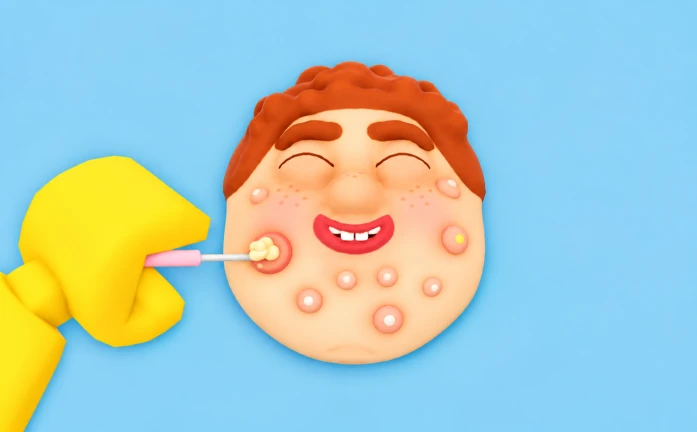
After saving a squishy or other creation, you can put it on display in the community showcase. Other players can then view it and give it a like, which is how you progress through the showcase badge track.
- On Display
put any creation in the showcase to earn this badge immediately
- Fan Favorite
reach 10 likes on a displayed creation
- Superstar
reach 50 likes on the same creation
Working toward the high-count badges
Tips
Some badges need thousands of actions. Choose toys whose controls feel natural to you and return to them regularly.
- Bubble popping needs 10,000 pops for Pop Legend, but the action is simple and you can keep going in the same spot from Pop Star onward
- Keyboard typing stacks across sessions, so even a few hundred keys each time you play adds up toward the 50,000 needed for Keyboard Master
- For Cube Master, solve the Rubik's Cube, scramble it immediately, then solve it again
repeating this loop reaches 10 solves
- Soap carving requires finishing 10 complete bars
- The ASMR Shop sells decorations and ingredients for customizing creations
Glossary
Glossary- Squishy
- An ASMR toy you create in the studio that can be squeezed, saved, and customized.
- Showcase
- The community display space where you can put your finished creations for other players to view and like.
- Pop it Pro
- A mini-game inside the studio where scoring 100 points in a single run earns you a badge.
- Scramble
- Shuffling the Rubik's Cube back into a mixed-up state so you can solve it again and add to your Cube Master count.
Common questions
FAQHow do I get more likes on my showcased creation?
Put your creation on display and other players in the session can like it.
How do I count 10 solves for Cube Master?
Solve the Rubik's Cube, scramble it immediately, then solve it again. Repeating this loop adds to your Cube Master count.
Game updates can change what is on this page. If you spot something, get in touch and let us know.
