
Summer DonationsBETA Guide: Getting started with your booth
About
OverviewSummer Donations is a social Roblox game where you claim a booth, customize it, and collect Robux donations from other players — or donate to booths you like. Up to 32 players share a room and compete on a leaderboard for the highest donation total.
What is on this page
Contents
Player notes and tips
Found a useful trick? Share it with everyone! Notes with screenshots are welcome!
Write a guide note
[🌟] Summer Donations🌴BETA!
Getting started with your booth
Step
When you join a room, booths are lined up and available to claim. Pick one, make it yours, and start drawing other players in.
- Claim a booth take an open booth in the room.
- Customize it style your space to catch other players' eyes.
- Redeem a code open the code entry screen in-game and put in a working code to collect free gems.
- Receive your first donation once another player donates to your booth, you unlock the MY FIRST DONATIONS!!! badge.
MetaNew Player Survey

The next survey is being prepared.
Free gems from codes
CheckCodes give you free gems. The game page lists at least one active code.
- Find the code entry screen inside the game.
- Type the code exactly as written capitalization matters.
- Do not try a code you have already used on this account; it will not work a second time.
- Codes can expire, so use them promptly.
 150KVISITS
50 💎Gems
FREE100
100 💎Gems
How the leaderboard and leveling work
Tips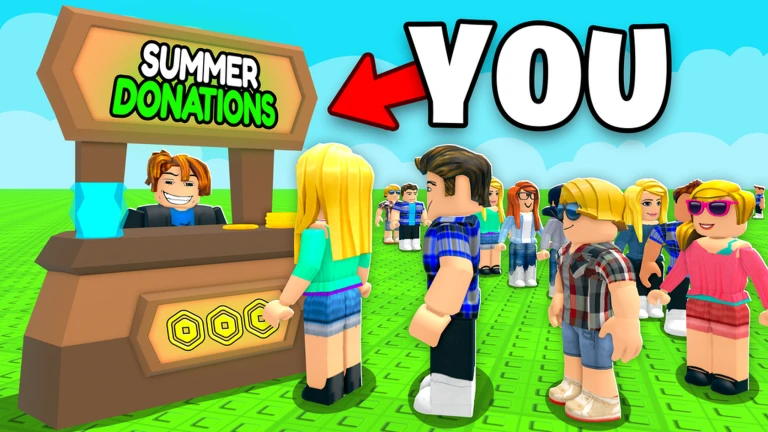
Every donation you give or receive feeds into your standing. As your level rises, new rewards unlock.
- Donate to other players' booths — it keeps the room active.
- Check what unlocks each time you level up.
All four badges and how to earn them
Table
Each badge marks a real moment in your playthrough.
| Badge | How to earn it |
|---|---|
| Welcome | Join the game for the first time |
| Owner?!?! | Meet the game's owner while they are in your server |
| MY FIRST DONATIONS!!! | Make your first-ever donation to another player's booth |
| Spaceship Invasion?!? | Be in the room when the total donations reaches 10,000 |
Glossary
Glossary- Booth
- Your personal space in the game where you display your style and accept donations from other players.
- Gems
- An in-game currency you can collect by redeeming codes.
Common questions
FAQHow do I donate to another player?
Interact with another player's booth to donate. The first time you do this, you earn the MY FIRST DONATIONS!!! badge.
How do I get the Spaceship Invasion badge?
You need to be in a room where the combined donation total reaches 10,000.
Can I meet the owner for the Owner?!?! badge on purpose?
The badge unlocks when the game's owner happens to be in your server.
Game updates can change what is on this page. If you spot something, get in touch and let us know.
