
EAT the Groceries Guide: The core loop

About
OverviewEAT the Groceries!!! is a Roblox game where you run through a supermarket eating everything in sight, converting calories into coins, and upgrading your tools to eat even faster. Up to 30 players can rampage through the same store at once.

What is on this page
Contents
The core loop
Step
The game runs on a simple cycle: eat food, earn coins, spend coins on upgrades, then eat more. Each piece of food you consume is measured in calories, and those calories convert directly into coins. Stronger tools let you collect food faster, so your coin income keeps climbing as you upgrade.
- Eat food grab items around the supermarket to start earning calories.
- Collect coins the calories you rack up are automatically turned into coins.
- Open upgrades spend those coins to strengthen your tools.
- Repeat better tools mean more food eaten per run, which means more coins.
MetaNew Player Survey

The next survey is being prepared.
Your three tools
Table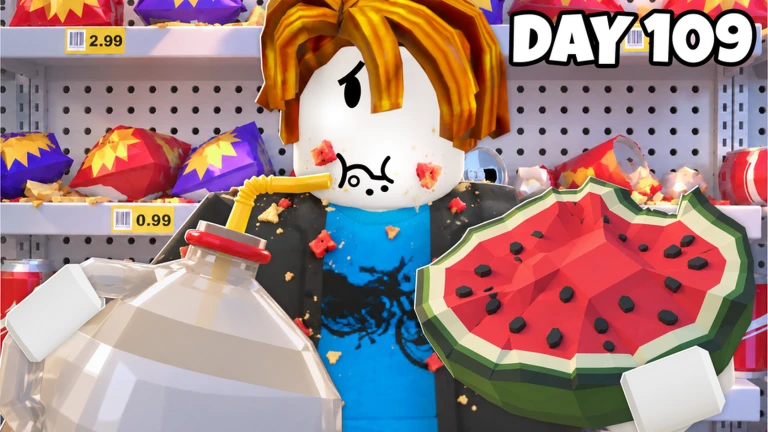
You have three tools available for grabbing food off the shelves. Spend coins on any of them to increase how efficiently they work.
| Hands | basic collection tool you start with. |
| Fork | collects food more efficiently than bare hands. |
| Vacuum | hoovers up large amounts of food in one go. |
Diamond products and gems
TipsScattered through the supermarket are diamond products. Finding one rewards you with gems, a separate resource from coins. Gems let you upgrade your tools further.
- Explore the store — diamond products are hidden around the supermarket.
- Pick them up to receive gems.
- Use gems to power up your tools.
Hiring and levelling your helper
Step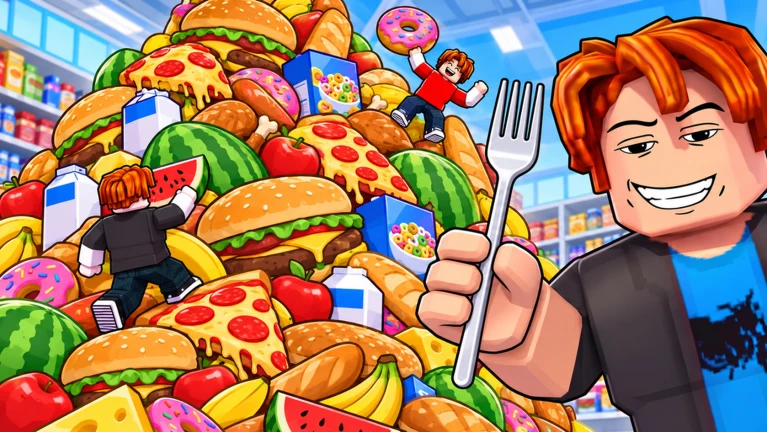
You can hire a noob helper who collects food alongside you. The helper's eating skill can be upgraded to increase their contribution.
- Hire the helper bring them into the supermarket with you.
- Upgrade eating skill put resources into the helper's skill to increase their contribution.
Knocking over shelves and rolling carts
Tips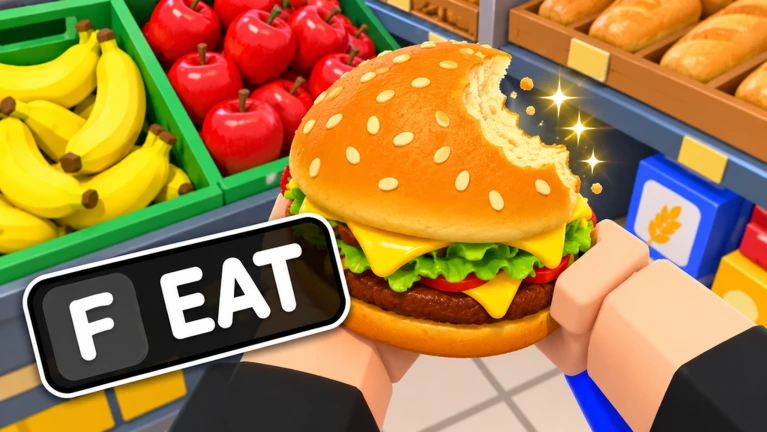
Shelves in the supermarket can be knocked over, and doing so sends shopping carts rolling across the floor. Toppling shelves drops food and can reveal items that were not visible before.
- Knock shelves over to drop their contents onto the floor.
- Send shopping carts rolling.
- Tipping shelves can reveal hidden food.
Playing with friends
CheckThe game supports up to 30 players in a single session. More players means more tools working at the same time, which empties shelves faster.
- Invite friends so you are not clearing the store solo.
- The cap is 30 players.
Community strategy ideas
CommunityThese ideas and tips come from people playing the game. Share your discoveries too!
No strategy ideas yet. Share a tip you discovered.
Share a strategy idea
EAT the Groceries!!! [SAVES]
Glossary
Glossary- Calories
- The unit that measures how much food you have eaten; calories convert into coins.
- Coins
- The main currency earned from calories, used to upgrade your tools.
- Gems
- A rarer resource collected from diamond products, used for higher-level tool upgrades.
- Diamond product
- A special item hidden in the supermarket that rewards you with gems when found.
- Helper
- A hireable noob companion who collects food alongside you and can have their eating skill upgraded.
Common questions
FAQHow do I upgrade my tools?
Eat food to earn calories, which convert into coins. Then spend those coins on upgrades for your hands, fork, or vacuum.
How many players can join the same session?
Up to 30 players can be in the same supermarket at once.
What are gems for, and how do I get them?
Gems are used to upgrade your tools. You earn them by finding and collecting diamond products hidden around the supermarket.
Where do I enter codes?
There is a code entry screen inside the game. Enter a valid code there to receive the associated reward.
Game updates can change what is on this page. If you spot something, get in touch and let us know.
