 Live now
–
Live now
–
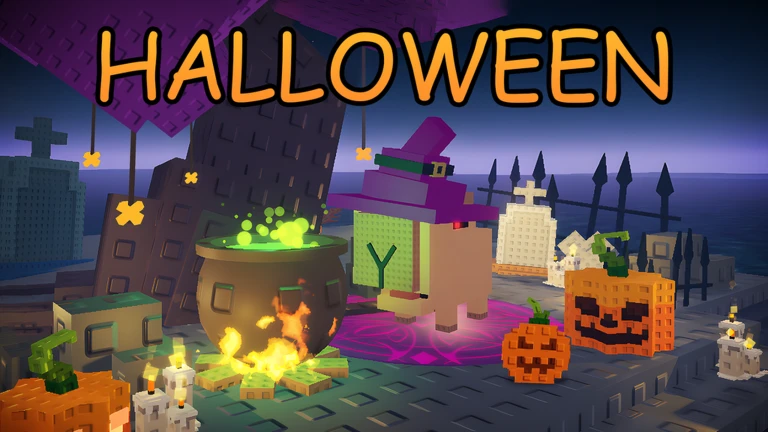
Halloween
Get ready for an epic Halloween update! 🎃 This update features a spooky atmosphere, adorable Halloween pets, and amazi…

Build a Zoo is a Roblox simulator where you hatch animals from eggs, place them to earn money, and grow your zoo over time. This guide covers the core loop for new players, how to grow your income, what the latest update added, and how to redeem codes.
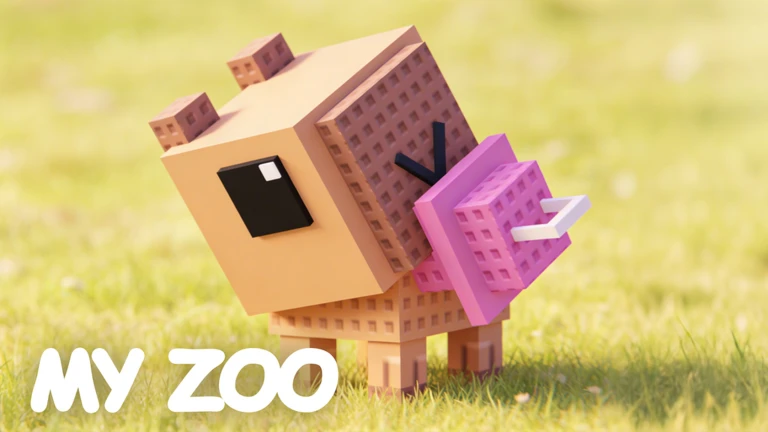
When you first load in, the tutorial walks you through the core loop. Do not skip it — the code redemption system stays locked until you complete it. Once it is done, the shop and code entry open up, and you can start collecting free rewards immediately.
The next survey is being prepared.
Every empty placement slot is money you are not earning. Once your income is stable, you have a much safer foundation from which to chase rarer eggs and upgrades.
Events running now or coming soon. They have fixed dates, so check them first.
Live now
–
Get ready for an epic Halloween update! 🎃 This update features a spooky atmosphere, adorable Halloween pets, and amazi…
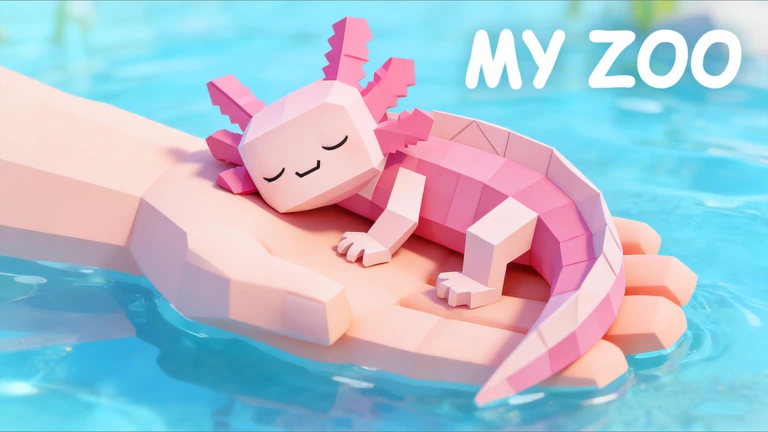
Eggs can carry mutations such as Gold, and any animal hatched from them inherits that mutation. Mutations affect both the income the animal generates and the amount you receive if you sell it — not just its appearance. Before selling a group of animals, check their income figures and clear out the lowest earners first.
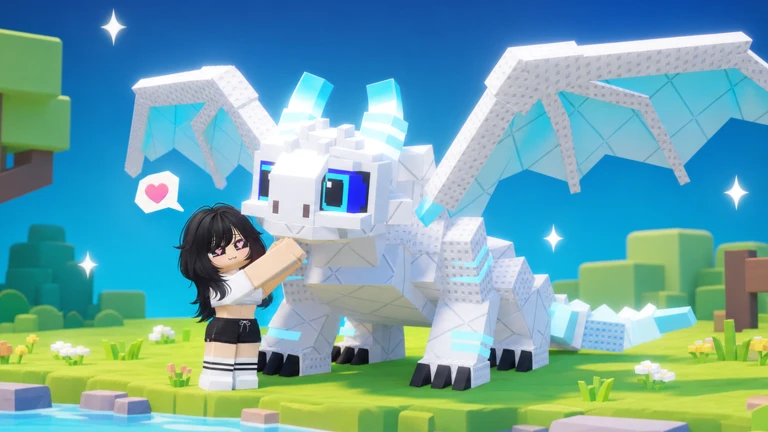
Update 80 touched several systems at once. Check each one so you are not leaving progress on the table.
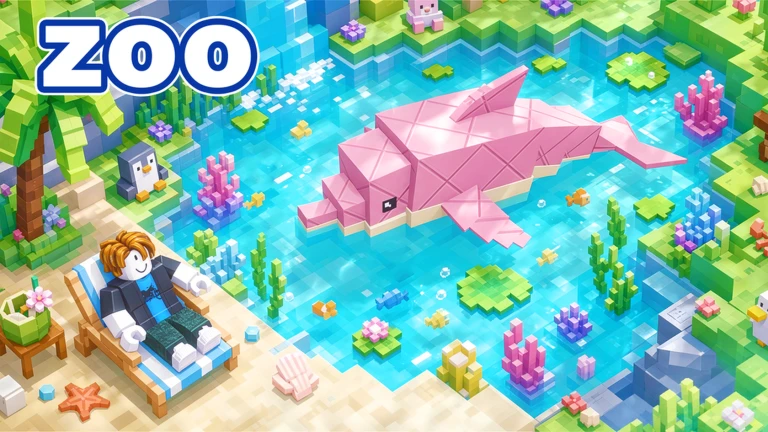
Big animals are raised on a special platform with food from the Food shop, and fish are caught at the fishing area and placed in a pond — not on land. Unlocking the correct area first saves a lot of confusion.
Each code can only be used once per account, and codes expire, so enter them as soon as you find them. Double-check every character before hitting Redeem — capitalization matters. Rewards such as tickets, eggs, and pets land in your account instantly.
 ZOOOPTIMIZE2026
UPD79REWARD7KQ
UPDATE76A1B2C3D
ZooFarmers
ZOOOPTIMIZE2026
UPD79REWARD7KQ
UPDATE76A1B2C3D
ZooFarmers
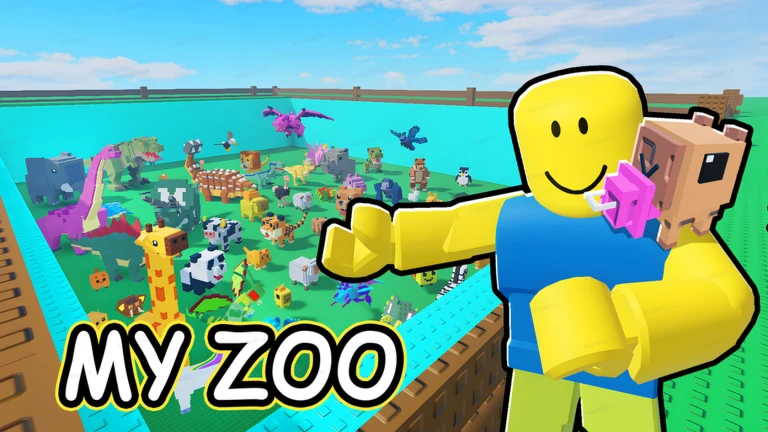
Before you decide you need to spend anything, run through this list. The most common causes of slow progress are things you can fix for free.
Build a Zoo is fully playable without spending Robux, so there is no real reason to look for shortcuts that break the rules. Keeping your account information private and sourcing codes only from trusted places protects everything you have built.
Buying an egg does not place it automatically. You need to carry it to an empty spot on your land and set it down, then wait for it to hatch. Once the animal appears, walk up to it to collect the income it has built up.
After purchasing, open the conveyor upgrade screen and press the Equip button. The label Owned only means you have bought it — the upgrade does not activate until you equip it.
First, confirm that you have completed the tutorial, since the code entry box is locked until then. If the tutorial is done, retype the code one character at a time — capitalization matters and a single wrong letter will cause it to fail.
Fish eggs can only be placed in pond slots, not on regular land. Unlock the fishing area and the pond first, then place the egg there and wait for it to hatch.
Yes, offline income accumulates while you are away. When you log back in, a screen shows what you earned during that time.
Yes. Placing animals earns money automatically, so steady play grows your zoo without any purchases. Codes also hand out free eggs, pets, and tickets, and the site currently tracks 18 working codes.
Before you start
Please check the following before using MetaNew.
* You can change your email preference any time from your profile.
