
Burrowed Fears — Setup before you start
About
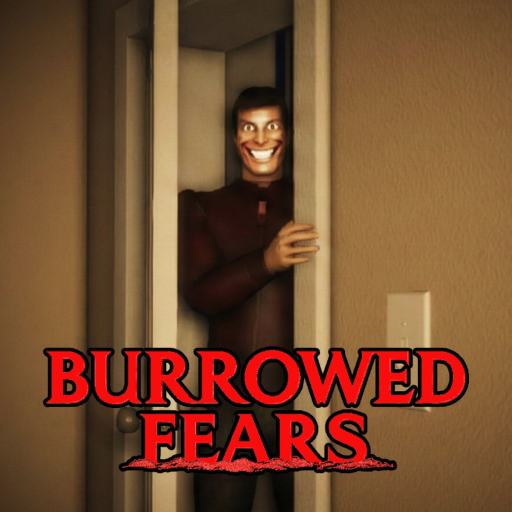
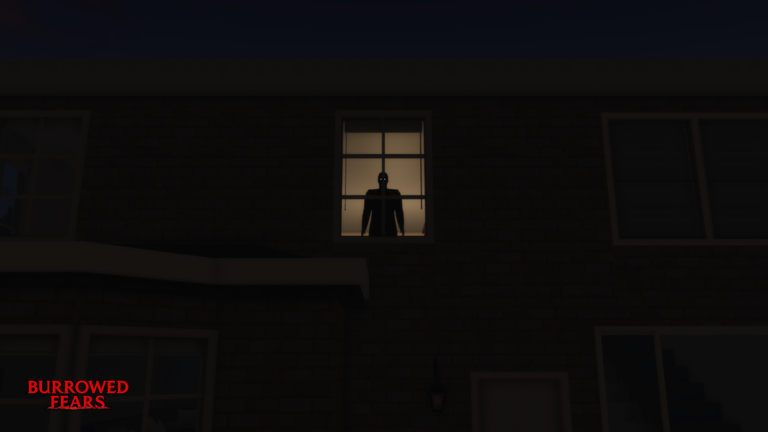
OverviewBurrowed Fears is an episodic psychological horror game on Roblox, based on true events, that tells its story through text messages and interactive dialogue. This guide covers how to set up the game for the best experience, how to move through each episode, and what secrets are hiding in plain sight.
What is on this page
Contents
Setup before you start
Check
The game is built around graphics and sound working together to create tension. Skipping this step means you will miss a lot of what the developers put in.
- Set your Roblox graphics level to 8 or higher the horror atmosphere depends on it
- Read every text message and line of dialogue before you act the story moves through them
- Start solo up to five players can join, but playing alone keeps you immersed
Moving through an episode
Step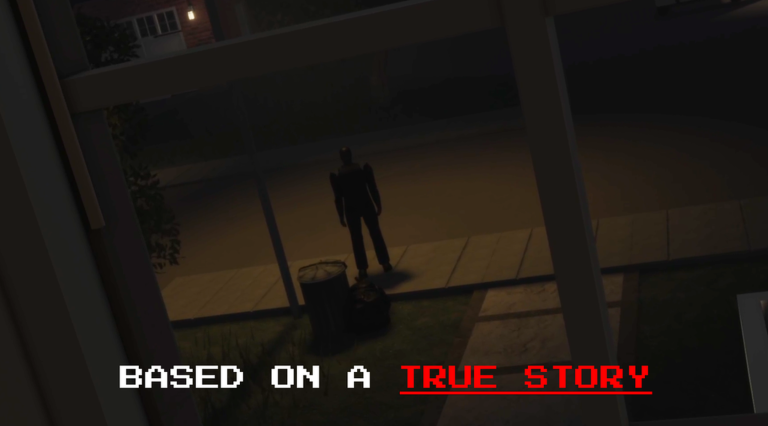
Each episode unfolds through interactive dialogue and text messages. Rushing through them means missing story details and scares that the game is deliberately building toward.
- Read incoming messages finish reading each one before you do anything else
- Reach the end of the episode finishing it earns you the Survivor badge
Hidden interactions worth finding
Tips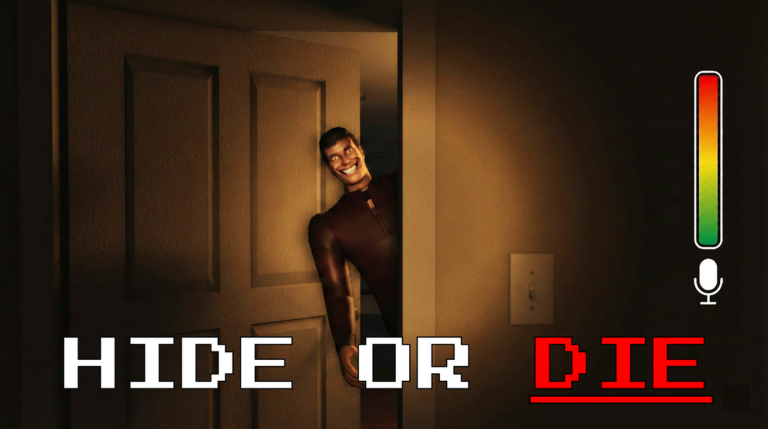
These are things you can do beyond following the main story. None of them are announced — you have to notice them on your own.
- Check your mom's bedroom dresser for a stack of cash you can take
- Eat a Mexican taco after you have already used the bathroom
- Find an apple somewhere in the game and eat it
- Drink a large amount of water to trigger a separate badge
- Step into the shower while the water is already running
- Keep an eye out for Omar the Bowling Ball hidden somewhere in the level
Solo versus multiplayer
Table
The game supports both modes, but they feel very different. Choose based on what you are after.
| Max players | up to five in multiplayer |
| Developer recommendation | solo |
Glossary
Glossary- Episode
- A self-contained chapter of the game's story — finishing one earns the Survivor badge.
- Interactive Dialogue
- A conversation system where you pick from options and the characters respond differently depending on what you choose.
- Text Messages
- In-game messages from characters that carry key story information and should be read before you take any action.
- Psychological Horror
- A style of horror that uses atmosphere, dread, and storytelling rather than jump scares or gore.
Common questions
FAQWhat happens if I set graphics below 8?
The visual atmosphere the developers designed will not come through properly, and the horror experience will be weaker. Set graphics to 8 or higher before you load into a session.
Can I play with friends?
Yes, up to five players can join the same session. That said, the game is recommended to be played solo because having others around reduces the tension and immersion the story depends on.
Do I need to find the hidden items to finish an episode?
No — things like Omar the Bowling Ball, the money on the dresser, and the food items are optional. They each unlock a badge, but the main story progresses through the dialogue and text messages.
Game updates can change what is on this page. If you spot something, get in touch and let us know.
