
The Button Room — How the game works
About
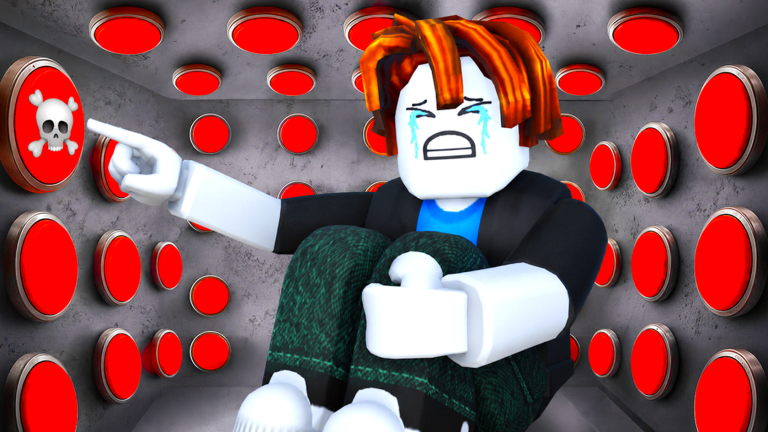
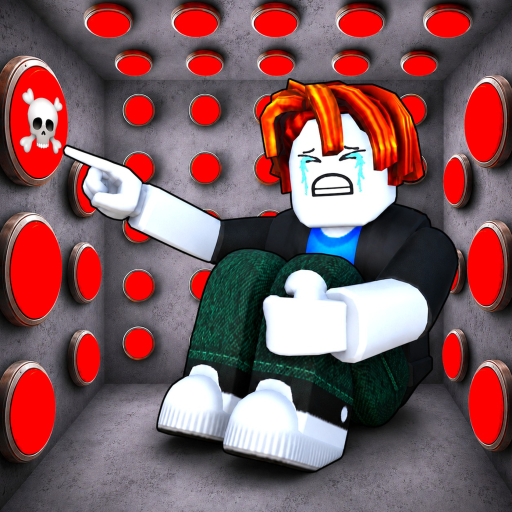
OverviewThe Button Room is a survival escape game where you press buttons to trigger random events — enemies, traps, treasure, or a way out. This guide covers how to build your character, handle enemy waves, deal with the final boss, and use the game's systems to reach the exit.
What is on this page
Contents
How the game works
Summary
The room is packed with buttons, and pressing one can spawn enemies, set off a trap, reveal treasure, or open the exit. You survive by upgrading your stats and collecting cards between waves. The game ends when you escape — or when the enemies finish you off.
- Buttons each one triggers a random effect: enemies, trap, reward, or exit
- Enemy waves hordes that arrive after button presses; combat is physics-based
- Traps dangerous events like explosions that deal heavy damage
- Cards collectibles ranging from Common to Legendary that give you stat buffs
- Final boss a mecha enemy with unique attack patterns that stands between you and the escape
- Exit your actual win condition; you do not need to press every button to reach it
Cards and how to use them
Tips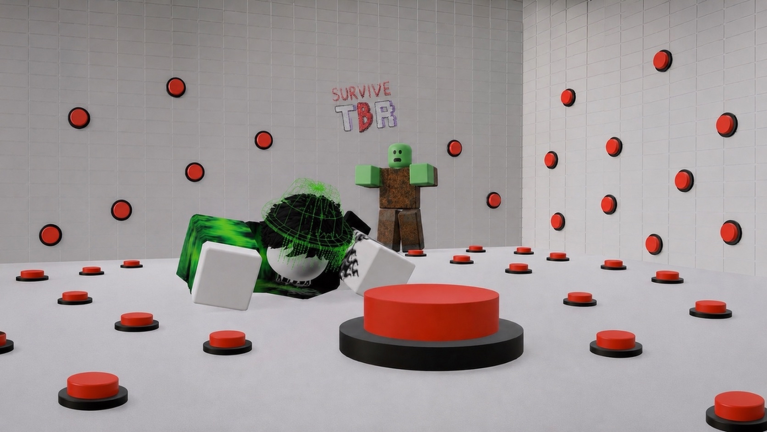
Cards drop from defeated enemies and completed quests. They range in rarity, and the buffs they provide vary widely, so reading each card's effect tells you whether it suits your current approach. Legendary cards sit at the top of the rarity ladder and give buffs that noticeably outpace everything below them.
- Read the effect text before you decide where a card fits in your build
- Legendary cards are a top priority the moment one drops
- Check quest rewards regularly, since completing missions can hand you specific cards
- Use the Luck Machine to gamble for top-tier gear and items
Staying alive around buttons and traps
Warn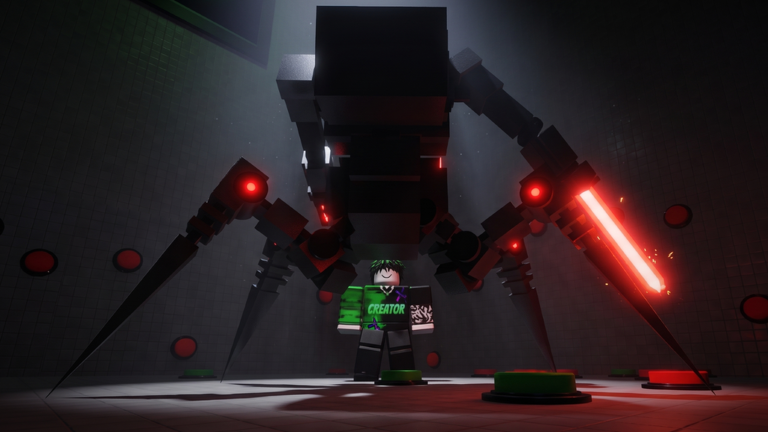
Because each button press can spawn more enemies or trigger a trap, firing them off one after another piles up threats faster than you can handle them. Explosion traps are especially punishing if your defense is still low. The safest rhythm is to press one button, deal with whatever appears, and only move to the next button once things have calmed down.
Beating the final boss
CheckThe final boss is a mecha enemy with attack patterns. Getting there under-prepared is the most common reason players fail.
- The final boss has unique attack patterns distinct from normal enemy waves
- Defeating the final boss leads to escape
Special modes and team play
Summary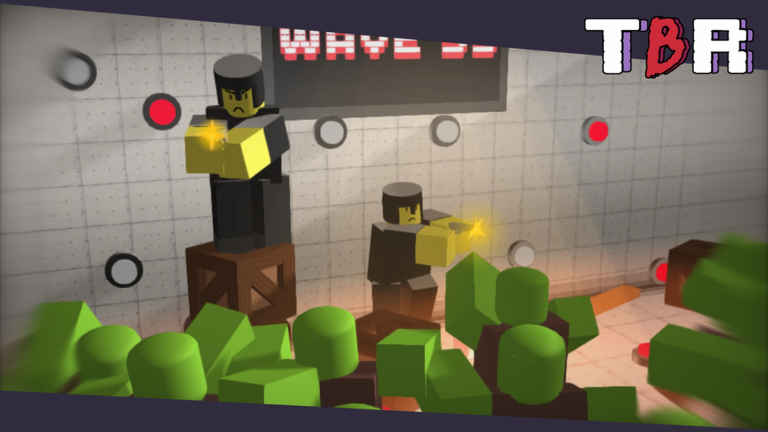
The game offers several modes beyond the standard room, including Ice and Fire mode, Space mode, and a Big Room variant. Each has its own win badge. Separately, getting three players together in the same session earns an Epic Crew badge.
- Ice and Fire mode finishing it earns the Conqueror of the Elements badge
- Space mode finishing it earns the Space Conqueror badge
- Big Room a larger version of the room with its own completion badge
- Three-player crew assembling a group of three earns the Epic Crew badge
Redeem codes
StepThe developers release redeem codes that hand out in-game rewards. There are currently fourteen working codes tracked as of September 28, 2026. Each code can only be used once per account.
- There are fourteen working redeem codes as of September 28, 2026
- Each code can only be used once
 LEGENDARY1M
Freebies
UPDATE_WAITER
FreeCoins
10 Slot Coins
LuckyBlock
1x Time Stop Grenade (Legendary) , 1x Holy Grenade Card (Legendary) , 1x
LEGENDARY1M
Freebies
UPDATE_WAITER
FreeCoins
10 Slot Coins
LuckyBlock
1x Time Stop Grenade (Legendary) , 1x Holy Grenade Card (Legendary) , 1x
Glossary
Glossary- Card
- A collectible item earned from enemies and quests that grants a stat buff when equipped, ranging from Common to Legendary in power.
- Legendary card
- The highest rarity of card, giving buffs that far outpace lower rarities.
- Enemy wave
- A group of enemies that spawns after you press a button and attacks until you clear them.
- Trap
- A dangerous button outcome — explosions are a damaging type.
- Stat leveling
- Boosting your strength, speed, and defense to endure the room.
- Final boss
- A mecha enemy with unique attack patterns; defeating it leads to the escape.
- Luck Machine
- An in-game feature that lets you gamble for high-tier gear and items.
- Quest
- A mission with a specific condition that rewards you with cards or items on completion.
Common questions
FAQDo I need to press every button to escape?
No. The exit can appear from any button press, and your goal is to reach it, not to clear the whole room.
Can I play with friends?
Getting three players together earns the Epic Crew badge.
How do leaderboards work?
There are two separate leaderboards: one for total time spent in the game and one for speedrunning. Reaching the top fifty in either earns its own badge.
Game updates can change what is on this page. If you spot something, get in touch and let us know.
