
Ragdoll Playground Guide: Controls you need to know

About
OverviewRagdoll Playground is a 2D sandbox where you do whatever you want to a dummy — shoot it, blow it up, drop it in lava, or send a dragon after it. Up to six players can share a room at once.
What is on this page
Contents
Controls you need to know
Check
The whole game runs on mouse clicks and a handful of keys. If you ever blank on a shortcut, press F1 and the full key list appears on screen.
- Left click grab a dummy or item and fling it
- Right click activate the item or ability you have selected
- G toggles slow motion so you can watch what just happened
- Space pauses the game
- F1 shows every keybind in the game
MetaNew Player Survey
The next survey is being prepared.
Special powers beyond weapons
Table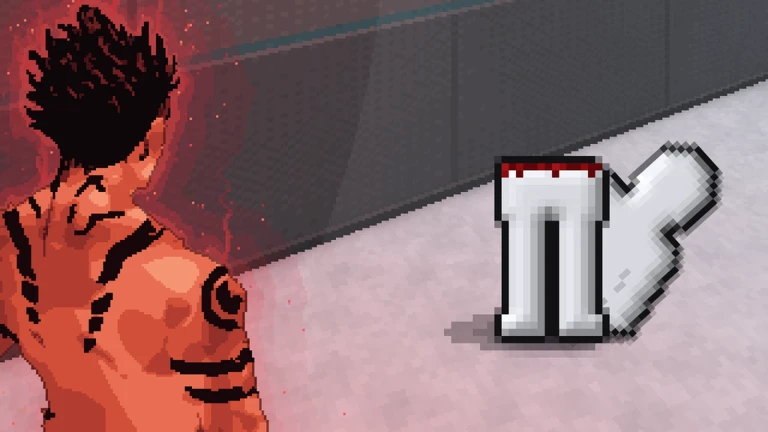
These abilities are activated the same way as weapons — right click after selecting one.
| Black hole | pulls the dummy and loose objects toward a single point |
| Tornado | sweeps everything in a wide spinning path |
| Meteor | drops a large impact from above |
| Time stop | freezes all movement until you lift it |
Spawning enemies to fight or destroy
Tips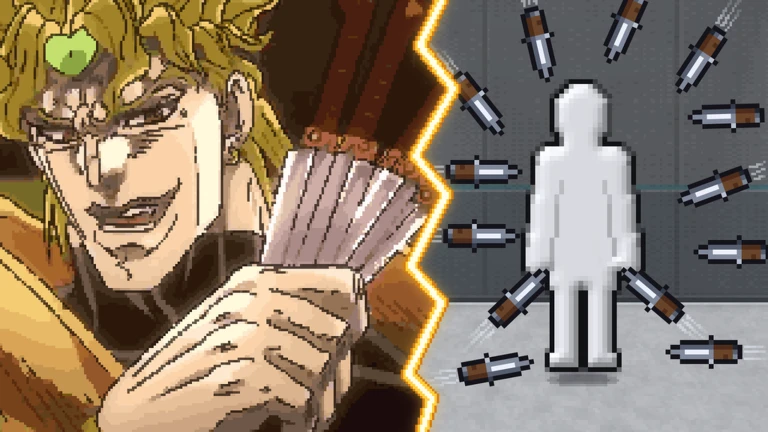
Use the spawn items to place enemies in the room.
- Zombies
- Aliens
- Skeletons and creatures
Environmental hazards
Tips
Real sand, water, fire, and lava are available in the game.
- Lava
- Fire
- Water
- Sand
Redeem codes
StepThe developers have released reward codes for the game. Each code can only be used once, and some have expiry dates. This site tracks two working codes — look for them on this page.
- Find the code input field inside the game
- Paste or type the code exactly as shown
- Press the confirm button to claim your reward
Community strategy ideas
CommunityThese ideas and tips come from people playing the game. Share your discoveries too!
No strategy ideas yet. Share a tip you discovered.
Share a strategy idea
[👥 Multiplayer] Ragdoll Playground
Glossary
Glossary- Ragdoll
- A dummy whose limbs flop and react to physics forces, making every hit look different.
- Sandbox
- A game mode with no fixed goal — you decide what to do and how to do it.
- Slow motion
- A mode triggered by G that slows the game down so you can watch physics play out in detail.
- Room reset
- Pressing R restores all destroyed objects in the room to their original state.
Common questions
FAQHow many players can be in one room?
Up to six players can join the same room. You can also play completely on your own if you prefer.
What does pressing R do?
R resets the entire room, putting every broken or moved object back where it started.
Where do I find all the controls?
Press F1 at any time and the game displays a full list of every keybind. The most important ones are left click to grab and fling, right click to use an item, G for slow motion, and Space to pause.
Game updates can change what is on this page. If you spot something, get in touch and let us know.
