
Start Survey? — Controls for every device
About
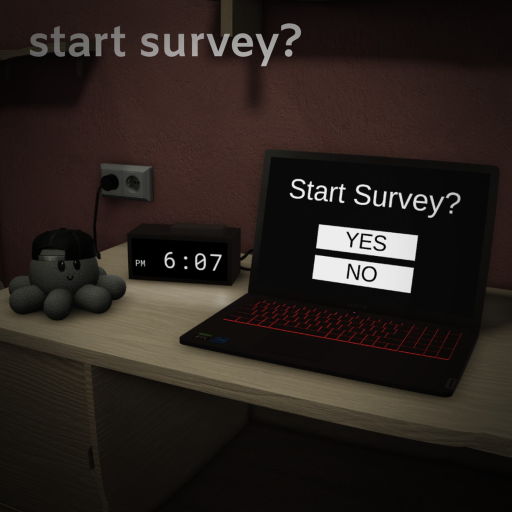
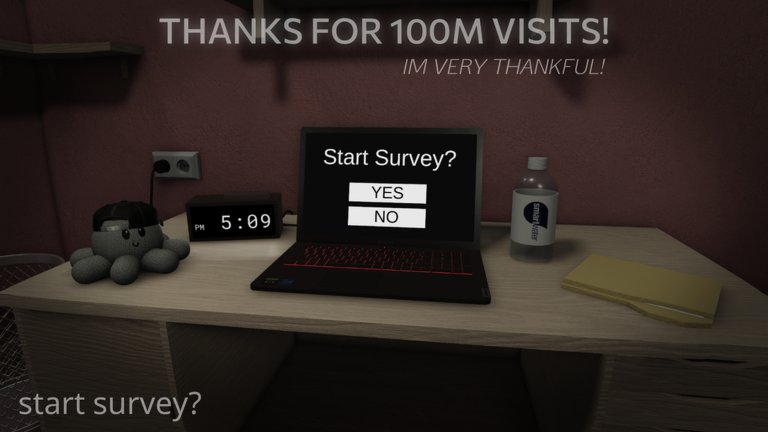
OverviewStart Survey? is a horror escape game where you wake up for a normal day but quickly discover something is wrong. You explore your surroundings, answer a mysterious survey, and try to uncover the truth. This guide walks you through the controls, how to make progress, and what to do when you get stuck.
What is on this page
Contents
Controls for every device
Table
Before you start exploring, get comfortable with your control scheme. The game supports mouse and keyboard as well as both Xbox and PlayStation controllers, and every action maps to both setups.
| Look around | Mouse movement / Right Thumbstick |
| Interact with an object | Left Mouse Button / Y or Triangle |
| Zoom in on an object | Right Mouse Button / Left Trigger |
| Spin an item | Scroll wheel / DPad Left and Right |
| Enable Color | C key / Left Thumbstick Click |
| Answer Yes or No | Left Mouse Button on the choice / A or Cross for Yes, X or Square for No |
Getting unstuck
CheckThe game can loop you back to earlier scenes or present new questions after you have already answered others. When that happens, treat it as a prompt to look harder rather than a sign something is broken.
- Have you used Enable Color? It can reveal hidden information that changes what you see.
- Have you zoomed in on every object in the room, not just the obvious ones?
- Have you spun every item you can interact with to check all angles?
- Have you tried answering survey questions differently? Choosing a different response can open a new path.
- Have you interacted with everything available? Some objects trigger events only after you touch them.
Endings and replayability
Tips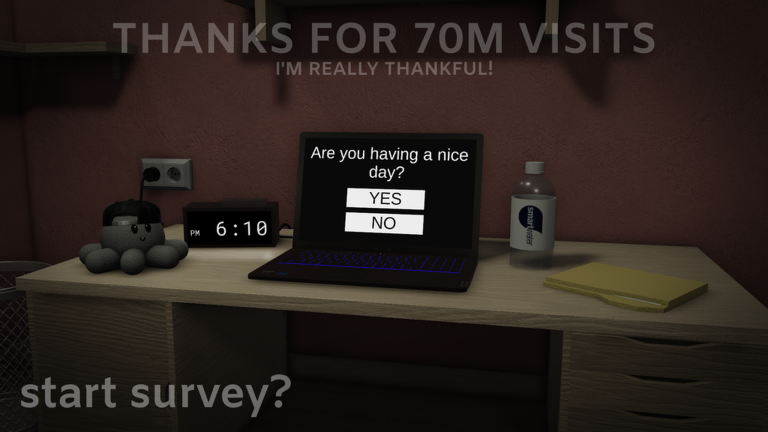
The survey format means your choices shape what happens. The badges the game awards hint at the range of outcomes available.
- One badge is earned by escaping the simulation, pointing to at least one ending where you find the truth.
- Another badge is earned by choosing to restart the survey, so committing to a restart is itself a valid path.
- A third badge is earned by giving up on the survey, which means walking away is also a tracked choice.
Limited-time badges
Summary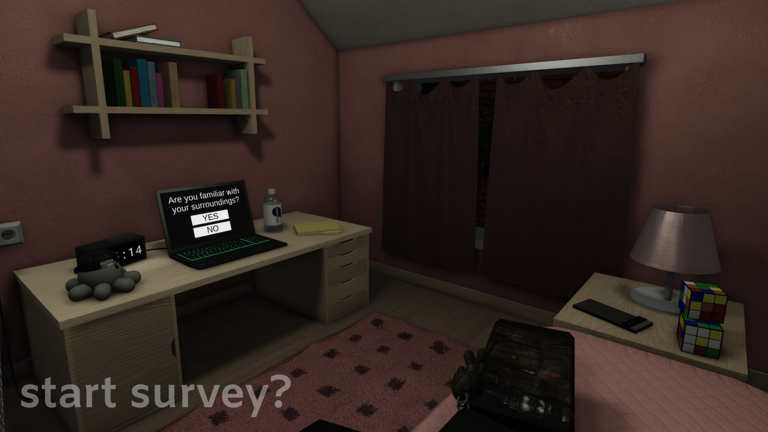
Most badges are earned through gameplay choices, but a handful were only available during specific real-world events. If you missed the window, the badge is gone.
- The Golden Easter Egg 12.5% chance, available April 9 to April 16, 2023 only
- Start Survey Halloween 2023 available October 17 to November 17, 2023 only
- The Golden Squid (Easter 2024) 1% chance, available March 30 to April 16, 2024 only
- Easter 2024 awarded for joining during March 30 to April 16, 2024
Glossary
Glossary- Enable Color
- A toggle activated with C or Left Thumbstick Click that changes how the room looks and can reveal hidden information.
- Zoom
- Pressing Right Mouse Button or Left Trigger brings the camera close to an object so you can read or examine fine details.
- Spin Item
- Using the scroll wheel or DPad rotates an item in your hands so you can inspect every side of it.
- Simulation
- The term the game uses for the constructed reality the player is trying to escape from.
- Survey
- The in-game questionnaire that drives the story forward; your Yes and No answers determine which path the game takes.
Common questions
FAQWhat do I do when the game stops progressing?
First, activate Enable Color and then zoom in on and spin every object in the room again. If nothing changes, try answering the next survey question differently — a new response can open a route you have not seen yet.
Can I earn the Golden Squid badge?
The standard Golden Squid badge is still available — there is a 1% chance one appears on your desk, and you need to wait one minute in-game for the badge to register. The Easter 2024 variant of the same badge was only available during a limited window and can no longer be earned.
Game updates can change what is on this page. If you spot something, get in touch and let us know.
