
Japanese Supermarket Simulator Guide: Opening your store for the first time
About
OverviewJapanese Supermarket Simulator puts you in charge of your own konbini — a Japanese convenience store. You unpack crates, stock shelves, set prices, hire staff, and grow your shop day by day. This guide walks you through opening your store, making money, leveling up, and getting the most out of every shift.
What is on this page
Contents
Opening your store for the first time
Step
When you first load in, a tutorial walks you through the basics. Finish it to earn the Getting Started badge and get a clear picture of how the shop works. After that, everything runs on a simple loop: unpack, stock, price, sell.
- Finish the tutorial it teaches the core loop and unlocks the Getting Started badge.
- Open your crates interact with each box to pull the products out.
- Stock the shelves place products wherever you like; you can rearrange later.
- Set a price for every product without a price, customers cannot buy it.
MetaNew Player Survey
The next survey is being prepared.
Pricing your products
Tips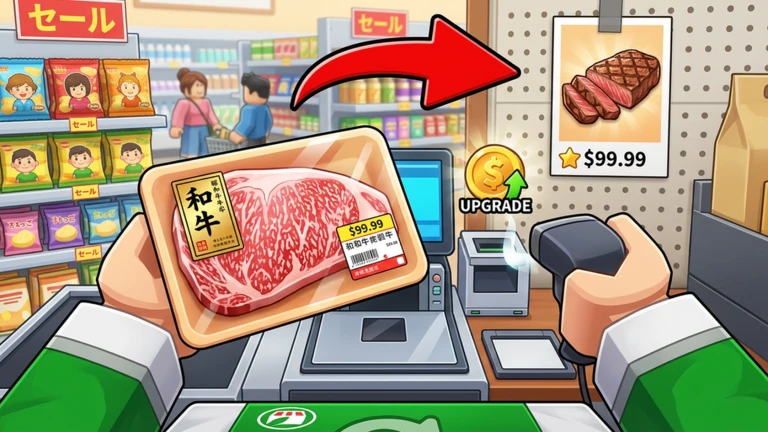
Every product you sell needs a price you choose yourself. Setting it too low leaves money on the table; setting it too high drives customers away.
- If customers stop buying a product, lower its price slightly and observe again.
- A wider range of products means more chances to earn, so unlock new items as soon as you can afford to.
Earning and spending money
Check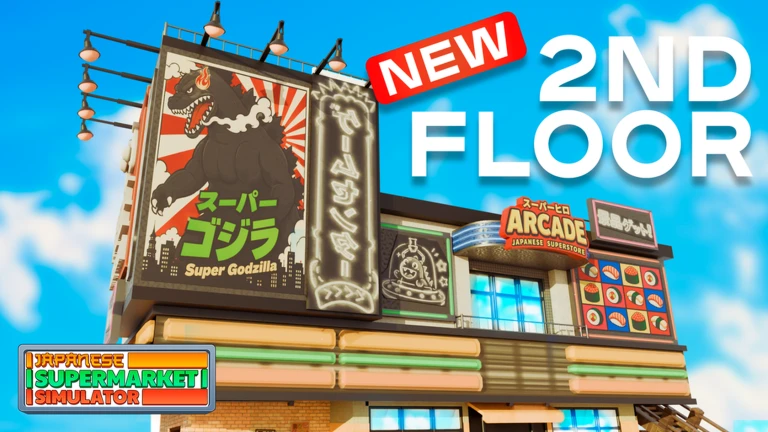
Every sale puts money in your pocket. That money can go straight back into the store to make it bigger and more efficient. Collecting your daily reward each session adds a steady bonus on top of normal sales.
- Collect your daily reward every time you log in it stacks up over time.
- Unlock new products with your earnings to widen what you sell.
- Hire an NPC cashier or restocker when the shop gets too busy to manage alone.
The day-night cycle and rush hours
Summary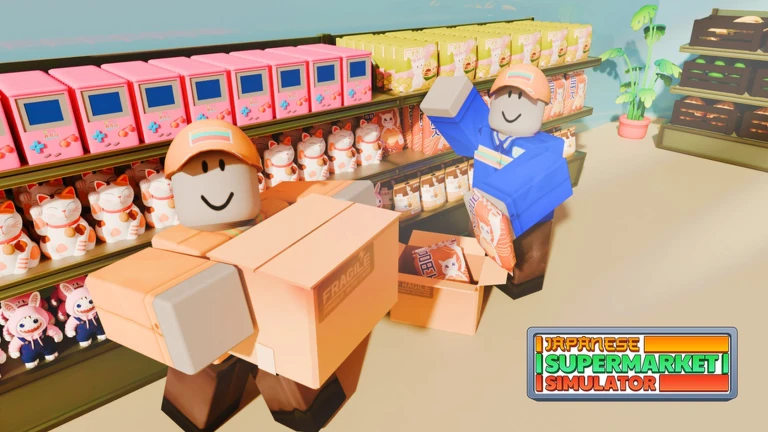
The game runs a live day-night cycle that changes how many customers visit and what they want to buy. Rush hours bring a surge of shoppers at once, which can overwhelm a solo manager.
- Day vs. night customer numbers and buying habits shift between the two periods.
- Rush hour a concentrated wave of customers that is hard to handle without staff.
- NPC restockers automatically refill shelves during busy periods so you can focus elsewhere.
- NPC cashiers handle checkout automatically, keeping queues moving during peak times.
Leveling up your shop
TipsYour shop level rises through regular operation. Higher levels unlock the ability to sell rarer products. The badges for reaching level 30 and level 40 are good milestones to aim for.
- Keep opening your store every day — level progress comes from ongoing operation.
- Target level 30, then level 40 — both have dedicated badges and mark real progress in the game.
- Decorating your store contributes to the shop's growth alongside sales.
 LEVELUP
MakingMoney
Treat
2x Candy Bars
HEATWAVE
LEVELUP
MakingMoney
Treat
2x Candy Bars
HEATWAVE
Visiting friends and driving the truck
Tips
Once your store is running, you can hop in your truck and drive to other parts of the map. If friends are playing, you can visit their konbinis directly.
- Use the truck to travel outside your store without quitting the session.
- Visit a friend's store to see different layouts.
- The second-floor Gaming Store is a newer area that brings additional products.
Playing without spending Robux
TipsThe game does not wall off progress behind paid items. Steady daily earnings and the daily reward bonus mean free players can hire staff and unlock new products.
- Log in every day to collect the daily reward — it is free money that adds up over time.
- There are five active redeem codes tracked by this site that can give extra resources — check the codes section of this page for the current ones.
Glossary
Glossary- Crate
- A box you unpack at the start of a session to get products that can then be placed on shelves.
- NPC Cashier
- A hired staff member who handles customer checkout automatically, useful during rush hours.
- NPC Restocker
- A hired staff member who automatically refills shelves so you do not have to stop what you are doing.
- Daily Reward
- A bonus you collect each day you log in, giving extra money or items on top of normal sales.
- Rush Hour
- A busy period in the day-night cycle when a large wave of customers arrives at once.
- Day-Night Cycle
- The in-game system that shifts between day and night, changing how many customers visit and what they buy.
- Konbini
- A Japanese convenience store, which is the type of shop you own and operate in this game.
Common questions
FAQWhat should I do first when I start playing?
Finish the tutorial, then open your crates and put every product on a shelf. After that, set a price for each item and open your store to customers. You can rearrange shelves and adjust prices any time.
Do I have to hire staff?
No, but rush hours become very hard to manage alone once your store is busy. Hiring a cashier or restocker when you have the money keeps sales moving even when you are focused on something else.
How should I set my prices?
High prices earn more money but customers stop buying. The right price is the highest one customers will still pay. Try raising prices a little at a time and watch whether customers keep buying.
What is the second-floor Gaming Store?
It is an area added to the game that brings eighteen new products and two new worker types.
Are there any free codes for extra rewards?
Yes, this site tracks five working redeem codes as of the date this guide was checked. You can find the current codes listed on this page.
Game updates can change what is on this page. If you spot something, get in touch and let us know.
