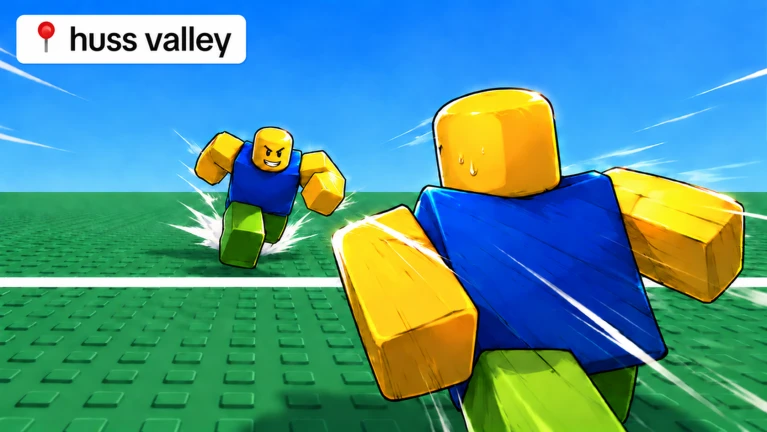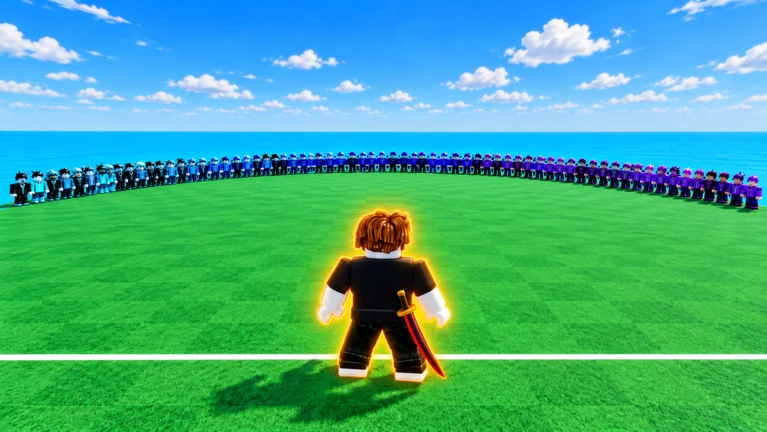
Huss Valley is a Roblox horror game where one player starts as the Chaser and everyone else tries to run across the map without getting caught. Get tagged and you become a Chaser too, so the pressure builds every round. This guide covers how the game works, how to survive as a Runner, how to play Chaser effectively, and how to spend your coins and gems.
Found a useful trick? Share it with everyone! Notes with screenshots are welcome!
Write a guide note
Huss Valley
01
How a round works
Step
In shortRunners need three successful crossings; Chasers grow in number each time someone is caught.
The round starts with one Chaser and everyone else as Runners. Runners must cross the map three times to win. Each time a Chaser tags a Runner with the knife, that Runner switches sides and becomes a Chaser too, so the chasing team can grow quickly.
Round startone player is the Chaser; every other player is a Runner trying to cross.
First crossingread where the Chaser is standing and move toward the less-guarded side.
After each crossingcount how many Chasers are now active and adjust your route for the next attempt.
Three crossingscomplete three successful crossings as a Runner to reach your goal.
If caughtyou pick up a knife and join the Chasers, so learn the catching side too.
In shortYour character accelerates gradually, so start changing direction before the danger reaches you.
Movement in Huss Valley has momentum — your character builds speed after you start moving and does not stop the instant you release a key. If you wait until a Chaser is right next to you before dodging, the momentum will carry you into them. Plan your direction changes early.
Move W, A, S, D
Side dash hold A or D, then press Space
Diagonal dodge hold W and press A or D, then press Space to jump
Show mouse cursor press Alt to toggle it on or off
03Live and upcoming eventsEvents
Events running now or coming soon. They have fixed dates, so check them first.
Live now –
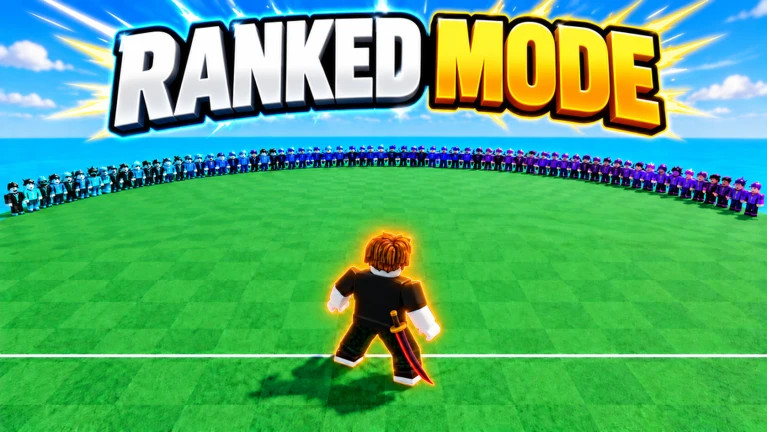
RANKED MODE
Sign up to be notified for the event!

Upcoming –
CLANS + SEASON 1 RANKED
CLANS: Get a crew together and rise to the top of the leaderboards.
SEASON 1 RANKED: The month long season kicks off t…
In shortMixing movement and cover is more effective than sprinting in a straight line.
Staying alive means more than running fast. Use the environment, watch other players, and collect gems along your natural path rather than taking detours that bring you closer to Chasers.
Tips worth knowing
Use dark areas and corners to break a Chaser's line of sight.
Memorise more than one escape route so you are never forced down a single path.
Avoid staying near the edge of the field, which cuts off your escape options.
Pick up gems that are already in your path; never veer toward a Chaser just to collect one.
05
Hero or Chicken — picking your crossing style
Table
In shortStick with Chicken until you can read the Chaser's path confidently, then try Hero for the bonus rewards.
Before each crossing you choose between two modes. Hero means crossing alone and going for extra rewards; Chicken means moving with the group at the same pace but giving up those bonuses.
Chicken
cross with the group; good while you are still learning movement and Chaser patterns
Hero
cross alone; only attempt this once you can reliably read and avoid a Chaser by yourself
06
Rescuing downed teammates
Warn
In shortOnly attempt a rescue when the nearest Chaser has moved well clear of the downed player.
A downed teammate can sometimes be rescued before they fully convert to a Chaser. The rescue window is tight, so check the surroundings before committing.
Worth watching out for
Do not approach until the nearby Chaser has moved awayrushing in gets you caught too.
On PC, press E to perform the rescue once you are close enough.
If the rescue is clearly too late, do not risk entering the arealosing two players at once helps nobody.
07
Coins, gems, and the shop
Step
In shortCoins buy consumables and gems unlock reusable abilities, so keep them separate in your mind.
You earn both coins and gems from match results, and gems can also be collected while running during a round. Spending them on the right category makes your progression smoother. Navigate to MENU, then SHOP to find both sections.
Open the shopgo to MENU, then SHOP from the main screen.
Buy consumablesgo to ITEMS and spend coins on single-use items.
Unlock abilitiesgo to ABILITIES and spend gems to permanently unlock a reusable skill.
Equip abilitiesafter unlocking, set one ability for your Runner role and one for your Chaser role.
Check the currencybefore confirming any purchase, verify whether the button charges coins or Robux.
08
Playing with friends
Tips
In shortUp to 30 players can share one session, making communication a real advantage.
Huss Valley supports up to 30 players in the same room. With friends alongside you, you can warn each other when a Chaser is closing in.
Tips worth knowing
Call out Chaser positions so teammates crossing the map can avoid the danger zones.
Starting the game at the same time as your friends increases the chance you all land in the same session.
09
Redeem codes
Summary
In shortCodes are single-use and expire, so check for the current active ones before redeeming.
Enter a code inside the game to receive a reward. Each code can only be redeemed once per account and active codes rotate over time, so use them promptly.

Single use each code works once per account and cannot be reused
Expiry codes go inactive over time, so check the current list before trying one
A player trying to cross the map three times without being tagged by a Chaser.
Chaser
A player whose goal is to tag Runners with a knife, turning them into Chasers as well.
Side dash
A quick lateral dodge performed by holding A or D and then pressing Space.
Hero
A crossing mode where you go alone and compete for bonus rewards.
Chicken
A crossing mode where you move with the group at standard pace, skipping the bonus.
Ability
A reusable skill unlocked with gems and equipped separately for the Runner and Chaser roles.
Charge
The number of uses remaining on a consumable item before it runs out.
Common questions
FAQ
What happens if nobody votes for a map after a round?
When the voting screen appears and no one makes a selection, the current map continues into the next round. If you want a different map, cast your vote on the voting screen before the timer runs out.
Can I hear a knife's sounds before buying it?
Yes. On the knife's shop page you can play back the draw sound, the swing sound, and the hit sound individually before spending anything.
Can I turn off the in-game music?
Open the menu and find the MUSIC toggle to switch it off.
Do I need to leave and rejoin if a round starts without me?
No. If you arrive mid-round, stay in the lobby and hit SPECTATE to watch until the next round begins. You will be included automatically without needing to rejoin.
Updated Nov 5, 2026
Game updates can change what is on this page. If you spot something, get in touch and let us know.